⚠️ May 2026 Update: This article has been refreshed. The core setup still works — CCR is alive, actively maintained, and now has 33k+ GitHub stars. But two things changed: the daily workflow is cleaner now (no more two-terminal juggling), and CCR has added features worth knowing about. Everything below reflects the current state. Original publish date: Feb 21, 2026.
Everyone assumes Claude Code needs an Anthropic subscription.
It doesn’t.
I found this out after spending 20 minutes trying to justify the $20/month plan to myself. Then I went down a rabbit hole, found the actual setup in the Panaversity AI Agent Factory docs, and had it running free in under 10 minutes.
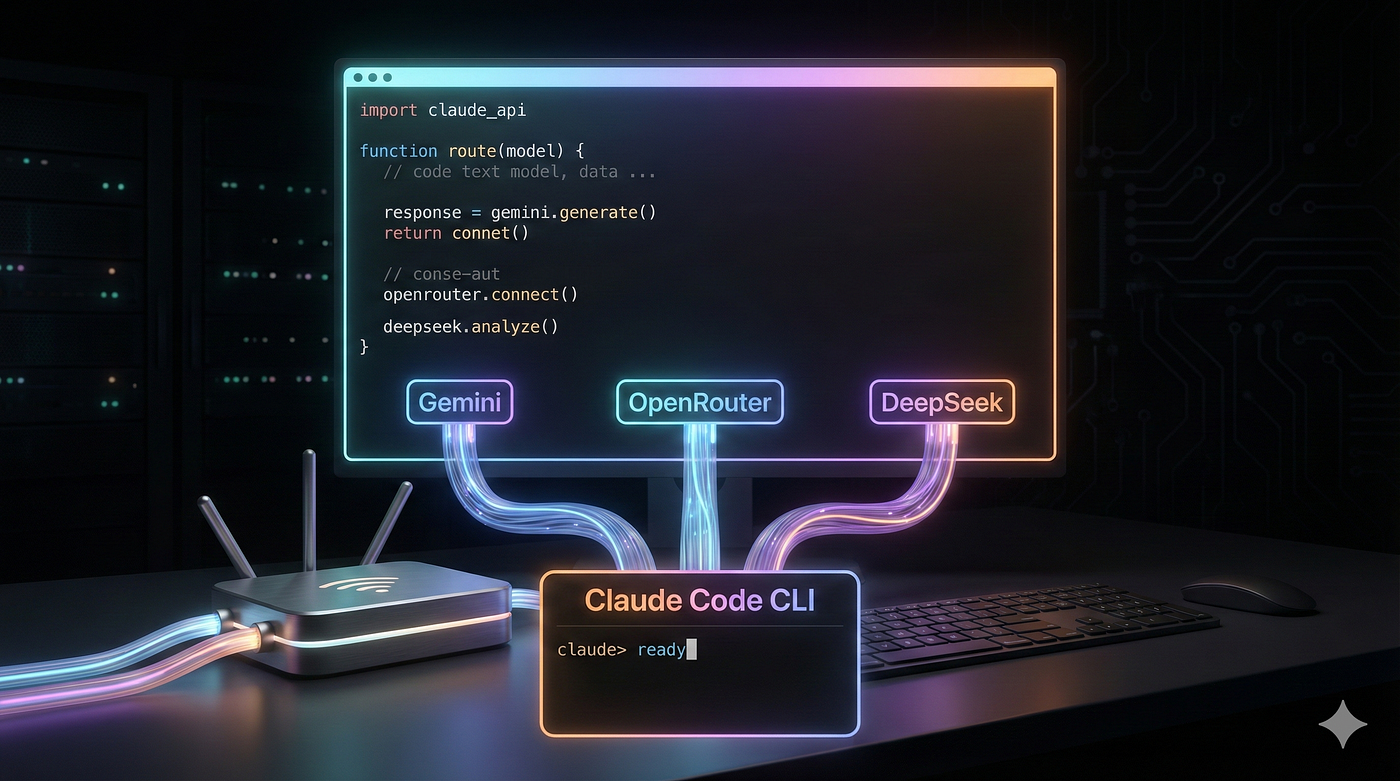
Here’s what nobody tells you upfront: Claude Code doesn’t care what model is actually behind the API. It just talks to whatever URL you point it at. So if you point it at a free model — Gemini, DeepSeek, or any of 30+ models on OpenRouter — it works identically. Same Skills, same MCP servers, same subagents, same everything.
Let me show you exactly how.
⚡ But First — Pick Your Weapon
You have 3 options. They’re not equal. Know before you choose:
OpenRouter offers a flexible AI playground with 30+ models including Qwen, Llama, and Gemini, making it great for experimenting and testing different options. It provides free daily limits, but one downside is that models rotate frequently, so quality can vary over time ⚠️. Meanwhile, Gemini 2.5 Flash is known for its simplest setup and also comes with free daily limits, though those limits reportedly dropped by 50–80% in December 2025. DeepSeek Chat + Reasoner stands out for its consistent quality and affordability, costing around $0.028 per million tokens, but it is not completely free.
I’ll walk through OpenRouter — it’s the most flexible and the one I actually use daily. The Gemini and DeepSeek setups follow the exact same pattern, just different config files.
🧱 What’s Actually Happening Under the Hood
Before we touch a terminal, understand the architecture. This will save you from confusion later.
You → claude → CCR (local proxy on port 3456) → OpenRouter API → Free Model
Claude Code talks to a local router running on port 3456. The router translates Claude’s requests into whatever format the backend model expects. That’s it. No hacks, no jailbreaks — this is literally the documented setup from Anthropic’s own ecosystem.
The tool is called claude-code-router (ccr). It’s open source, MIT licensed, and sitting at 33k GitHub stars as of May 2026.
🛠️ Setup: OpenRouter + Claude Code
Step 1: Get Your Free OpenRouter Key
- Go to openrouter.ai/keys
- Click “Create Key” — name it anything
- Copy it (starts with
sk-or-v1-...)
Free account gets you access to 30+ models with daily limits. No credit card needed.
Step 2: Install Both Tools
npm install -g @anthropic-ai/claude-code @musistudio/claude-code-router
🧾 What just happened: You installed Claude Code (the agent) AND the router (the translator). Both are needed. Without the router, Claude Code tries to hit Anthropic’s paid API directly.
Verify they’re both there:
claude --version   # Claude Code
ccr --version      # Router
Step 3: Create the Config File
Mac/Linux — paste this entire block:
mkdir -p ~/.claude-code-router
cat > ~/.claude-code-router/config.json << 'EOF'
{
  "LOG": true,
  "LOG_LEVEL": "info",
  "HOST": "127.0.0.1",
  "PORT": 3456,
  "API_TIMEOUT_MS": 600000,
  "Providers": [
    {
      "name": "openrouter",
      "api_base_url": "https://openrouter.ai/api/v1",
      "api_key": "$OPENROUTER_API_KEY",
      "models": [
        "qwen/qwen-coder-32b-vision",
        "google/gemini-2.0-flash-exp:free",
        "meta-llama/llama-3.3-70b-instruct:free",
        "qwen/qwen3-14b:free"
      ],
      "transformer": {
        "use": ["openrouter"]
      }
    }
  ],
  "Router": {
    "default": "openrouter,qwen/qwen-coder-32b-vision",
    "background": "openrouter,qwen/qwen-coder-32b-vision",
    "think": "openrouter,meta-llama/llama-3.3-70b-instruct:free",
    "longContext": "openrouter,qwen/qwen-coder-32b-vision",
    "longContextThreshold": 60000
  }
}
EOF
Windows — open Notepad and save the same JSON to: %USERPROFILE%\.claude-code-router\config.json
🧾 What just happened: You told the router which models to use and for what purpose.
defaultis your everyday coding model,thinkis for complex reasoning tasks,longContexthandles big files. The router switches between them automatically — you never think about it.
🚨 Do NOT replace $OPENROUTER_API_KEY in the config file. Leave it exactly as $OPENROUTER_API_KEY. The router reads it from your environment variable (next step).
Step 4: Set Your API Key Permanently
Mac (zsh):
echo 'export OPENROUTER_API_KEY="YOUR_KEY_HERE"' >> ~/.zshrc
source ~/.zshrc
Mac (bash):
echo 'export OPENROUTER_API_KEY="YOUR_KEY_HERE"' >> ~/.bashrc
source ~/.bashrc
Windows (PowerShell — run as Administrator):
[System.Environment]::SetEnvironmentVariable('OPENROUTER_API_KEY', 'YOUR_KEY_HERE', 'User')
Then close ALL PowerShell windows and open a fresh one.
Verify it worked:
echo $OPENROUTER_API_KEY # Should print your key
Step 5: The Daily Workflow (Now Just One Terminal)
This is the part that changed from the original article. The old ccr code command had a routing bug in some setups — requests would slip past the proxy and hit Anthropic's API directly. The clean fix is one extra line in your shell config, and then you never think about it again.
Add this to your ~/.zshrc or ~/.bashrc:
eval "$(ccr activate)"
Source it once:
source ~/.zshrc # or ~/.bashrc
🧾 What
ccr activateactually does: It setsANTHROPIC_BASE_URLto your local router, a dummyANTHROPIC_AUTH_TOKENso Claude Code doesn't complain about missing credentials, and a few other flags. The dummy token never touches Anthropic — the router intercepts everything before it leaves your machine.
Now your daily workflow is just two commands in two terminals, same as before — but routing is rock solid:
Terminal 1 — Start the router:
ccr start
Wait until you see ✅ Service started successfully. Leave this window open.
Terminal 2 — Start coding:
cd your-project-folder
claude
That’s it. No more ccr code. Just claude — and it routes through your free models automatically.
🧾 Why still two terminals? The router is a local server that has to keep running. If you kill Terminal 1, your coding session dies. Think of Terminal 1 as the engine and Terminal 2 as the driver’s seat.
⏳ First startup takes 10–20 seconds. Don’t panic if claude seems stuck. The router is initializing. Just wait.
✅ Verify It’s Working
Once you’re in Claude Code, type:
hi
If it responds, you’re live. For a deeper check:
Explain what files are in this directory and what this project does
Claude should read your actual files and respond. If it does — you have a fully working agentic coding environment running on free models.
🆕 What CCR Can Do Now (That It Couldn’t When I First Wrote This)
CCR has grown a lot since February. Three features worth knowing:
1. Web UI
ccr ui
Opens a browser interface to configure providers and models visually. No more manually editing JSON if you don’t want to.
2. Switch models mid-session
Inside Claude Code, type:
/model openrouter,google/gemini-2.0-flash-exp:free
Hit a rate limit? Switch models without restarting anything. This alone makes CCR significantly more usable for heavy sessions.
3. Presets
Save your whole config as a named preset and share it or restore it instantly:
ccr preset export my-openrouter-setup
ccr preset install /path/to/preset
Useful if you work across machines or want to share a working config with someone.
🔄 What If I Want Gemini or DeepSeek Instead?
Same exact steps. Just swap the config file content.
For Gemini — get your key from aistudio.google.com/api-keys and use:
"Providers": [{
  "name": "gemini",
  "api_base_url": "https://generativelanguage.googleapis.com/v1beta/models/",
  "api_key": "$GOOGLE_API_KEY",
  "models": ["gemini-2.5-flash-lite", "gemini-2.0-flash"],
  "transformer": { "use": ["gemini"] }
}]
Environment variable: GOOGLE_API_KEY
For DeepSeek — get your key from platform.deepseek.com and use:
"Providers": [{
  "name": "deepseek",
  "api_base_url": "https://api.deepseek.com/v1",
  "api_key": "$DEEPSEEK_API_KEY",
  "models": ["deepseek-chat", "deepseek-reasoner"],
  "transformer": { "use": ["openai"] }
}]
Environment variable: DEEPSEEK_API_KEY
🚨 Troubleshooting (The Errors You Will Actually Hit)
“command not found: ccr” The npm global bin directory isn’t in your PATH. Run:
npm config get prefix
# Add the output + /bin to your PATH in ~/.zshrc or ~/.bashrc
Router starts but Claude connects to Anthropic anyway You didn’t add eval "$(ccr activate)" to your shell config, or you didn't source it. Add it, source it, restart Claude.
“API key not found” You set the variable in one terminal session and it didn’t persist. Add the export to your ~/.zshrc or ~/.bashrc as shown in Step 4 and source it.
Hitting rate limits mid-session Use /model openrouter,<different-model> to switch on the fly. You have 30+ options — rotate through them without restarting.
Config changes not taking effect Run ccr restart after editing config.json. Always.
💡 The Honest Take
Does free mean same quality as Claude Sonnet or Opus? No. For complex multi-step reasoning, the paid Claude models are better.
But here’s what I’ve found: for most real development work — reading codebases, generating boilerplate, explaining errors, writing tests — the free models on OpenRouter are genuinely good enough. Qwen-Coder-32B in particular is surprisingly strong for code tasks.
The people paying $20/month for Claude Pro to use Claude Code are mostly paying for convenience and peak performance. If you’re learning, experimenting, or building side projects — free gets you 90% of the way there.
Start free. Upgrade when you actually hit the ceiling.
📌 Quick Summary
What How Install both tools npm install -g @anthropic-ai/claude-code @musistudio/claude-code-router Config location ~/.claude-code-router/config.json Set API key Export in ~/.zshrc or ~/.bashrc Activate routing (one-time) Add eval "$(ccr activate)" to shell config Start router ccr start (Terminal 1) Start coding claude (Terminal 2) Switch models mid-session /model openrouter,model-name Best free option OpenRouter — most models, most flexibility
Find me on LinkedIn for quick findings between posts.
This setup is based on the official free setup guide from the AI Agent Factory by Panaversity — the same curriculum used across AI agent hackathons. All Claude Code features (Skills, MCP servers, subagents, hooks) work identically on free backends.
Next up: What is a SKILL.md file and how does Claude Code actually use it?
Further Reading
Discover more articles on similar topics across our network

Comments
Loading comments…