An AWS data lake is a centralized storage architecture — built primarily on Amazon S3 — where you keep structured, semi-structured, and unstructured data in its raw form until analytics tools need it. Instead of forcing every dataset into a relational schema upfront, you land files first and apply structure later. That flexibility is why data lakes power log analytics, machine learning pipelines, and business intelligence at companies that generate data faster than they can model it.
If you have searched for "AWS data lake" because your team is drowning in CSV exports, application logs, and event streams, this guide walks through what the pieces are, how they connect, and what to implement first.
Data lake vs data warehouse
A data warehouse (Redshift, Snowflake, BigQuery) optimizes for fast SQL queries on cleaned, modeled tables. A data lake optimizes for cheap storage and schema-on-read flexibility.
| Data lake | Data warehouse | |
|---|---|---|
| Storage cost | Low (S3) | Higher |
| Schema | Applied at query time | Defined upfront |
| Best for | Raw logs, ML features, archives | Dashboards, reporting |
| Query speed | Depends on format/engine | Fast for modeled data |
Many teams use both: lake for ingestion and archival, warehouse for curated metrics tables.
Core AWS services in a data lake
Amazon S3 — the foundation
Every AWS data lake starts with S3 buckets organized by purpose:
s3://company-datalake/
  raw/events/year=2026/month=09/day=30/
  processed/customers/
  curated/revenue_daily/
Partitioning by date (and sometimes by source) keeps Athena queries fast and costs predictable. Enable versioning for auditability and lifecycle policies to move old data to S3 Glacier when access frequency drops.
AWS Glue — catalog and ETL
AWS Glue provides a Data Catalog that stores table metadata (column names, types, partition keys) so query engines know how to read files in S3. Glue also runs serverless ETL jobs to transform raw JSON or CSV into Parquet — a columnar format that compresses well and scans faster.
You do not need Glue to store data in S3, but without a catalog, every analyst re-discovers file layouts manually.
Amazon Athena — SQL without servers
Athena runs Presto-compatible SQL directly against S3. You pay per terabyte scanned, so file format and partitioning matter enormously. A query against gzipped JSON costs more than the same query against partitioned Parquet.
SELECT event_type, COUNT(*) AS events
FROM analytics.app_events
WHERE year = '2026' AND month = '09'
GROUP BY event_type
ORDER BY events DESC;
Athena is ideal for ad hoc exploration. For heavy recurring workloads, consider pushing curated tables into Redshift or using Spark on EMR / Glue.
Optional additions
- Kinesis Data Firehose — stream events straight into S3 (or Redshift).
- Lake Formation — centralized permissions across S3, Glue, and Athena.
- EMR — managed Spark/Hadoop for large batch processing.
A minimal viable data lake
You can stand up a useful lake in an afternoon:
- Create an S3 bucket with encryption (SSE-S3 or KMS) and block public access.
- Define a folder convention —
raw/,processed/,curated/. - Ingest data — application code writing JSON lines, Firehose for streams, or AWS DMS for database replication.
- Register tables in Glue — either manually or via a Glue crawler that infers schema from sample files.
- Query with Athena — validate row counts and spot-check columns.
- Add a lifecycle rule — transition
raw/objects older than 90 days to cheaper storage tiers.
That pipeline already supports "store everything, figure out questions later" — the original data lake promise.
File format decisions matter
Raw JSON is easy to produce and painful to query at scale. A common maturity path:
- Land raw JSON or CSV in
raw/. - Run a scheduled Glue job converting to Parquet with Snappy compression in
processed/. - Point Athena and BI tools at processed tables.
Columnar formats can reduce scan costs by 10x or more compared to row-oriented text files.
Security and governance
Data lakes fail quietly when permissions are too broad. Practices that scale:
- Separate buckets or prefixes per environment (dev/staging/prod).
- Use IAM policies scoped to prefix level, not entire buckets.
- Apply Lake Formation fine-grained controls when multiple teams share one lake.
- Encrypt at rest (default on S3) and in transit (TLS for all API calls).
- Log access with CloudTrail and S3 server access logging for sensitive datasets.
Treat the lake like a production database even if it is "just files."
Cost traps to avoid
- Unpartitioned tables — Athena scans every object for every query.
- Tiny files — millions of 1 KB JSON files create listing overhead. Batch writes or compact on a schedule.
- Ignoring lifecycle policies — hot S3 pricing on years of cold logs adds up.
- Running heavy ETL on the wrong tool — not every job needs a Spark cluster.
Monitor with Cost Explorer tagged by bucket and workload.
When not to build a data lake
Skip the lake architecture if:
- Your data fits comfortably in one PostgreSQL instance.
- You only need a handful of dashboards on clean relational tables.
- Nobody on the team will maintain partitions, catalogs, or ETL jobs.
A lake without ownership becomes an expensive junk drawer.
FAQ
Is S3 alone a data lake? Technically S3 is storage. A data lake includes ingestion patterns, cataloging, access controls, and query tooling around that storage.
How does this relate to Redshift? Redshift Spectrum can query S3 directly. Many teams land raw data in S3, curate subsets, and load hot tables into Redshift for BI tools.
What about real-time analytics? Streaming data often lands in S3 via Firehose for historical analysis while Kinesis Analytics or OpenSearch handles sub-minute dashboards.
Start small, govern early
An AWS data lake is not a single product you toggle on — it is an S3-centric pattern backed by Glue for metadata, Athena for exploration, and optional streaming or Spark for scale. Begin with one data source, one bucket layout, and one Athena table. Prove value on a real question ("how many signups per country last week?") before expanding ingestion. The teams that succeed treat the lake as a product with owners, not as infinite cheap storage with no rules.
Integrating with the rest of your AWS stack
CloudWatch Logs export
Application and infrastructure logs often enter the lake through CloudWatch Logs subscription filters or export tasks. Exporting to S3 in gzip JSON is a common first ingestion path before you invest in streaming infrastructure.
EventBridge and Lambda triggers
When a new object lands in raw/, an S3 event notification can trigger a Lambda function to validate schema, strip PII, or kick off a Glue job. Event-driven processing keeps the lake current without polling.
# Conceptual Lambda handler on S3 PutObject
def handler(event, context):
    bucket = event["Records"][0]["s3"]["bucket"]["name"]
    key = event["Records"][0]["s3"]["object"]["key"]
    if key.startswith("raw/") and key.endswith(".json"):
        start_glue_job("compact-to-parquet", {"--input": f"s3://{bucket}/{key}"})
IAM roles for cross-service access
Glue jobs, Athena queries, and Lambda functions each need IAM roles with least-privilege S3 and Glue permissions. Use IAM policy conditions on prefix paths so a dev environment role cannot read production curated/ data.
Monitoring lake health
Beyond cost, track operational metrics:
- Ingestion lag — time between event occurrence and availability in
processed/. - Failed Glue jobs — alert on retry exhaustion.
- Athena query failures — often signal schema drift in upstream producers.
- Object count per prefix — sudden spikes may indicate a runaway logger.
A data lake without monitoring becomes a data swamp: full of files nobody trusts.
Further Reading
Discover more articles on similar topics across our network

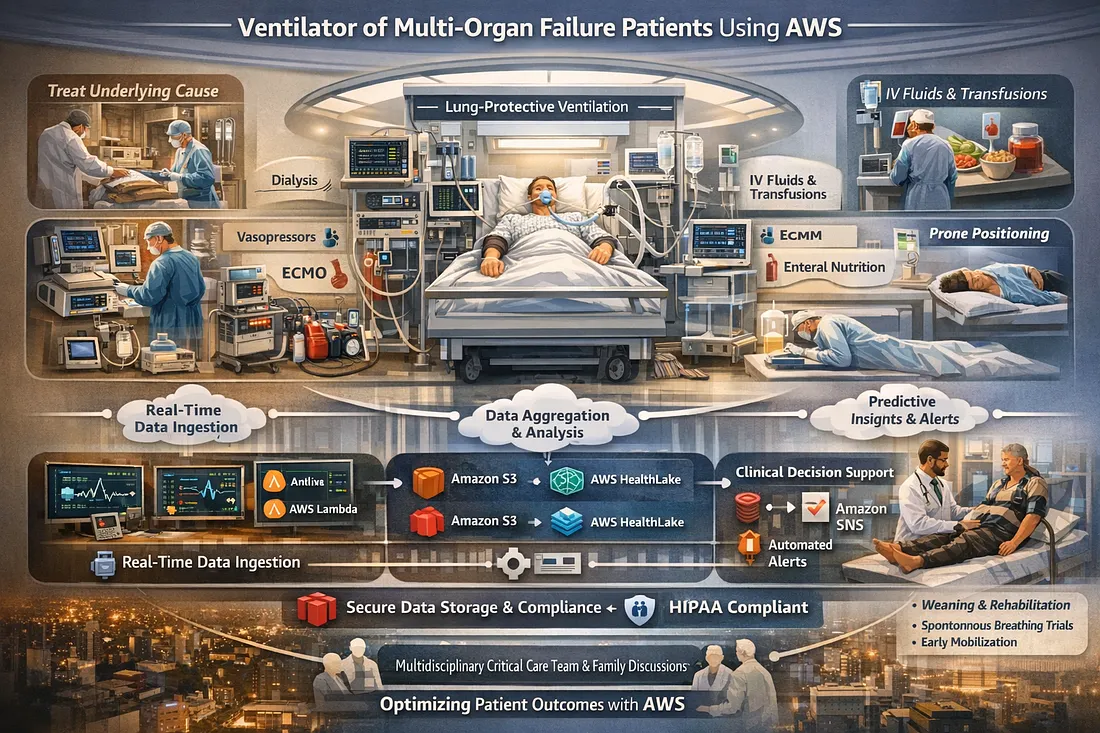
Ventilator Vanguard: AI-Powered MultiOrganFailure Survival Engine Using AWS
Cubed
Comments
Loading comments…