AWS Free Tier sounds free… until it isn’t. Here’s what’s actually free, what quietly costs money, and how I avoided surprise AWS bills.
I still remember the exact moment I opened my AWS billing dashboard for the first time.
I had just deployed a tiny test app. Nothing fancy. No traffic. No users. I refreshed the page… and saw charges.
Not huge ones. A few rupees. But still — charges.
That was the day I learned a painful truth: AWS Free Tier is generous, but it is not forgiving.
If you’re a beginner, a student, or a developer experimenting with cloud computing, this article is for you. I’ll walk you through what the AWS Free Tier actually gives you, what sneaks past the word “free,” and the exact habits that saved me from surprise bills.
No marketing fluff. Just the stuff I wish someone had explained before I clicked “Launch Instance.”
What AWS Free Tier Really Is (And What It Isn’t)
Let’s clear this up early.
The AWS Free Tier is not a single plan. It’s a collection of offers, split into three buckets:
1. Always Free
These don’t expire (as long as you stay within limits).
2. 12 Months Free
Free only for the first 12 months after account creation.
3. Free Trials
Short-term trials for specific services.
Most people assume everything is free for 12 months. That assumption is how bills are born.
I learned this the hard way.
The Big Ones Everyone Uses (And Their Limits)
Let’s talk about the services beginners actually touch.
EC2 (Virtual Servers)
This is where most surprise bills start.
What’s free:
- 750 hours/month of
t2.microort3.micro - Linux or Windows
- For 12 months
Sounds great, right?
What’s not free (this matters):
- Running more than one instance
- Choosing the wrong instance type
- Elastic IPs not attached to a running instance
- Extra EBS storage beyond 30 GB
👉 My mistake: I launched an EC2, stopped it, forgot about the Elastic IP… and still got charged.
S3 (Object Storage)
S3 feels harmless. It isn’t.
Free tier includes:
- 5 GB of standard storage
- 20,000 GET requests
- 2,000 PUT requests
Not free:
- Data transfer out
- Large numbers of API requests
- Versioning (quietly doubles storage)
👉 My habit now: I delete test buckets immediately. No “I’ll clean it later.”
RDS (Managed Databases)
Databases are expensive if misused.
Free tier gives:
- 750 hours/month of db.t3.micro
- MySQL, PostgreSQL, MariaDB
- 20 GB storage
Not free:
- Multi-AZ deployments
- Snapshots beyond free storage
- Leaving databases running 24/7
👉 Reality check: If you don’t need a database running all day, don’t run it all day.
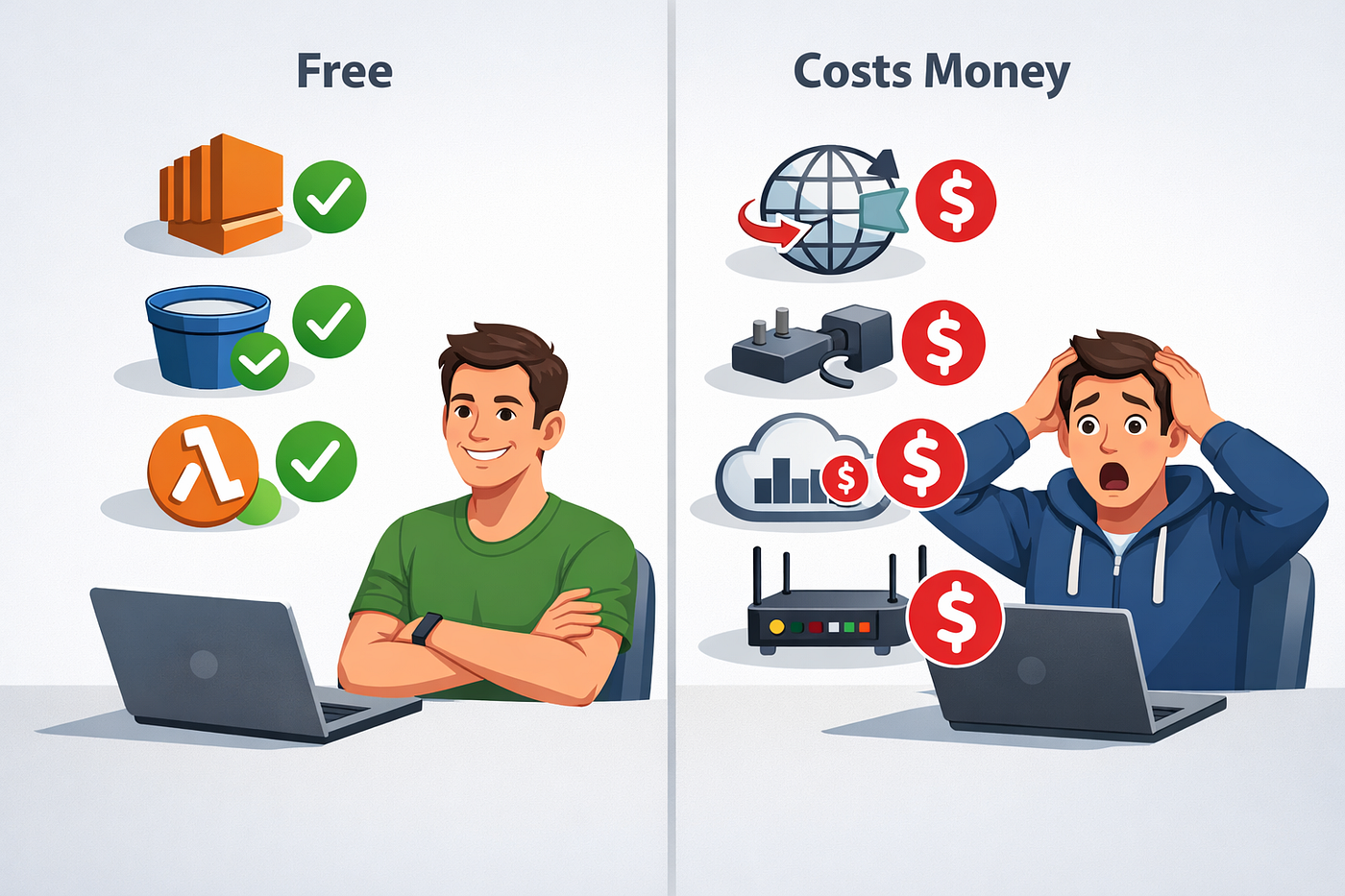
Lambda (Serverless)
This one is actually beginner-friendly.
Always free:
- 1 million requests/month
- 400,000 GB-seconds compute
It’s genuinely hard to exceed this unless you’re building something real.
Lambda is one of the few services I trust not to surprise me.
The Sneaky Stuff That Costs Money
This section matters more than the free list.
Data Transfer (The Silent Killer)
Inbound traffic: free Outbound traffic: not free (after a small allowance)
Downloading logs, hitting APIs, exposing apps publicly — it adds up.
CloudWatch Logs
CloudWatch feels invisible… until it isn’t.
Costs sneak in via:
- Log ingestion
- Log storage
- High-resolution metrics
👉 My rule: Short retention periods. Delete logs you don’t read.
NAT Gateway
Never create this casually.
A NAT Gateway can cost more than your entire EC2 setup — per month.
If you don’t know what it is yet, that’s good. Avoid it for now.
Elastic IPs
Elastic IPs are free only when attached to a running instance.
Detached? Charged.
Stopped instance? Charged.
The Billing Setup That Saved Me

This is where the article stops being educational and starts being practical.
Step 1: Enable Billing Alerts (Immediately)
Go to Billing → Preferences → Enable alerts.
Yes, even before launching anything.
Step 2: Create a Budget
I set my first budget to ₹300/month.
Not because I expected to spend it — but because alerts force attention.
Step 3: Daily Habit (30 Seconds)
Once a day:
- Open Billing dashboard
- Scan services list
- Close tab
That’s it.
My Personal AWS Free Tier Rules (Steal These)
I wrote these down after my first mini heart attack.
- ❌ Never leave resources running “just in case”
- ✅ Terminate, don’t stop, if unsure
- ❌ Don’t experiment in production regions
- ✅ Use one region consistently
- ❌ Don’t trust “free” labels blindly
- ✅ Read pricing pages before clicking launch
These rules saved me more money than any tutorial ever did.
Is AWS Free Tier Worth It?
Honestly?
Yes. Absolutely.
But only if you treat it like training wheels, not a playground.
AWS Free Tier is incredible for:
- Learning cloud basics
- Deploying test apps
- Understanding real infrastructure
- Building confidence with production-grade tools
It is terrible for:
- “Set and forget” experiments
- Careless clicking
- Learning pricing after deployment
Final Thoughts (And a Friendly Warning)
The AWS Free Tier doesn’t punish beginners.
It punishes assumptions.
Once you respect that, it becomes one of the best learning tools in tech.
If you’re just starting with cloud computing or working with Amazon Web Services, take it slow. Read before you click. Check billing before you sleep.
And please — set up alerts today, not tomorrow.
Your Turn 👇
If this saved you from even one surprise bill, let me know. Like, comment, or share your own AWS “oops” moment — we’ve all been there.
More real-world cloud stories coming soon.
Further Reading
Discover more articles on similar topics across our network

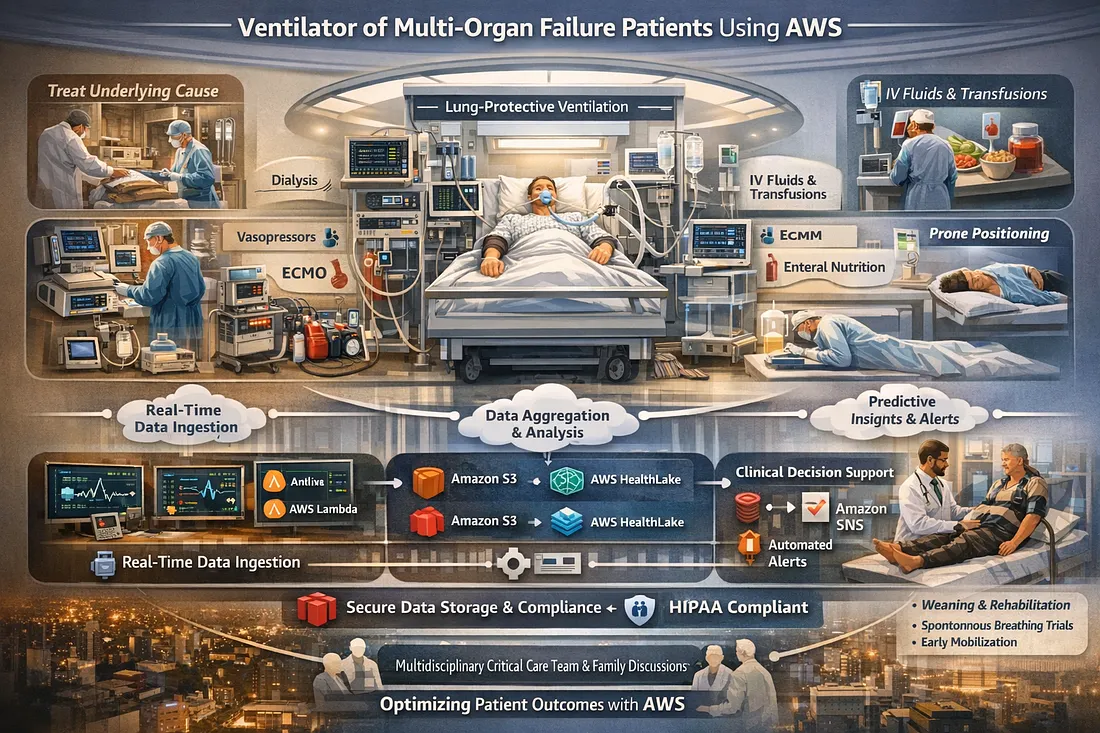
Ventilator Vanguard: AI-Powered MultiOrganFailure Survival Engine Using AWS
Cubed
Comments
Loading comments…