AWS IAM (Identity and Access Management) is the service that answers two questions for every API call in your account: who is acting, and what are they allowed to do? Misconfigured IAM is behind a large share of cloud breaches and production outages, yet many application teams treat it as “infra’s problem” until deploy day.
This article explains identities, policies, and roles in plain terms, with patterns that work for apps running on EC2, Lambda, ECS, and human operators.
The building blocks
Principals
A principal is an identity that can be authenticated:
- IAM users (long-lived credentials; avoid for apps)
- IAM roles (temporary credentials via STS)
- Federated users (SAML, OIDC, IAM Identity Center)
- AWS services acting on your behalf (Lambda execution roles, etc.)
For application code, prefer roles, not users with access keys in environment variables.
Policies
A policy is a JSON document listing Allow or Deny statements on Action, Resource, and optional Condition keys.
Policies attach to:
- Users, groups, roles (identity-based)
- S3 buckets, KMS keys, etc. (resource-based)
Effective permissions are the union of all applicable policies, with an explicit Deny winning over Allow.
Roles and temporary credentials
A role is an identity you assume. AWS Security Token Service (STS) returns short-lived keys.
Typical flow for Lambda:
- You define an execution role with policies (e.g., read a DynamoDB table).
- Lambda assumes that role when your function runs.
- The AWS SDK in your code picks up credentials automatically—no static keys in code.
The same pattern applies to EC2 instance profiles, ECS task roles, and EKS pod identity.
How to read a policy without drowning in JSON
Focus on four fields per statement:
{
  "Effect": "Allow",
  "Action": ["s3:GetObject"],
  "Resource": "arn:aws:s3:::my-app-uploads/*",
  "Condition": {
    "StringEquals": { "s3:ExistingObjectTag/Environment": "prod" }
  }
}
Ask:
- Does this Allow only the API actions my code needs?
- Are Resources scoped to specific ARNs, not
"*"? - Are there Conditions that limit blast radius (VPC, source ARN, tags)?
- Is there a broader Deny elsewhere (SCPs, permission boundaries)?
If you cannot explain each statement in one sentence, narrow it.
Least privilege that ships
“Least privilege” fails when policies are so tight that every deploy requires a ticket. Use layers:
- Per-environment roles —
app-prod-api,app-staging-api, never one role for all envs. - Per workload — separate roles for API servers, workers, and migration tasks.
- Permission boundaries on human admin roles — cap what even a power user can grant.
- IAM Access Analyzer — surfaces resources shared with external accounts or overly broad access.
Start with AWS-managed policies for bootstrapping, then replace with customer-managed policies scoped to your ARNs as soon as you know your resource names.
Common application patterns
Lambda to DynamoDB and S3
Grant dynamodb:GetItem, PutItem, Query on the specific table ARN. For S3, split read vs write prefixes:
arn:aws:s3:::bucket-name/uploads/*for writesarn:aws:s3:::bucket-name/public/*for reads if needed
Avoid s3:* on the whole bucket unless you truly mean it.
EC2 or ECS calling AWS APIs
Attach an instance profile or task role. Never bake access keys into AMIs or container images.
Cross-account access
Use a role in the target account and sts:AssumeRole from a trusted principal in the source account. Resource-based policies (S3 bucket policy allowing another account’s role) are another valid pattern. Document the trust chain; cross-account mistakes are hard to debug.
Human access
Humans should sign in through IAM Identity Center (or your IdP) with groups mapped to permission sets. Break-glass admin roles should require MFA and be rarely used.
Service control policies and organization guardrails
In AWS Organizations, SCPs filter the maximum permissions for accounts in the org. They do not grant access by themselves—they limit what identity policies can allow.
Use SCPs to deny dangerous actions account-wide (iam:CreateUser without approval, disabling CloudTrail, opening S3 public ACLs). Application teams still define fine-grained roles inside those guardrails.
Debugging “access denied” in minutes
- CloudTrail
AccessDeniedevents show the principal, action, and resource. - IAM policy simulator tests hypothetical calls for a role.
- Check permission boundaries and session policies if using assumed roles with extra constraints.
- Confirm the resource ARN in the error matches the ARN in your policy (region, account ID, trailing slashes).
Most denials are wrong ARN, wrong role attached to the compute, or a missing kms:Decrypt when encryption is involved.
Anti-patterns to retire
| Anti-pattern | Why it hurts | Better approach |
|---|---|---|
| Shared root access keys | No audit trail, unlimited power | Disable root keys; use admin roles with MFA |
| One “god” role for all services | Lateral movement on compromise | Split roles per service and environment |
* actions on * resources | Compliance failure, surprise bills | Named actions on named ARNs |
| Long-lived IAM users for CI | Keys leak from logs and caches | OIDC federation to IAM roles in GitHub Actions / GitLab |
IAM and the AWS shared responsibility model
AWS secures the IAM control plane. You secure how identities are created, how keys are stored, and how policies evolve in Git. Treat policy changes like application code: pull requests, review, and automated tests where possible (tools like CloudFormation, CDK, Terraform, and policy-as-code linters).
FAQ
Should Lambda and API Gateway share one role?
No. API Gateway integration credentials and Lambda execution roles serve different purposes; give each component its own least-privilege role.
What is an IAM permission boundary?
A policy attached to a user or role that sets the maximum permissions that identity can receive, even if other policies grant more.
When do I need sts:AssumeRole in my policy?
When your code or a human must switch from one role to another (cross-account, delegated admin, or chaining).
Are IAM users ever OK?
For legacy systems and break-glass accounts with MFA—yes, sparingly. For new applications, use roles and federation.
How does IAM relate to Resource Policies?
Some services (S3, SNS, KMS) attach policies to the resource. Effective access requires both identity permissions and resource policy allowances where applicable.
Working with infrastructure-as-code
Teams that manage IAM in Terraform, CDK, or CloudFormation should treat policy modules like shared libraries. Export reusable snippets—read-only S3 prefix access, DynamoDB item-level patterns, KMS decrypt for a specific key—and compose them into role modules per service. Tag roles with Service, Environment, and Owner so Access Analyzer findings map to Slack channels.
When CI assumes a deployment role via OIDC, scope the trust policy to your org’s repositories and environment branches. Rotate is automatic with OIDC; the win is eliminating static AWS_ACCESS_KEY_ID secrets in GitHub altogether. Pair that role with a permission boundary that blocks iam:PassRole to arbitrary roles unless the passed role carries an approval tag.
Finally, schedule quarterly access reviews: disable console passwords for unused humans, remove inline policies that crept in during incidents, and compare CloudTrail’s active principals against your intended role list. IAM debt compounds quietly; short reviews prevent emergency wide-open policies during the next launch deadline.
Further Reading
Discover more articles on similar topics across our network

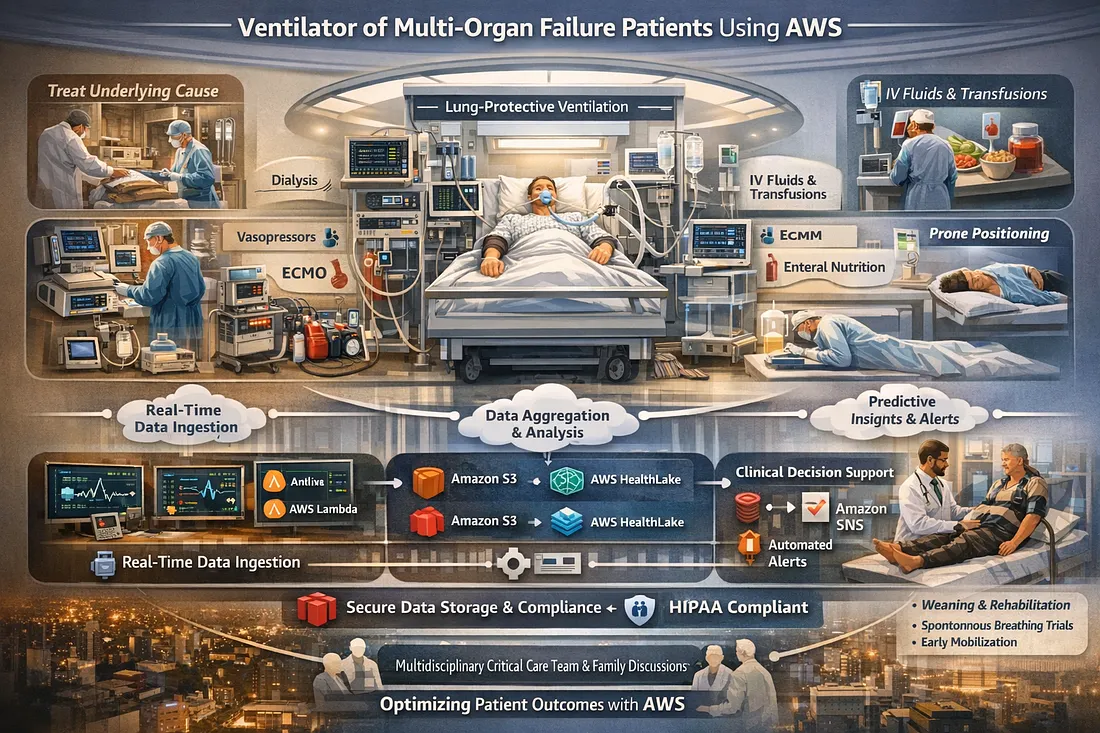
Ventilator Vanguard: AI-Powered MultiOrganFailure Survival Engine Using AWS
Cubed
Comments
Loading comments…