AWS Organizations is the account management service that lets you group multiple AWS accounts under one billing and governance umbrella. If your company has grown past a single account—or you are planning environments for dev, staging, and production—Organizations is the control plane for consolidated billing, service control policies, and cross-account access.
Why multiple AWS accounts exist
A single account works until it does not. Teams split accounts to:
- Blast-radius containment — compromise in a sandbox does not expose production data.
- Cost allocation — chargebacks per product line or business unit.
- Policy boundaries — different SCPs for research vs. regulated workloads.
- Quota isolation — heavy batch jobs do not starve customer-facing APIs.
Organizations does not replace good architecture inside an account, but it gives you knobs at the enterprise boundary.
Core building blocks
Organization and management account
You create an organization from a management account (formerly master). That account pays the bill and hosts organization-wide settings. Avoid running application workloads here—keep it for billing, SSO, and guardrails only.
Organizational units (OUs)
OUs are folders for accounts. A common layout:
Root
├── Security (log archive, security tooling)
├── Infrastructure (shared networking, DNS)
├── Workloads
│   ├── Production
│   ├── Staging
│   └── Sandbox
└── Suspended (accounts pending closure)
Attach policies at the OU level so new accounts inherit defaults automatically.
Member accounts
Each account has its own account ID, IAM namespace, and service quotas. AWS Control Tower can automate provisioning with baseline guardrails if you want click-ops replaced by templates.
Consolidated billing
All linked accounts roll charges into the management account payer. Benefits include:
- Volume discounts aggregated across accounts.
- Reserved Instance and Savings Plan sharing when ownership is centralized.
- Single invoice with cost allocation tags propagated from member accounts.
Tagging standards matter: without Environment, Service, and Owner tags, finance still sees one blob of spend.
Service control policies (SCPs)
SCPs are guardrails attached to OUs or accounts. They do not grant permissions—they filter what IAM policies can allow. Examples:
- Deny root user access keys everywhere except break-glass documentation.
- Block unapproved regions (
aws:RequestedRegioncondition). - Prevent disabling CloudTrail or GuardDuty in production OUs.
SCPs combine with IAM policies: an action must be allowed by both. Test SCP changes in a sandbox OU before attaching to production.
Cross-account access patterns
Teams need safe ways to operate multiple accounts:
- IAM roles with trust policies — users in a tooling account assume
OrganizationAccountAccessRoleor custom roles in workload accounts. - AWS SSO (IAM Identity Center) — map IdP groups to permission sets per account.
- Resource sharing — RAM shares subnets, Transit Gateway attachments, or license configurations.
Avoid long-lived access keys in every account. Centralize human access through SSO and use roles for automation.
Enabling Organizations step by step
- Sign in to the account that will become management.
- Open AWS Organizations and create the organization (all features set).
- Invite or create member accounts; verify email for new accounts.
- Define OUs and move accounts from the root (only management should stay at root).
- Enable trusted access for services that must act org-wide (CloudTrail org trail, Config aggregators, StackSets).
- Attach baseline SCPs and tag policies.
- Turn on consolidated billing if not already active.
Document account IDs in your internal wiki. On-call engineers should not hunt through email to find the production account number.
Integration with Control Tower and landing zones
Control Tower builds on Organizations with opinionated guardrails: mandatory logging account, audit account, and guardrail baselines. It is helpful when you want AWS-maintained scaffolding instead of writing every CloudFormation stack yourself.
Landing zone updates can drift if teams bypass automation. Treat the management account as read-only for casual experiments.
Common mistakes
- Running production in the management account — couples billing risk with workload risk.
- SCPs that block support and break-glass access — always keep an exception path documented offline.
- Ignoring service quotas per account — split workloads before hitting API rate limits.
- Skipping org-wide CloudTrail — without centralized logs, incident response across accounts is guesswork.
FAQ
Does Organizations cost extra?
The Organizations service itself has no charge; you pay for resources in each account as usual.
Can I move an existing account into my organization?
Yes, via invite. The account owner must accept; plan for billing transfer implications.
What is the difference between SCPs and IAM policies?
IAM grants permissions to principals inside an account. SCPs set maximum permissions for entire accounts or OUs in the org.
Do I need Organizations for a single startup account?
Not on day one. Plan for it before you spin up “just one more” account for experiments—you will inherit sprawl otherwise.
AWS Organizations turns a pile of separate accounts into a governed estate. Set up OUs early, enforce SCPs before humans memorize workaround keys, and keep the management account boring. That is how multi-account AWS stays operable at three engineers and at three hundred.
Further Reading
Discover more articles on similar topics across our network

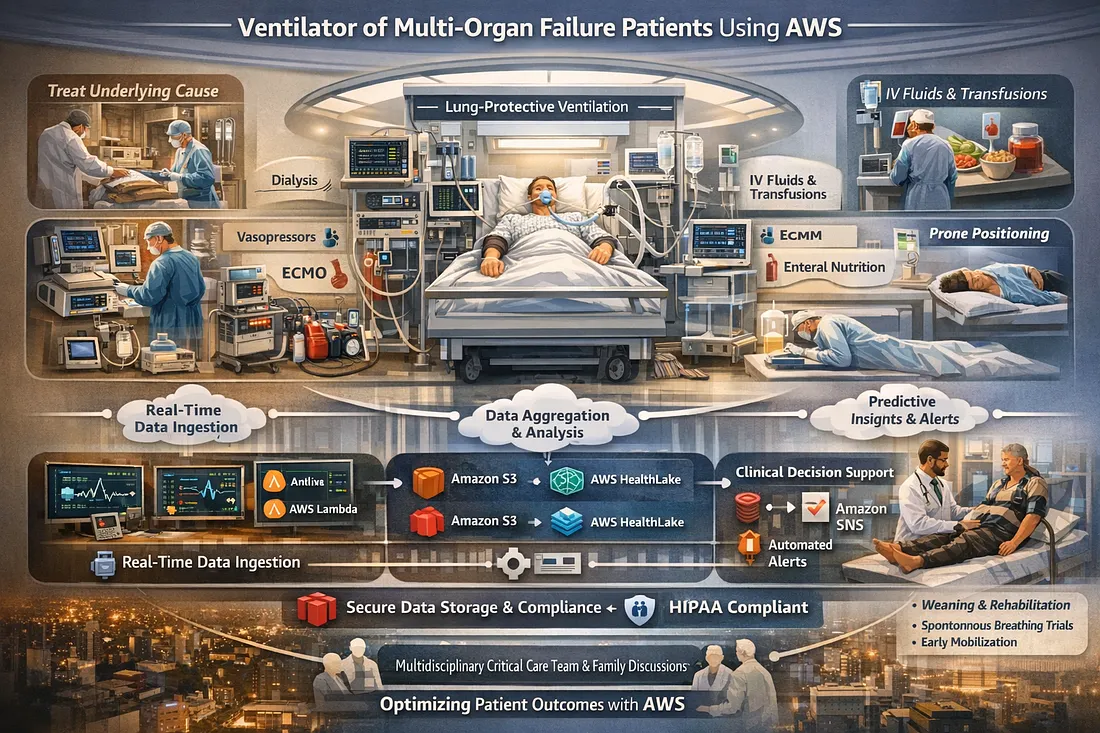
Ventilator Vanguard: AI-Powered MultiOrganFailure Survival Engine Using AWS
Cubed
Comments
Loading comments…