Amazon Simple Queue Service (SQS) is a managed message queue that decouples producers from consumers. Instead of calling an API synchronously and waiting, you drop a message on a queue and let another service process it when ready.
Quick answer: use standard queues for high-throughput, order-agnostic workloads; use FIFO queues when strict ordering and exactly-once processing matter. Always configure a dead-letter queue (DLQ), tune visibility timeout to your handler's p99 runtime, and delete messages only after successful processing.
What problem SQS solves
Without a queue, spikes in traffic hit your database and downstream APIs directly. A queue absorbs bursts, retries failed work, and lets you scale consumers independently.
Typical uses:
- Order fulfillment pipelines
- Image/video processing after upload
- Webhook delivery with retries
- Fan-out from one event to many workers via SNS → SQS
Standard vs FIFO queues
| Feature | Standard | FIFO |
|---|---|---|
| Throughput | Nearly unlimited | 3,000 msg/s per queue (with batching) |
| Ordering | Best-effort (can reorder) | Strict FIFO per message group |
| Delivery | At-least-once (duplicates possible) | Exactly-once processing |
| Name suffix | None | Must end in .fifo |
| Cost | Lower per request | Slightly higher |
Choose standard for metrics aggregation, email sends, log ingestion—anything tolerant of duplicates and reordering.
Choose FIFO for inventory deduction, payment steps, or sequential state machines where order matters.
Core concepts
Messages and payloads
Each message is up to 256 KB (1 MiB if using extended client with S3). JSON bodies are common; keep large blobs in S3 and pass a pointer in the message.
Visibility timeout
When a consumer receives a message, it becomes invisible to other consumers for the visibility timeout period (default 30 seconds). If the consumer deletes the message before timeout, processing is complete. If not, the message reappears for retry.
Rule of thumb: set visibility timeout ≥ your consumer's p99 processing time × 1.5. Use ChangeMessageVisibility for long jobs to extend the lock.
Long polling
Set WaitTimeSeconds to 10–20 on ReceiveMessage to reduce empty responses and API costs. Short polling wastes requests when queues are quiet.
Dead-letter queues (DLQ)
After maxReceiveCount failed receives, messages move to a DLQ. Without a DLQ, poison messages loop forever and hide systemic failures.
Configure on the redrive policy:
{
  "deadLetterTargetArn": "arn:aws:sqs:us-east-1:123456789012:my-app-dlq",
  "maxReceiveCount": 5
}
Monitor DLQ depth with CloudWatch alarms.
Common architecture patterns
1. Lambda triggered by SQS
Event source mapping polls the queue and invokes Lambda. Set reserved concurrency on the function to avoid overwhelming downstream systems.
Watch batch size and batch window—partial batch failures (with reportBatchItemFailures) prevent one bad message from failing an entire batch.
2. ECS/Fargate workers
Run a long-polling loop in your container:
- Receive up to 10 messages
- Process in parallel with a bounded worker pool
- Delete on success; leave failures to retry or DLQ
This pattern suits CPU-heavy jobs exceeding Lambda's 15-minute limit.
3. SNS fan-out
One SNS topic publishes to multiple SQS queues—each microservice consumes its own queue. Add queue policies allowing SNS to sqs:SendMessage.
Idempotency is non-optional
SQS guarantees at-least-once delivery on standard queues (and duplicates can still appear in edge cases on FIFO). Your handler must tolerate retries:
- Use a deduplication id stored in DynamoDB or Redis
- Design operations to be naturally idempotent (PUT same state twice = same result)
- For FIFO, use
MessageDeduplicationIdwithin the 5-minute dedup window
Security and access
- Restrict
sqs:SendMessageto trusted producers via IAM roles—not access keys on servers - Encrypt with SSE-SQS or SSE-KMS for regulated data
- Use VPC endpoints for private subnet consumers to avoid public internet egress
Cost and limits to know
- Pricing is per million requests (send, receive, delete each count)
- Message retention: 1 minute to 14 days (default 4 days)
- In-flight messages limit: 120,000 for standard queues
Batching sends and receives (SendMessageBatch, ReceiveMessage with MaxNumberOfMessages=10) cuts request costs significantly.
Troubleshooting checklist
| Symptom | Likely cause |
|---|---|
| Messages reprocessed endlessly | Handler throws before delete; visibility too short |
| Growing queue depth | Consumers slower than producers—scale out |
| DLQ filling up | Bad payload schema or downstream outage |
| FIFO throughput errors | Need more message groups or split queues |
| Duplicate side effects | Missing idempotency keys |
Minimal Node.js consumer example
import {
  SQSClient,
  ReceiveMessageCommand,
  DeleteMessageCommand,
} from "@aws-sdk/client-sqs";

const sqs = new SQSClient({});
const QueueUrl = process.env.QUEUE_URL;

export async function poll() {
  const { Messages = [] } = await sqs.send(
    new ReceiveMessageCommand({
      QueueUrl,
      MaxNumberOfMessages: 10,
      WaitTimeSeconds: 20,
      VisibilityTimeout: 120,
    })
  );

  for (const msg of Messages) {
    try {
      await handle(JSON.parse(msg.Body));
      await sqs.send(
        new DeleteMessageCommand({
          QueueUrl,
          ReceiptHandle: msg.ReceiptHandle,
        })
      );
    } catch (err) {
      console.error("Processing failed; message will retry", err);
    }
  }
}
FAQ
SQS vs Kinesis vs EventBridge?
SQS is pull-based queuing for task distribution. Kinesis is for streaming analytics with multiple consumers reading the same stream. EventBridge is an event router with schema registry and SaaS integrations.
Can I delay message delivery?
Standard and FIFO support per-message delay up to 15 minutes. For longer delays, use EventBridge Scheduler or Step Functions.
Does FIFO guarantee global order?
Only within a message group ID. Use multiple group IDs (e.g., per customer) to parallelize while preserving order per customer.
Monitoring and operations
Treat queue depth as a first-class metric alongside HTTP error rates.
CloudWatch metrics to watch:
| Metric | What it tells you |
|---|---|
ApproximateNumberOfMessagesVisible | Backlog waiting for workers |
ApproximateAgeOfOldestMessage | How stale the oldest job is |
NumberOfMessagesSent vs Deleted | Producer/consumer balance |
DLQ ApproximateNumberOfMessagesVisible | Poison or failing handlers |
Set alarms when oldest message age exceeds your SLA (e.g., 5 minutes for email, 1 hour for reports).
For cross-account setups, use queue policies granting specific producer account IDs sqs:SendMessage. Avoid public queues—scanner bots will enqueue junk within hours.
Integrating with Step Functions and EventBridge
Step Functions can poll SQS as a task source, useful when each message triggers a multi-step workflow with human approval.
EventBridge rules can target SQS directly from SaaS partners (Stripe, Shopify) or custom buses. EventBridge handles schema discovery; SQS gives you backpressure when downstream cannot keep pace.
Choose SQS when consumers pull at their own rate; choose EventBridge when you need content-based filtering across many rules without creating dozens of queues.
Local development tips
- LocalStack or ElasticMQ emulate SQS endpoints for integration tests
- Use separate queue names per developer (
my-app-dev-alice) to avoid cross-talk - Keep a script to purge non-production queues after load tests— forgotten messages skew metrics
Bottom line
SQS is the simplest way to add resilience and elasticity to AWS architectures. Pick the queue type for your ordering needs, treat every handler as idempotent, and invest in DLQs and visibility tuning early—those three choices prevent most production incidents.
Further Reading
Discover more articles on similar topics across our network

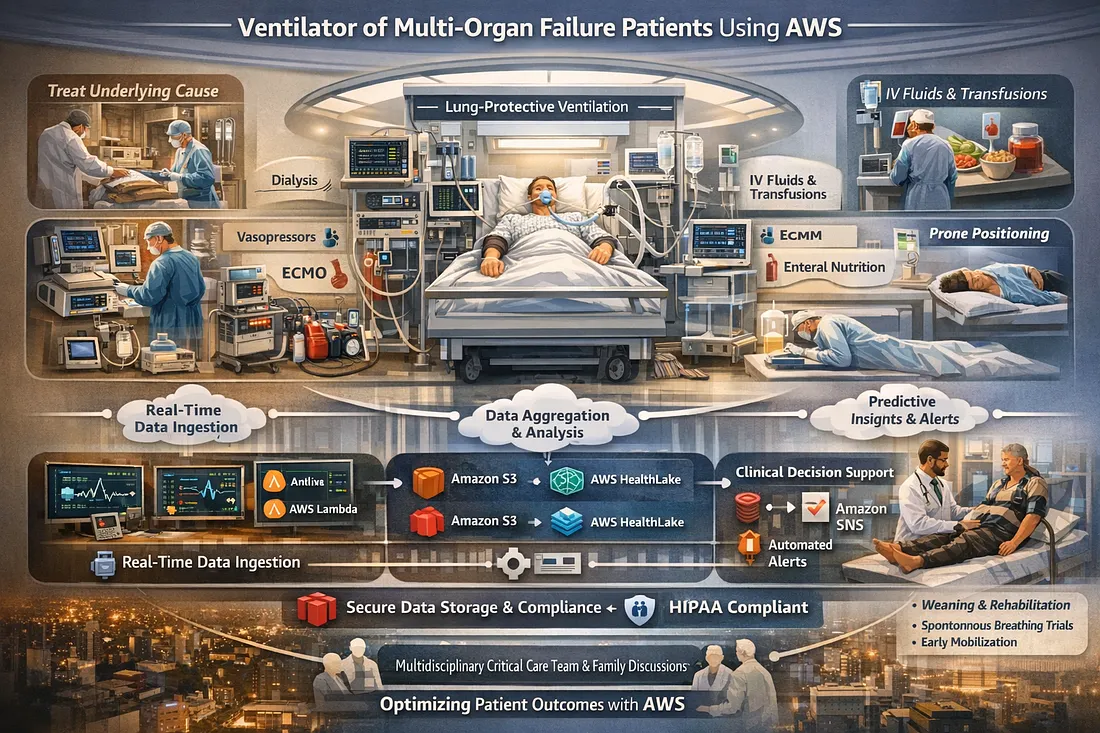
Ventilator Vanguard: AI-Powered MultiOrganFailure Survival Engine Using AWS
Cubed
Comments
Loading comments…