
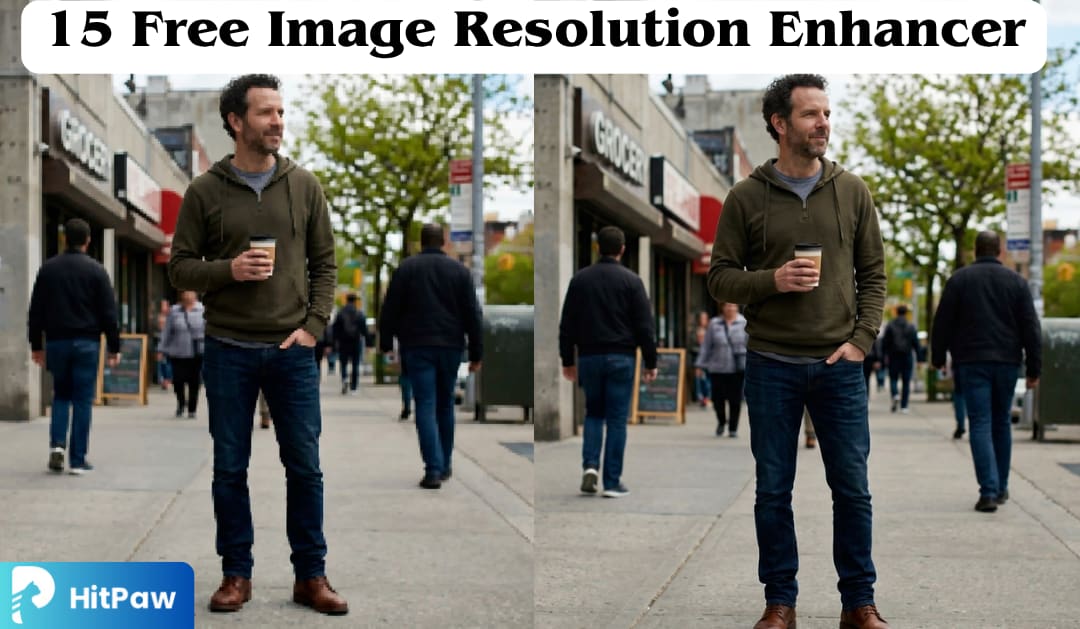
You spent hours setting up the perfect product shoot. The lighting was right, the composition was clean, and you sent the final image to your client. Then came the reply: "Sorry, this is too pixelated for print." Or maybe you were digging through an old album and found a blurry childhood photo that deserved to be reprinted but was only 300×200 pixels. These situations are frustratingly common. Low-resolution images tank marketing campaigns, get rejected by print labs, and make e-commerce listings look unprofessional. The good news? You don't need a studio budget or a degree in photo editing to fix them. AI-powered image resolution enhancers have made it possible to turn a blurry, pixelated file into a sharp, print-ready image in seconds
This article is designed to cover the 15 best free image resolution enhancer tools available in 2026, so you can choose exactly what fits your workflow, skill level, and budget.
Can You Make a Blurry Photo Clear?
Yes, with modern AI tools like HitPaw FotorPea, you absolutely can. Traditional upscaling methods simply stretched pixels, which resulted in blocky, blurry enlargements. Today's AI image resolution enhancers work fundamentally differently. They use deep convolutional neural networks trained on millions of image pairs of low-resolution inputs matched against their high-resolution counterparts to predict what missing detail should look like based on context.
The result? These tools don't just make images larger; they actively reconstruct detail that was never in the original file. Skin pores, fabric texture, sharp edges on text, and fine hair strands can all be intelligently restored or generated. This is why a modern free image resolution enhancer can produce results that would have required hours of manual retouching just five years ago.
Top 15 Image Resolution Enhancer Tools in 2026
1. The Best Image Resolution Enhancer You Should Know — HitPaw FotorPea
If you're searching for a reliable image resolution enhancer in 2026, HitPaw FotorPea easily earns its place at the top. Powered by advanced AI, it not only upscales low-resolution images but also intelligently sharpens details, reduces noise, and restores natural colors in just one click. What makes it especially appealing is its range of smart features, including dedicated face enhancement for portraits, AI denoise for cleaner visuals, and colorization for bringing old photos back to life. In addition, tools like background removal, object erasing, and AI image generation add extra creative flexibility, making it more than just a basic upscaler. It also now integrates HitPaw Online Photo Generator, which supports the latest GPT Image 2 model for generating high-quality images from text prompts, expanding its capabilities beyond enhancement into full creative image creation. With its fast processing, batch editing support, and beginner-friendly interface, HitPaw FotorPea delivers high-quality, professional results with minimal effort.
What HitPaw Provides?
AI Image Upscaler (Resolution Enhancer)
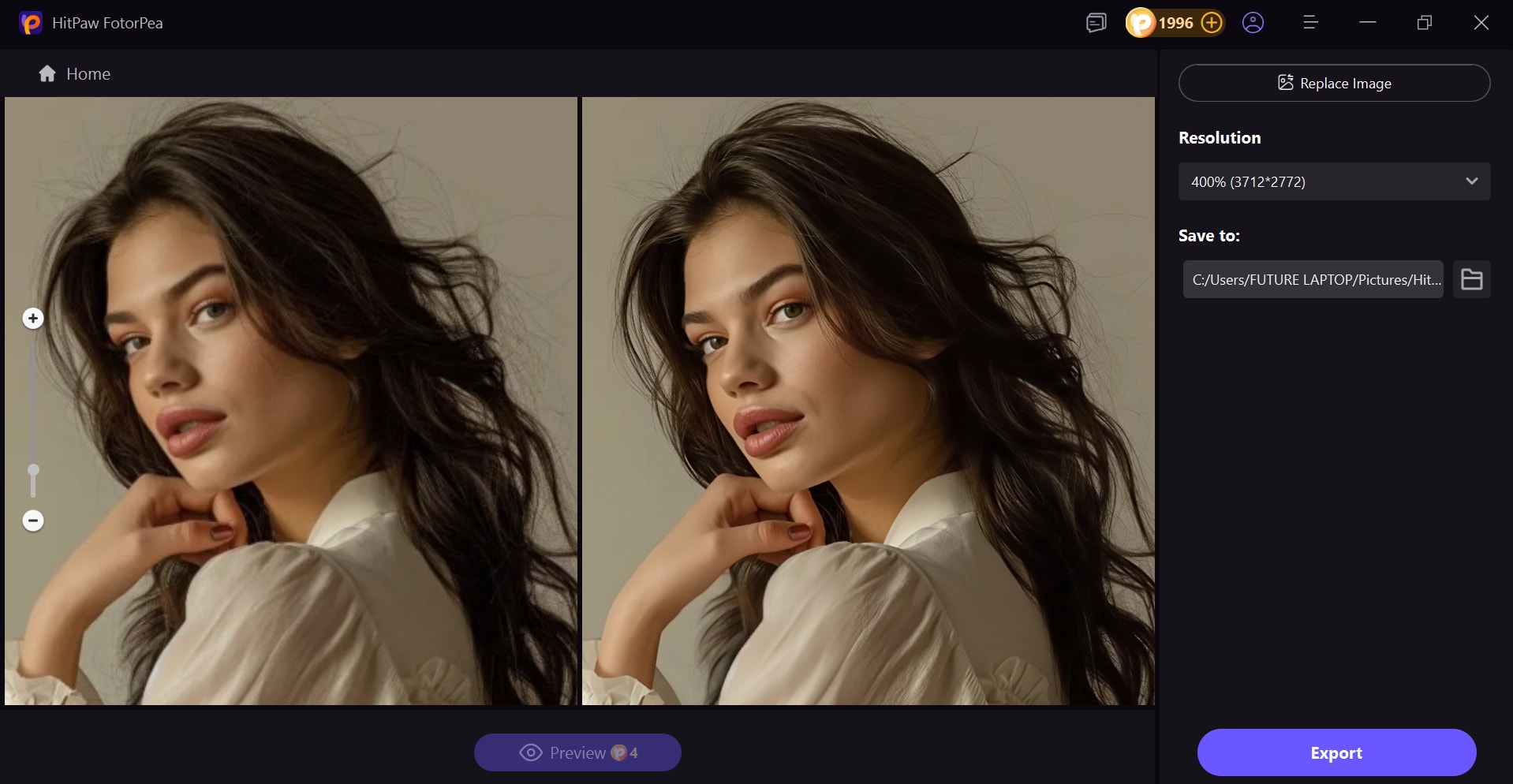
HitPaw FotorPea can instantly upscale low-quality images to HD, 2K, 4K, 8K, and beyond without loss of quality. It intelligently sharpens details, enhances textures, and preserves clarity, ensuring your photos look crisp and professional without losing quality.
Old Photo Restoration
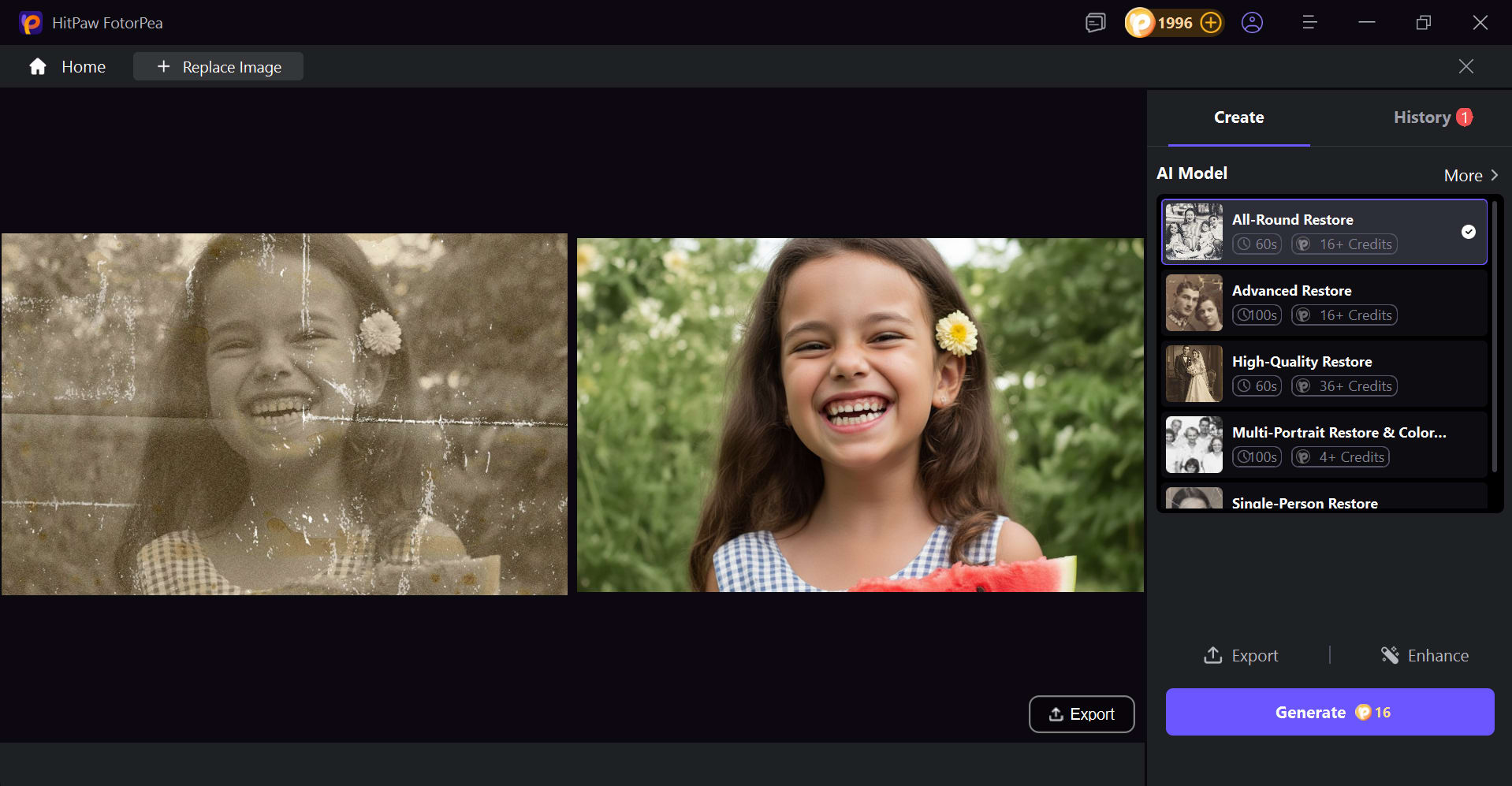
One standout capability is restoring old or damaged photos. It can repair scratches, enhance clarity, and even colorize black-and-white images, bringing faded memories back to life with impressive detail.
Background Remover
With accurate AI detection, you can remove and replace backgrounds in seconds. This feature helps create clean, professional visuals suitable for social media, marketing, or personal use.

AI Image Generator
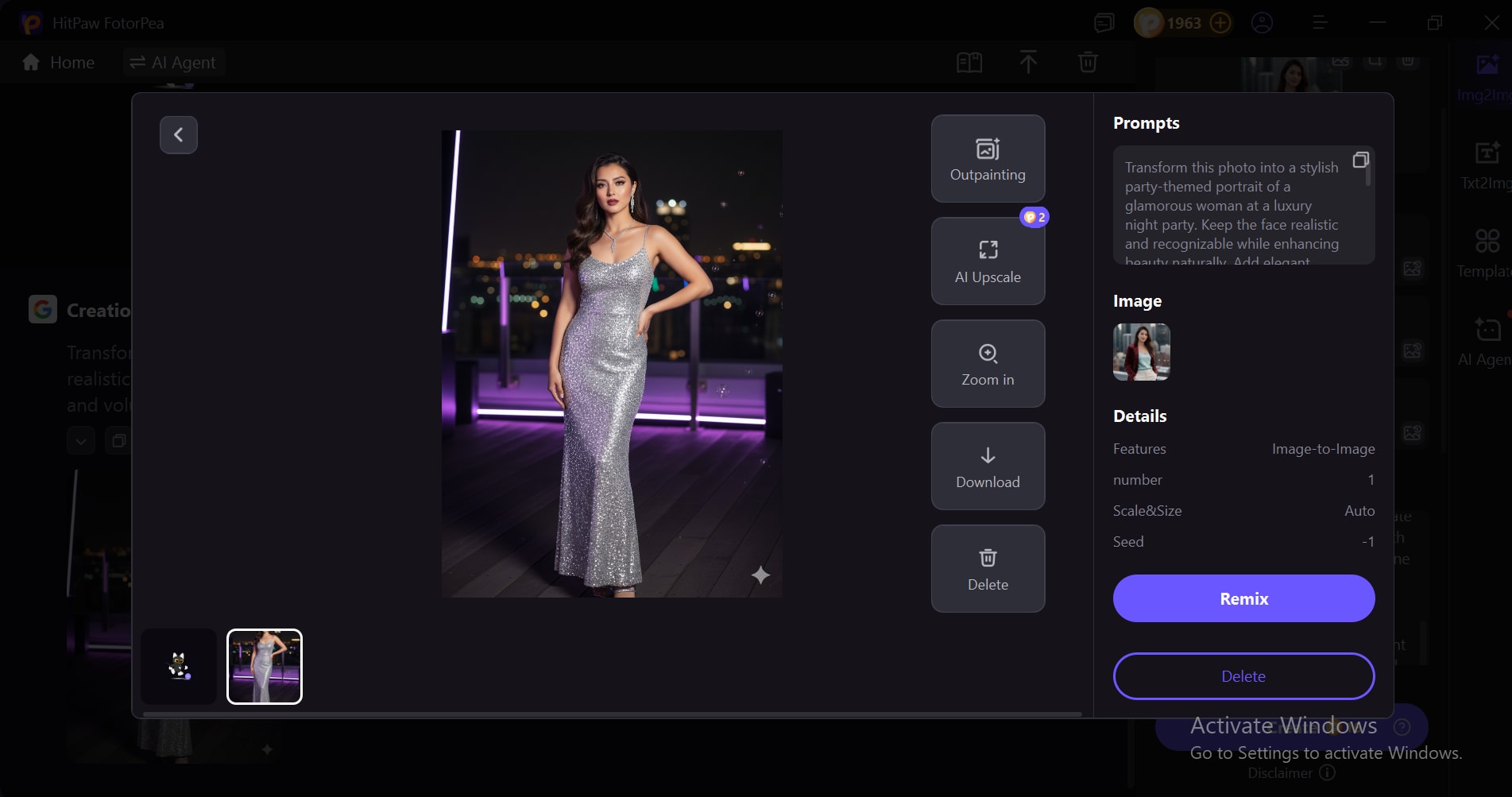
Beyond enhancement, HitPaw allows you to create entirely new visuals from text prompts or transform existing images into creative styles. Its GPT Image 2 expands your creative possibilities and helps you generate unique, eye-catching designs.
Remove Objects
A smart object removal feature lets you clean up your photos effortlessly. You can erase unwanted elements or distractions from the background, keeping the focus on the main subject.
UnblurImage
Blurry photos can be easily fixed with advanced AI technology. HitPaw detects blur caused by motion or poor focus and restores sharpness, making your images look clear and visually appealing.
How To Enhance Images with HitPaw
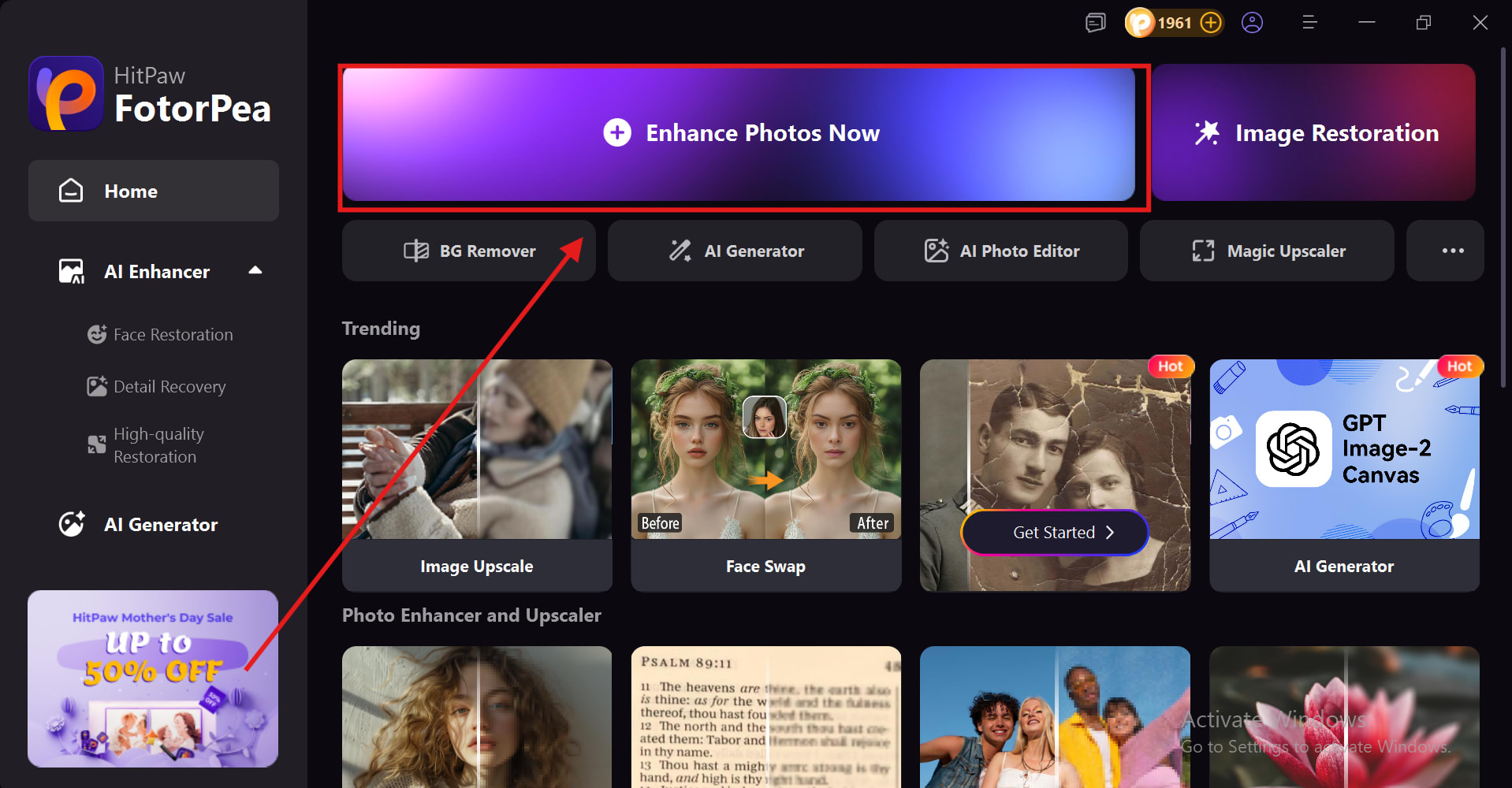
Step 1: Download, Install, and Launch
- First, you need to download the product from the official website of HitPaw FotorPea, then install and open it.
- After launching, click on “Enhance Photos Now” to start enhancing your image.
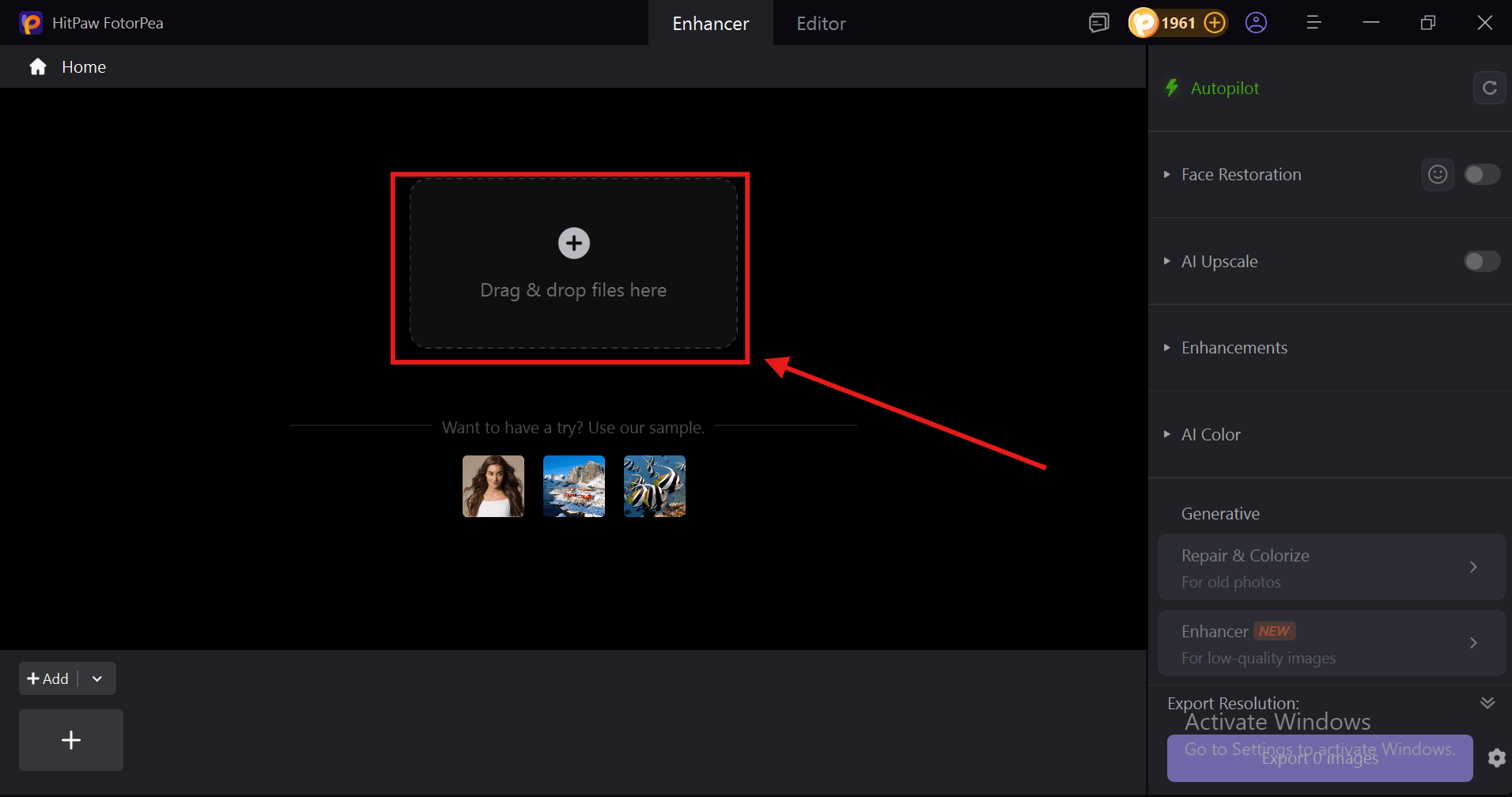
Step 2: Import Image
- To import your image click on + or drag and drop the image in HitPaw FotorPea.
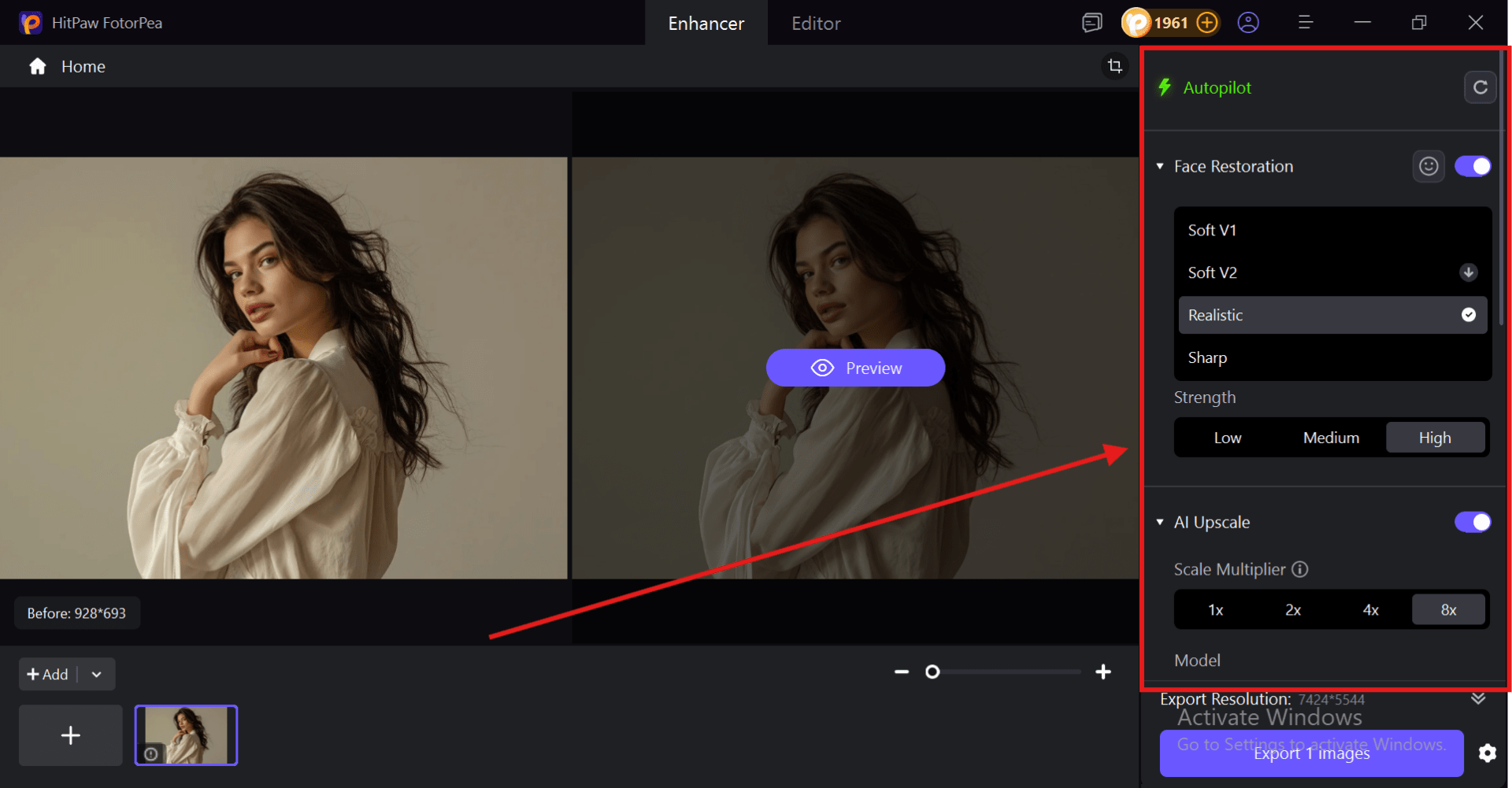
Step 3: Enhance The Image:
- On your right, you will see a control panel you can change the setting according to your need or you can just click on Autopilot to let HitPaw FotorPea select the best setting according to your image.
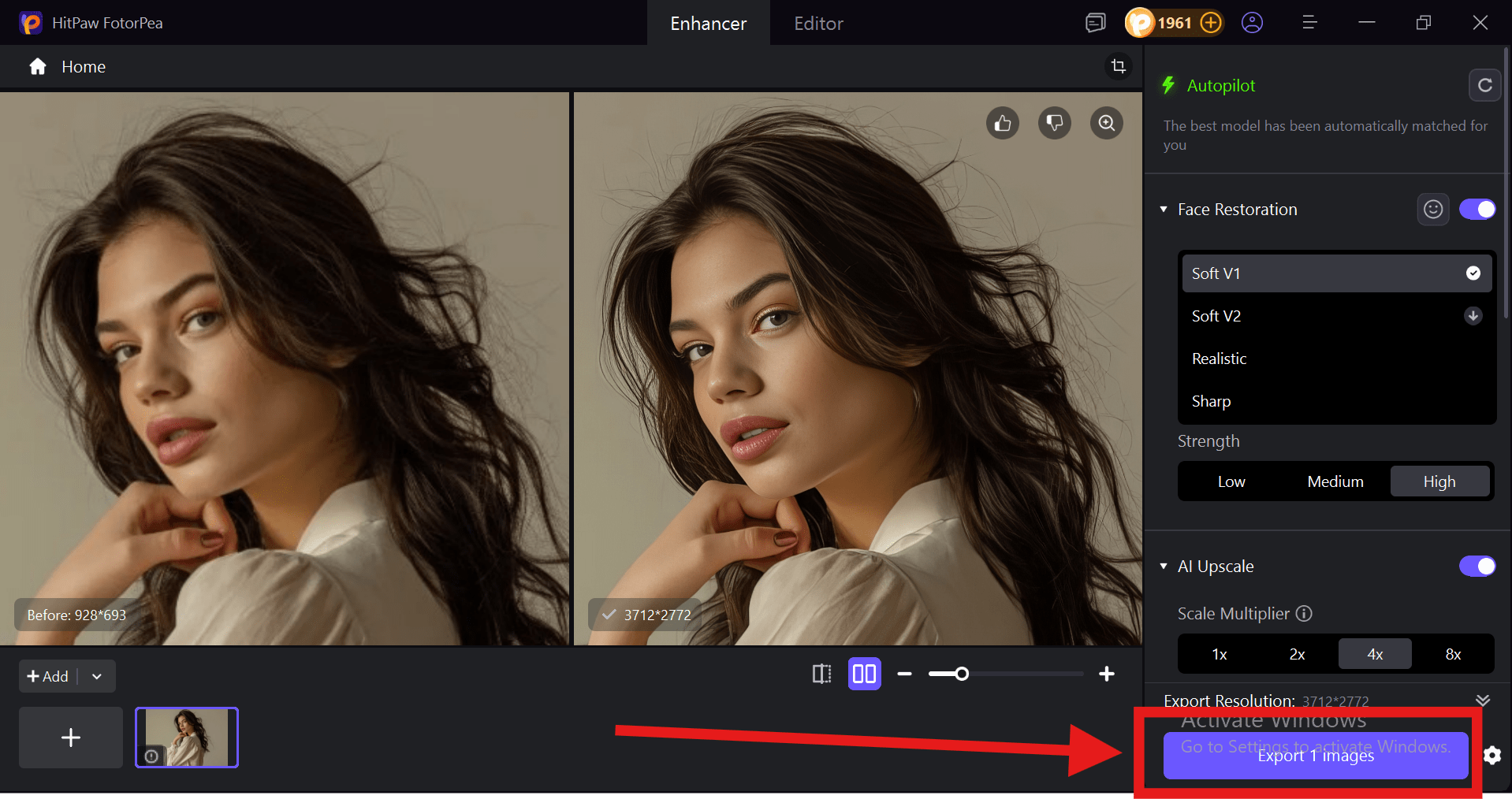
Step 4: Export the Image
- Click on the Export button to download the enhanced image on your device.
Pros and Cons
Pros:
- HitPaw FotorPea is designed to enhance image resolution without losing quality. It sharpens details and restores clarity, even in blurry or low-resolution photos.
- It combines multiple tools like background removal, object erasing, colorization, and AI image generation in one platform, reducing the need for additional software.
- Supports upscaling to 8K resolution without losing quality.
- Consistently produces natural-looking results without the over-processed "AI look."
- Photoshop plugin available for seamless in-workflow integration
Cons:
- Free trial allows previewing, but export requires a paid plan.
2. Upscayl
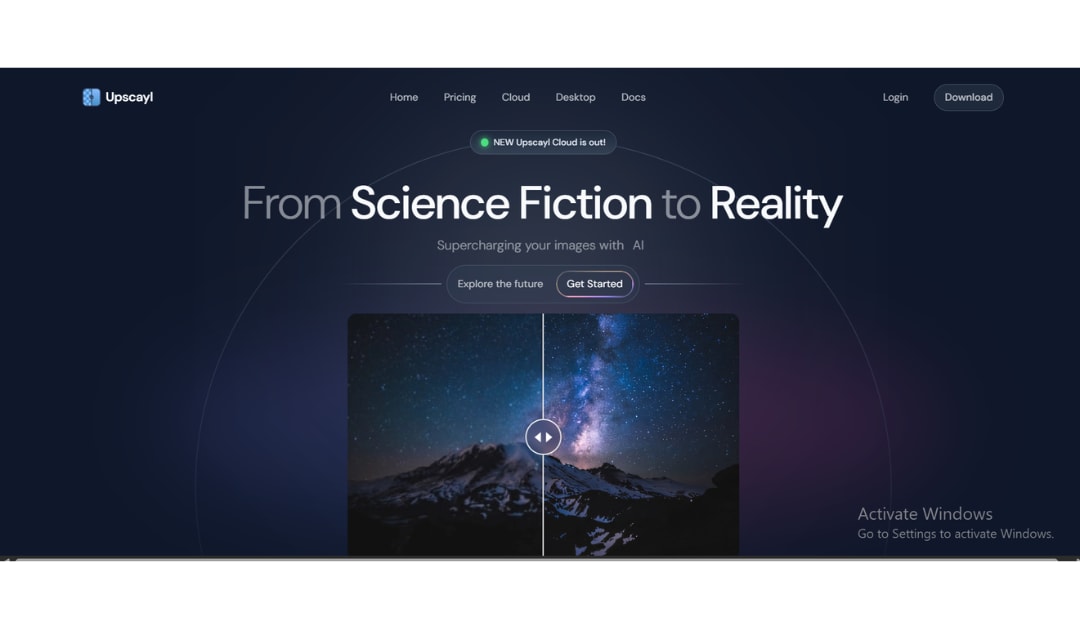
Upscayl is a popular image resolution enhancer free, that works locally on Windows, macOS, and Linux, meaning your images stay private on your device. It uses powerful AI models to enhance photos, artwork, and illustrations, allowing up to 4x scaling per pass (or even higher with double upscale) and supports batch processing for convenience. However, it requires a Vulkan-compatible dedicated GPU, so it may not run on all systems, and while it’s great for improving clarity and detail, it can’t fix heavily blurred or out-of-focus images.
Pros and Cons
Pros:
- Completely free with no watermarks, no usage limits, no subscription
- 100% local processing of images never uploaded to any server
- Six AI models for different image types
- Up to 16x upscaling via double-pass
- Batch processing for entire folders
- Active open-source community and regular updates
- Available on Windows, macOS, and Linux
Cons:
- Requires a Vulkan-compatible dedicated GPU (no CPU or integrated graphics support)
- Cannot deblur or fix out-of-focus images, only upscales structurally clean images
- No face enhancement model
- Less effective on complex photographs with heavy noise compared to premium tools like Topaz
3. Let's Enhance
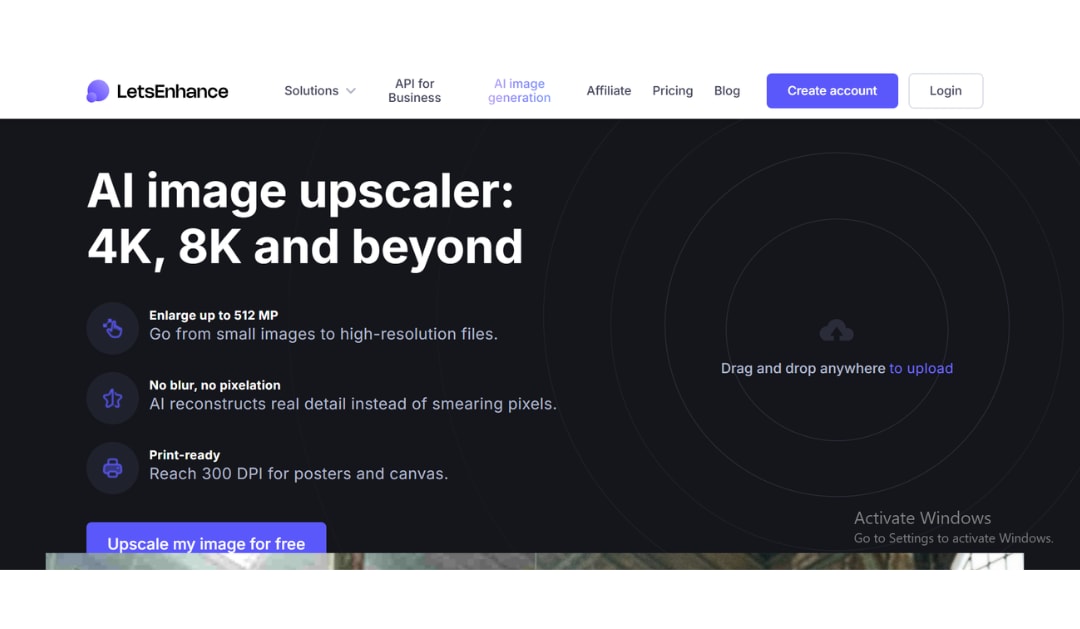
Let’s Enhance has been a reliable browser-based AI image upscaler since 2017, and in 2026, it’s still a strong choice for photographers, e-commerce sellers, and print businesses. It offers multiple AI models for different needs, like enhancing portraits, restoring old photos, or improving digital art, and the whole process is simple: upload, choose settings, and enhance without installing anything. It also supports high-quality print outputs with DPI control and ready-made presets. While you get 10 free credits to start, the main downside is that free downloads come with watermarks, so you’ll need a paid plan (starting at $9/month) to fully test its quality.
Pros and Cons
Pros:
- Upscaling up to 16x (500MP output)
- Built-in 300 DPI print presets go straight to print without additional tools
- Background removal and old photo restoration included
- API available for developers and business workflows
- Clean, beginner-friendly interface
Cons:
- Free tier applies watermarks; paid plan required to evaluate true output quality
- No offline or desktop version; requires an internet connection
- Some controls are limited compared to desktop tools like Topaz
- Credit-based pricing can be costly for high-volume users
4. Topaz Gigapixel AI
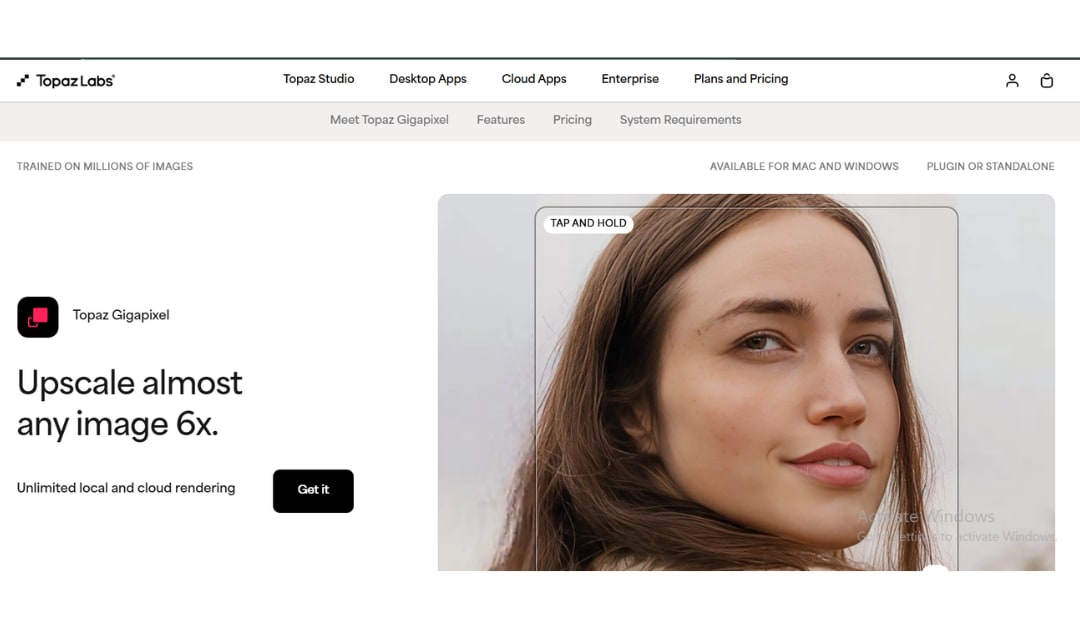
Topaz Gigapixel AI has been a leading AI image upscaler since 2019 and is still a top choice in 2026 for professionals who need high-quality results. It can enlarge images up to 6x while adding realistic detail instead of just stretching pixels, and its Face Refinement feature makes portraits look sharper and more natural. The software processes images locally for better privacy, with an option for cloud rendering if you need faster speeds.
Pros and Cons
Pros:
- Nine specialized AI models deliver the industry's highest output quality
- Face Refinement mode for exceptional portrait upscaling
- Local rendering keeps sensitive files on your computer
- Integrates as a plugin with Lightroom and Photoshop
- Free trial available with full feature access
Cons:
- Subscription-based pricing ($399/year for Studio Personal) makes it the most expensive option in this list
- Resource-intensive; requires a capable computer with a modern GPU
- Steeper learning curve than browser-based tools
- Not suitable for users who only need occasional upscaling
5. Adobe Express
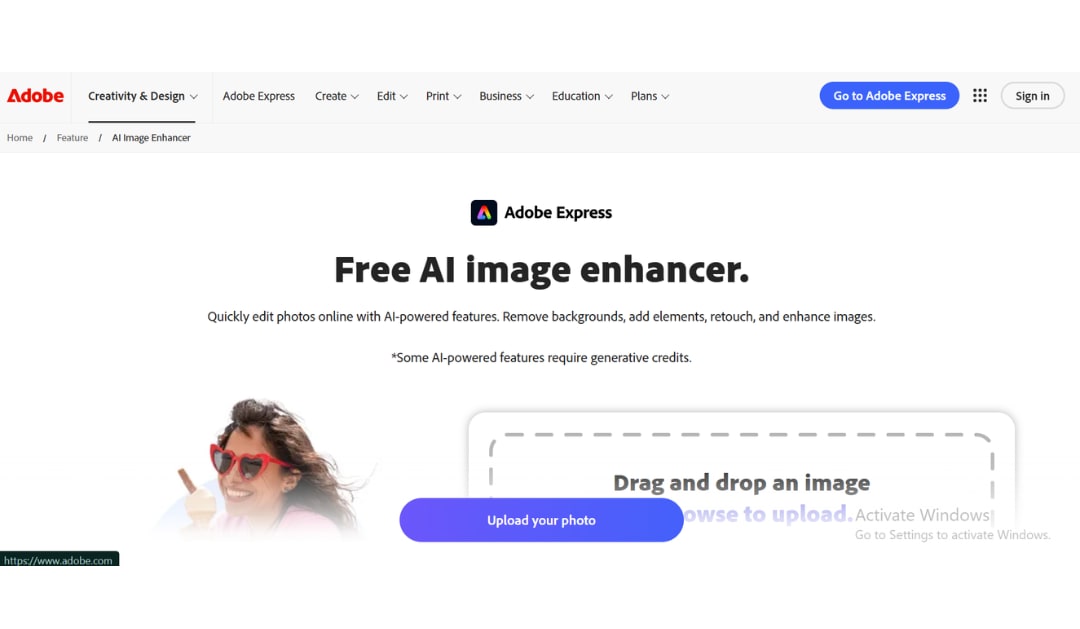
Adobe Express includes an AI-powered image upscaler accessible directly from the browser or mobile app, making it the most convenient option for anyone already working within the Adobe ecosystem. The tool uses Adobe Firefly's generative AI to upscale images by up to 4x, handling photos, logos, and social media graphics without requiring Photoshop knowledge.
For users who design with Adobe Express templates, the upscaler fits naturally into the existing workflow, where you can design, enhance, and export within a single platform. The free plan provides access to basic upscaling features, though advanced options and commercial rights require an Adobe Express Premium subscription, which is bundled with Creative Cloud plans.
Pros and Cons
Pros:
- Fully integrated with Adobe design tools and templates
- Available on web and mobile with no additional software
- Simple one-click workflow no technical settings required
- Free plan covers basic upscaling needs
- Good for non-designers who need polished visual results quickly
Cons:
- Maximum 4x upscaling, less than dedicated tools
- Conservative detail generation doesn't add as much fine texture as Topaz or Let's Enhance
- Advanced features require a paid Adobe subscription
- Not suitable for professional photographers needing fine-grained control
6. Canva AI Upscaler
Canva's built-in AI image upscaler is called "Upscale" and is accessible directly from the Canva design editor. It uses AI to increase resolution and eliminate pixelation across a wide range of content logos, social media graphics, product images, and profile photos without requiring any external tool. For Canva's rapidly growing user base (over 220 million users as of 2025), this means the design-and-enhance workflow is seamlessly unified.
The free plan supports basic upscaling, while Canva Pro users can upscale up to 16x and access Magic Resize for custom pixel dimensions. The tool performs well for web and social media content, though for print-level quality or complex photographic detail, a specialized AI upscaler is more appropriate.

Pros and Cons
Pros:
- Built into Canva no extra tools or accounts required
- Free plan supports basic image enhancement
- Ideal for social media creators who already work in Canva
- Quick one-click enhancement with no setup
- Mobile app support for on-the-go editing
Cons:
- Not designed for photographic detail recovery, best suited for graphics and marketing images
- Pro plan required for 16x upscaling and Magic Resize
- Lower output quality compared to dedicated AI upscalers like Topaz or Let's Enhance
- Limited control over enhancement parameters
7. Fotor AI Enhancer
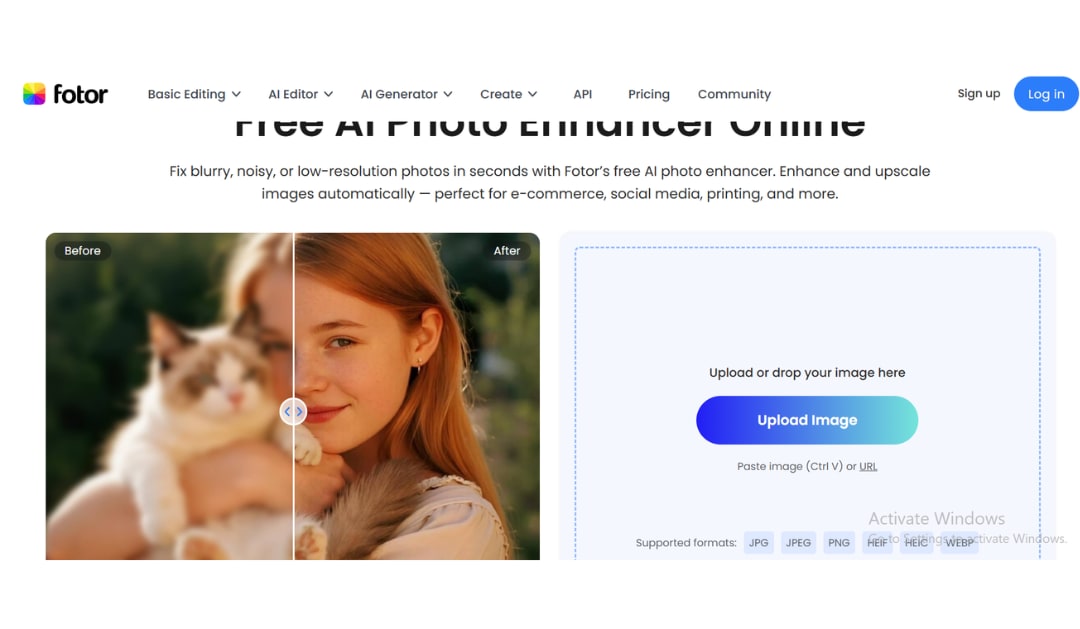
Fotor is a web-based photo editing platform with a built-in AI enhancer that handles upscaling, noise reduction, sharpening, color correction, and background removal in a single interface. Rather than offering multiple specialized models, Fotor takes an all-in-one approach where the AI analyzes the image and applies the most appropriate combination of enhancements automatically. The platform supports a broad range of use cases, portrait retouching, product photography, social media content, and print preparation, making it a solid choice for users who want a multi-purpose tool without managing several separate apps.
Pros and Cons
Pros:
- Combines upscaling, denoising, sharpening, and color correction in one tool
- User-friendly interface suitable for beginners
- Wide range of additional photo editing features included
- Free plan available for basic use
- Works on web and mobile
Cons:
- Less precise control over individual enhancement parameters compared to Topaz
- Output quality for complex photographs trails dedicated upscalers
- Pro subscription required for high-resolution outputs
- Not ideal for users who need fine-grained model selection
8. PicWish
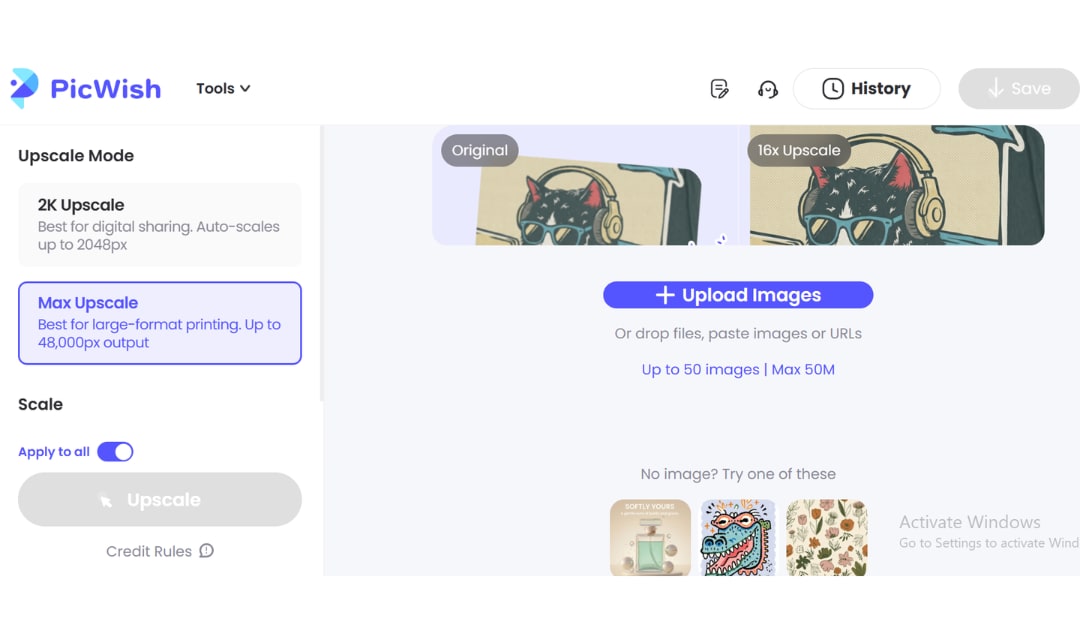
PicWish is a web-based AI tool that stands out for offering batch image enhancement on its free plan, making it one of the most practical options for e-commerce sellers, photographers, and marketers who regularly process large volumes of images. The upscaler supports enlargement up to 4K resolution and automatically improves quality while restoring detail it doesn't just make images bigger, it actively enhances them during the process.
PicWish covers product shots, real estate photography, portraits, and digital art, and the interface is designed for speed upload, process, and download, done. It also includes background removal and photo retouching tools as part of the platform.
Pros and Cons
Pros:
- Batch processing available on the free plan
- Upscales to 4K with automatic quality enhancement
- Fast processing speed
- Covers a wide range of image types including product shots and portraits
- Background removal included
Cons:
- Maximum 4x upscaling limits use for very large print applications
- Free plan has daily usage restrictions
- Output quality is good but not at the level of dedicated professional tools
- Limited model selection compared to Let's Enhance or Topaz
9. ImgUpscaler
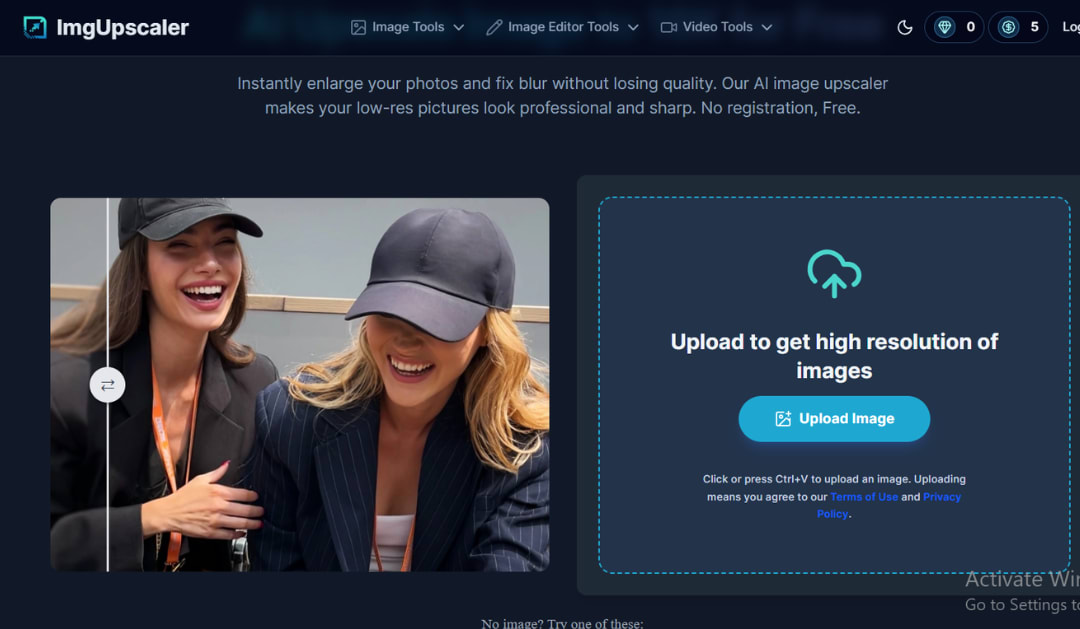
ImgUpscaler is a clean, no-friction online image upscaler designed for users who need a quick result without creating an account, managing credits, or navigating a complex interface. Upload your image, select your upscale factor (up to 4x), and download the enhanced version — the process takes under 20 seconds for most images.
The tool uses advanced super-resolution technology to increase resolution by up to 400% while preserving original quality, intelligently adding pixels rather than stretching them. It supports JPG, PNG, and WebP formats and processes images in approximately 9.25 seconds for a 2x upscale and 17 seconds for a 4x upscale, among the fastest turnaround times of any web-based tool.
Pros and Cons
Pros:
- No account, no registration, no signup required
- Extremely fast processing under 20 seconds for most images
- Simple three-step workflow: upload, upscale, download
- Free to use for basic tasks
- Supports batch processing
Cons:
- Maximum 4x upscaling limits output for demanding applications
- Fewer enhancement features compared to full-suite platforms like Let's Enhance
- Limited to JPG, PNG, WebP formats
- The privacy policy should be reviewed before uploading sensitive images
10. Waifu2x
Waifu2x is one of the earliest AI image upscalers, launched in 2014 and originally trained on anime-style art. It uses deep learning to enlarge images while reducing noise, and although it’s built for artwork, it also works well on photos when you want a clean, natural-looking upscale without adding fake details. The free web tool offers modes for both artwork and photos, along with adjustable noise reduction levels, making it especially popular among digital artists who care about preserving fine lines. However, it’s not ideal for fixing blurry or heavily compressed images; it's best used when the original image is already clear and just needs a sharper, larger version.

Pros and Cons
Pros:
- 100% free with no watermarks or credit limits
- Ideal for illustrations, logos, anime, and manga artwork
- Conservative approach preserves original content faithfully no hallucinated artifacts
- Web-based, no installation required
- Supports multiple languages
Cons:
- Limited to 2x upscaling per pass on the free web version
- Cannot fix genuinely blurry or out-of-focus images
- No batch processing on the free web tool
- Photo enhancement results trail specialized tools like Topaz and Let's Enhance
11. BigJPG
BigJPG is a simple browser-based image upscaler designed mainly for anime, illustrations, and large images. It uses AI to improve sharpness, enhance colors, and remove those annoying compression artifacts you often see in low-quality JPGs. Unlike many free tools, it supports relatively large files, making it more practical for everyday use. It also offers an Artwork Mode for clean lines and flat colors, and a Photo mode for realistic images, making it a solid free choice for artists and anime lovers.
Pros and Cons
Pros:
- Free plan with no watermarks and support for large file sizes
- Excellent at preserving sharp lines and flat colors in illustrations
- Aggressive JPEG artifact removal recovers heavily compressed graphics
- No account required for basic use
- Effective for anime, manga, and digital artwork
Cons:
- Not optimized for photographic content, the results on complex photos are average
- Processing speed on the free tier can be slow during peak periods
- Limited upscaling controls compared to premium tools
- Paid plan required for very high output resolutions and faster processing
12. Icons8 Smart Upscaler
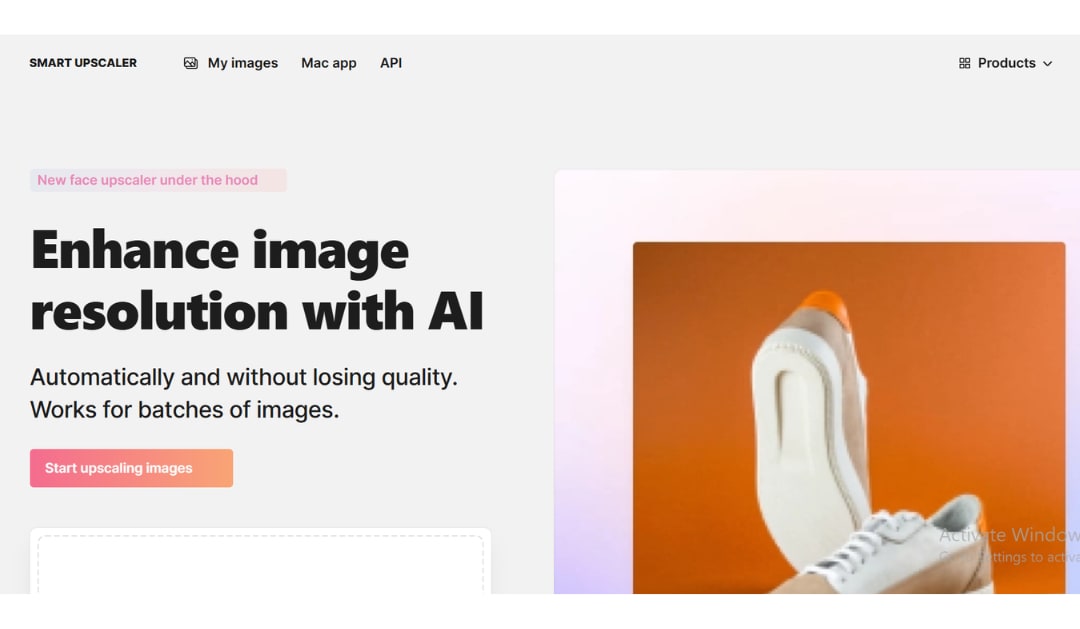
Icons8 Smart Upscaler is built for designers and marketers who work with graphics like icons, illustrations, and UI elements. Unlike typical photo upscalers, it keeps edges sharp, preserves flat colors, and avoids adding unwanted textures. It supports PNG and JPG files up to 5MB and can upscale images up to 8× (up to 7,680 × 7,680). It also offers features like JPEG artifact removal, edge smoothing, batch processing, and API integration, making it especially useful for those already using the Icons8 ecosystem.
Pros and Cons
Pros:
- Excellent performance on illustrations, icons, UI graphics, and product images
- Output up to 7,680 × 7,680 pixels (8x upscaling)
- JPEG artifact removal and edge smoothing included
- Batch processing on paid plans (up to 500 images)
- API access for developers
- Images are automatically deleted from the server after a short period (privacy feature)
Cons:
- Free version adds watermarks to all outputs
- Not the best choice for complex photographic content photo results trail specialized tools
- 5MB file size limit per upload
- Less effective on out-of-focus or heavily blurred images
13. Deep Image AI
Deep Image AI is a web-based image upscaler designed to improve photo quality by enhancing fine details, especially in portraits, architecture, and product images, where texture is important. It uses AI presets for different types of content and supports upscaling up to 15x on paid plans, with batch processing available for larger workflows. The platform is simple to use just upload an image, select a preset if needed, and download the result. It also offers flexible credit-based pricing with monthly or yearly subscriptions, along with a free trial to test the service before buying.

Pros and Cons
Pros:
- Strong performance on portrait and architectural photography
- Upscaling up to 15x on paid plans
- Batch processing available for volume workflows
- Flexible credits-based pricing
- No steep learning curve simple preset-based workflow
Cons:
- Free trial is limited paid plan required for full output resolution
- Fewer model options compared to Let's Enhance
- Less widely recognized than top-tier tools, making community support thinner
- Not ideal for illustration or anime content
14. Clipdrop by Stability AI
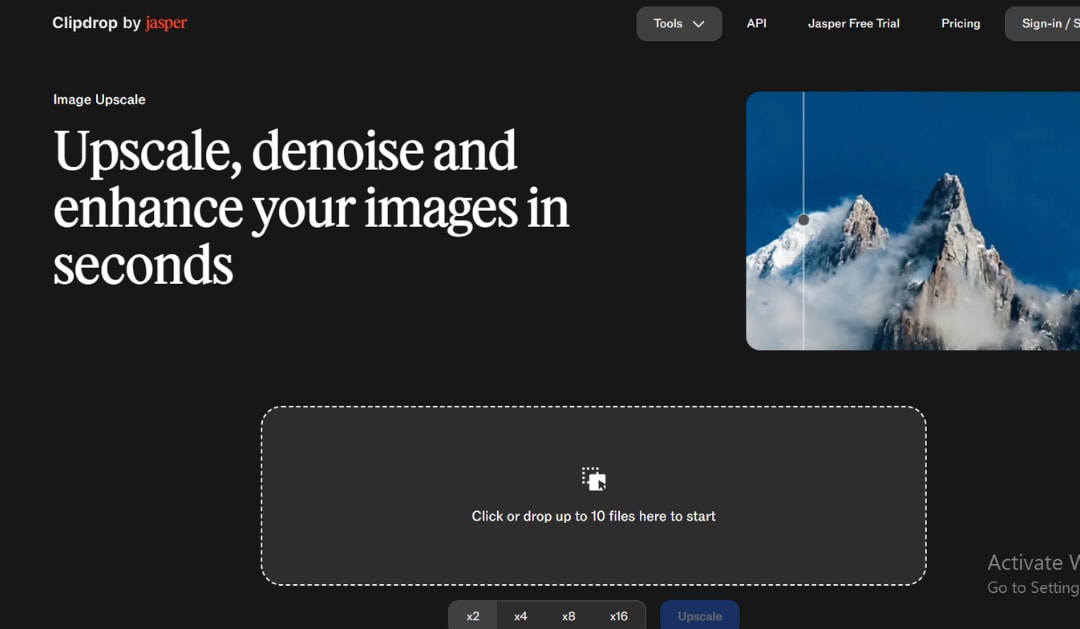
Clipdrop, originally developed by Stability AI and now part of the Jasper AI ecosystem, is a versatile AI tool that combines image upscaling with a full set of editing features like background removal, inpainting, object and text removal, denoising, colorization, relighting, and style transfer. It offers two upscaling modes: Smooth for richer detail and Detailed for cleaner edges, with a free plan that allows 2x upscaling using daily credits, while the Pro version unlocks up to 16x resolution and more advanced usage. Although its upscaling quality is not as strong as tools like Topaz or Magnific, its real strength lies in convenience, letting users handle multiple editing tasks in one place, making it especially useful for creators who want a quick, all-in-one workflow.
Pros and Cons
Pros:
- Free tier with 20 credits/day usable for regular personal use without payment
- Comprehensive creative toolkit: upscaling, background removal, inpainting, relight, and more
- Mobile-friendly browser interface
- 16x upscaling available on Pro plan
- Backed by Stability AI's advanced generative technology
Cons:
- Pure upscaling quality trails Topaz, Let's Enhance, and Magnific
- Free tier limited to 2x upscaling
- 10MB file size limit per upload
- Pro plan required for high-resolution and batch processing
- Not ideal for users who only need maximum image quality without other editing tools
15. Zyro AI Upscaler
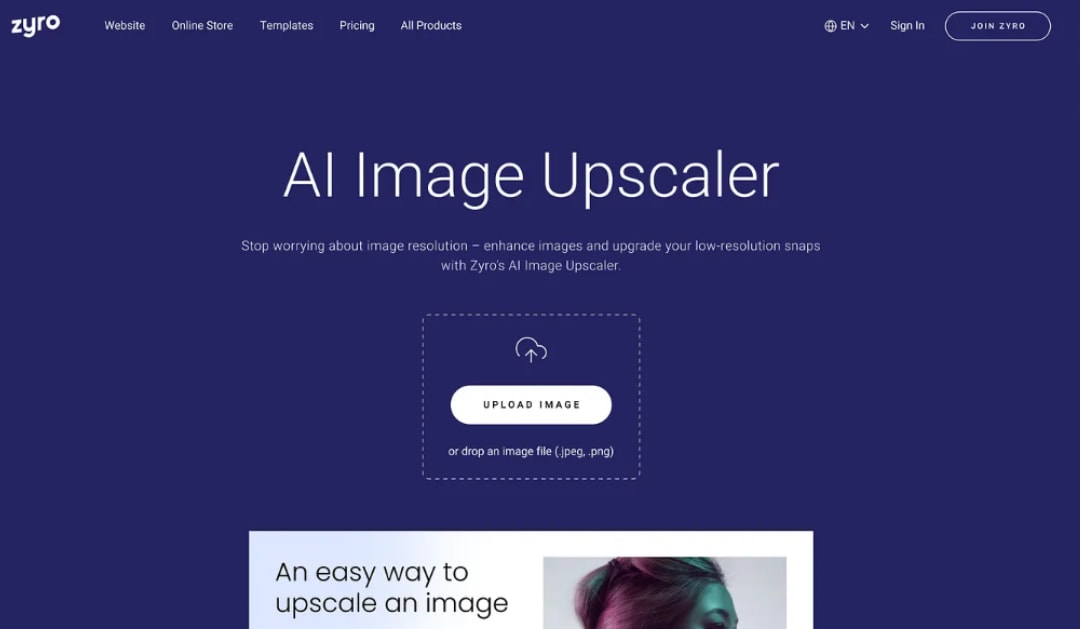
Zyro AI Upscaler is a very simple tool that lets you upscale images in just a few clicks upload your image, hit “Upscale,” and download it instantly without any signup or settings. It can enhance images up to 8x in resolution and supports JPG and PNG files up to 50MB. The tool is completely free and unlimited, making it great for quick fixes or social media use. While the results are decent for everyday viewing, it works best on already clear images and isn’t ideal for high-end print quality or very low-resolution photos.
Pros and Cons
Pros:
- Completely free with no registration, no subscription, no credits
- No learning curve upload, upscale, download
- Upscaling up to 8x
- 50MB file size limit handles most practical use cases
- Fast processing, results in seconds
Cons:
- Output quality is basic, not suitable for professional print or close inspection use
- No additional enhancement features (no denoising, no face recovery, no artifact removal)
- Works best on already decent-quality images; struggles with heavily degraded source files
- Limited to JPG and PNG formats
Conclusion
With so many capable tools available in 2026, the right choice depends on your specific needs. Upscayl suits privacy-conscious users, Waifu2x excels for illustrations, and platform-integrated options like Adobe Express and Canva work well for quick everyday tasks. However, if you want one tool that genuinely does it all, HitPaw FotorPea is the clear winner. It combines 8K upscaling, face restoration, noise reduction, background removal, and object erasing into a single, beginner-friendly platform delivering professional results without the steep learning curve or the over-processed AI look.
Comments
Loading comments…