The Google Play Store is the go-to source for most Android users. It comes pre-installed on most devices, offers a huge library of apps, and has a relatively mature security system. For most people, it’s more than enough. But “good enough” doesn’t mean it’s the only option.
Different users have different needs. Some prefer a specific old version of an app, others care more about privacy protection, and some developers are looking for a distribution channel with lower commissions. If you want more choices, these six alternatives are worth checking out.
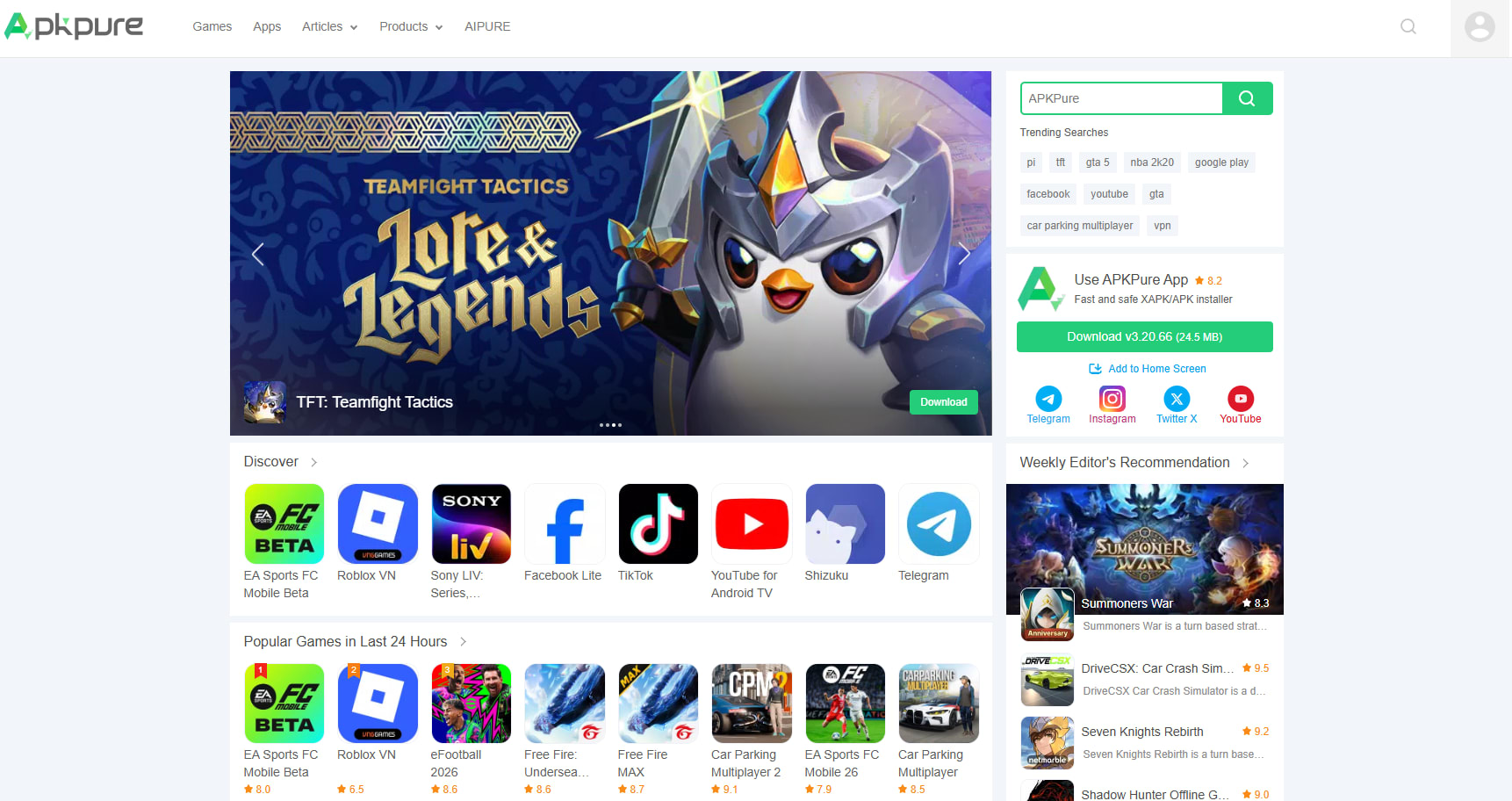
APKPure
APKPure is a well‑established third‑party app store, known for offering a huge collection of APK downloads. It has gained the trust of over 100 million users. The platform supports the XAPK format, which can package APKs and large‑game data together. This is especially useful for people who enjoy big games.
You can not only find old versions of a certain app here, but also region‑specific game apps. For developers, it offers a large user base and a faster review process than many other platforms. Developers can upload apps for free, making APKPure a very friendly choice for individual developers. Of course, it does have some drawbacks. Download pages usually contain ads. Just make sure you don’t click them by mistake; they don’t really affect normal use.
In addition to its flexibility, APKPure also strengthens its security measures. Besides the usual manual review, signature verification, and integration with VirusTotal used by other third‑party stores, APKPure lets users check at apkpure.com/apk‑signature‑verification whether an app is safe. This level of transparency helps users feel more secure.
If you want to upload your own app, find specific old versions of apps, or obtain apps from a specific region that aren’t available in your area, APKPure is a good fit.
Uptodown
Uptodown was founded in 2002 and is based in Spain. It doesn’t only offer Android apps, but also covers Windows, Mac, and even iOS, making it a cross‑platform software directory. It’s used by hundreds of millions of users and offers millions of apps and games.
Like APKPure, Uptodown lets users download apps without creating an account. Every app is tested and briefly reviewed by the editorial team before it goes live.
It’s also a good platform for developers. However, some developers on Reddit have said that the review process can be a bit slow. So if you’re on a tight schedule, you might want to upload to multiple platforms at the same time to avoid delays.
If you dislike creating accounts, hate pop‑up windows, or want to manage apps across your computer and phone, Uptodown is a solid choice.

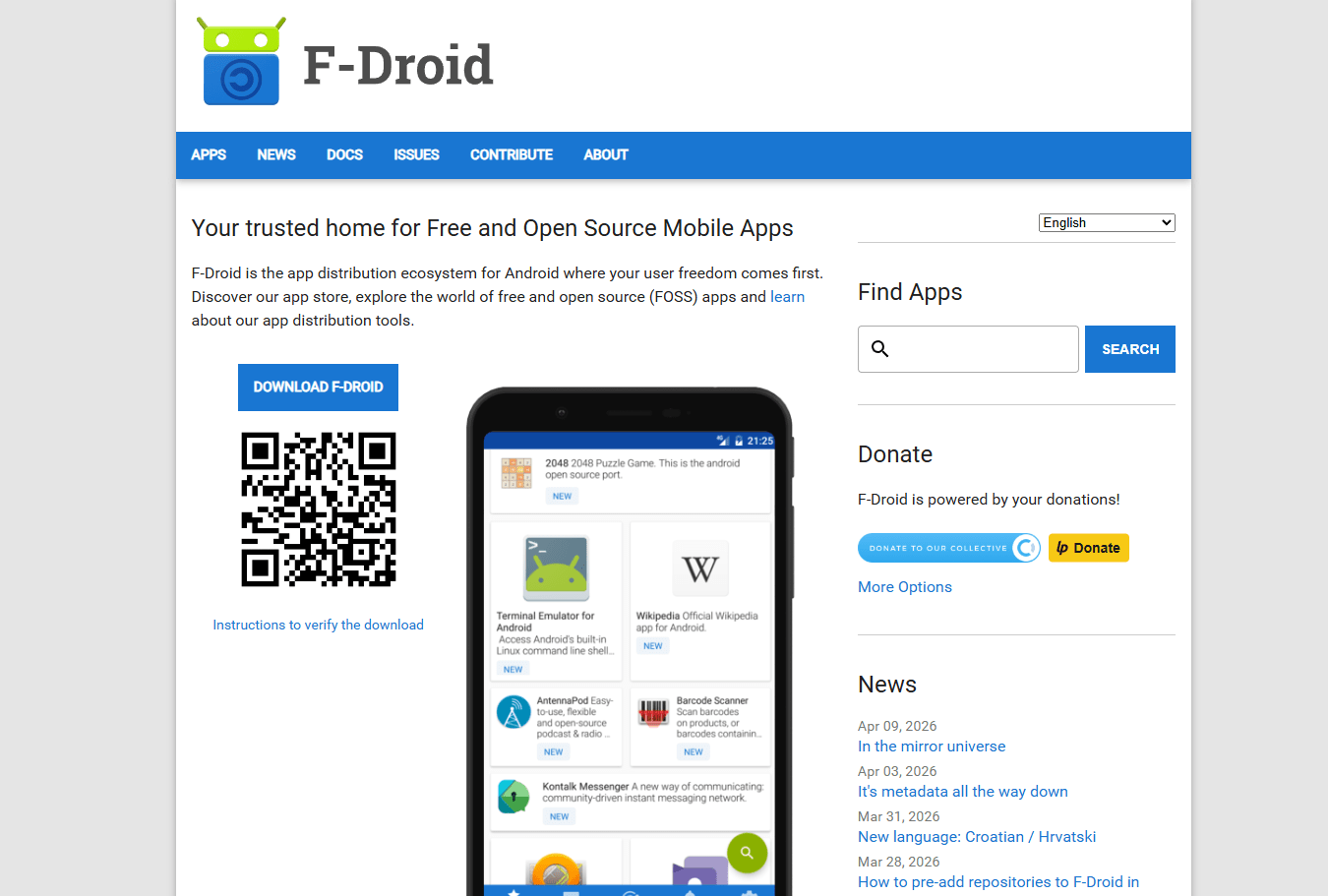
F-Droid
Compared with the previous two app stores, F‑Droid takes a completely different approach. It doesn’t focus on quantity. Its main repository has only about 4,200 apps, but each one is free and open‑source. There are no trackers, no telemetry, and no hidden data collection. It’s built for open‑source and privacy‑focused users.
For people who use custom ROMs such as LineageOS, CalyxOS, or GrapheneOS, F‑Droid is almost essential. It’s also suitable for anyone who wants full control over their device and is willing to spend time finding open‑source alternatives. F‑Droid also supports adding unofficial repositories, such as the IzzyOnDroid repo, which adds around 1,300 more apps.
If you’re an ordinary Android user who mainly uses mainstream commercial apps, F‑Droid might not help you much. The update speed is also slower than the other two app stores.
Overall, F‑Droid is better suited for open‑source enthusiasts and less friendly to regular users.
Aurora Store
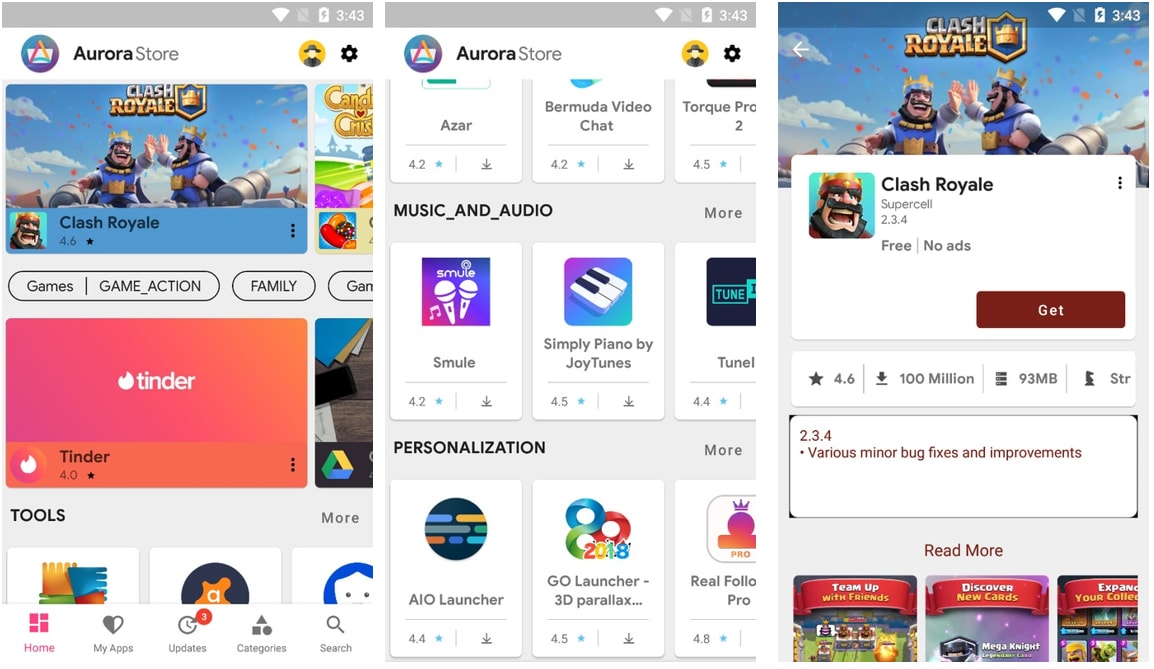
Compared to the previous four app stores, Aurora Store takes a clever approach. Instead of hosting apps itself, it acts as an anonymous front‑end that directly accesses the Google Play Store.
Open Aurora Store, choose anonymous login (no Google account needed), and you can search, browse, and download almost all the free apps on Google Play without Google tracking you.
Like APKPure, Aurora Store also lets you download apps that Google has marked as “incompatible” or “not available in your region.” It integrates Exodus Privacy, which shows you which trackers are included in each app. The whole project is open source (under GPLv3), and the code is publicly auditable.
However, in anonymous mode, you can’t purchase or download paid apps, and Aurora Store won’t have them either. Some features will still be limited. As a front‑end that mirrors Google Play, it also doesn’t allow developers to upload their own apps.
In short, Aurora Store is a good fit for users who value privacy and still want to use the Google Play catalog, but don’t want to be tracked by Google.
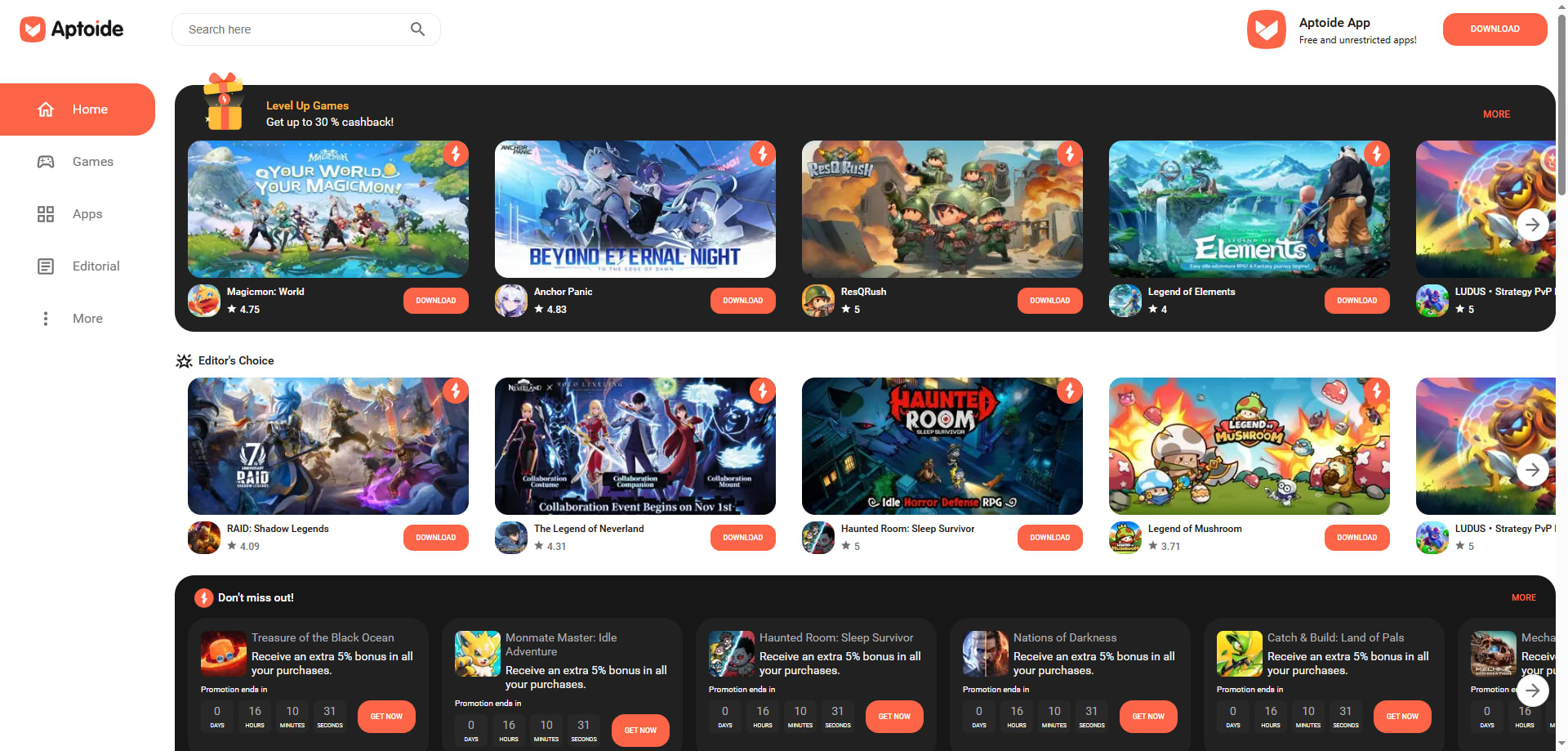
Aptoide
Aptoide was founded in 2011 and uses a decentralized model.
Users and developers can create and share their own “personal app stores” instead of relying on a single central platform. Within the Aptoide ecosystem, there are over one million apps, so you can access more niche, regional, or independently developed apps that aren’t easy to find on regular app stores.
For users, the main advantage is that you can choose sources more flexibly and access different app versions maintained by different developers. Sometimes, you can even get early access to new features or lighter versions. Of course, this also means quality can vary. When downloading, you should be more careful about sources and reviews to avoid installing “fake” or maliciously modified apps.
If you like exploring more apps rather than relying only on mainstream platforms, Aptoide is worth trying.
APKMirror
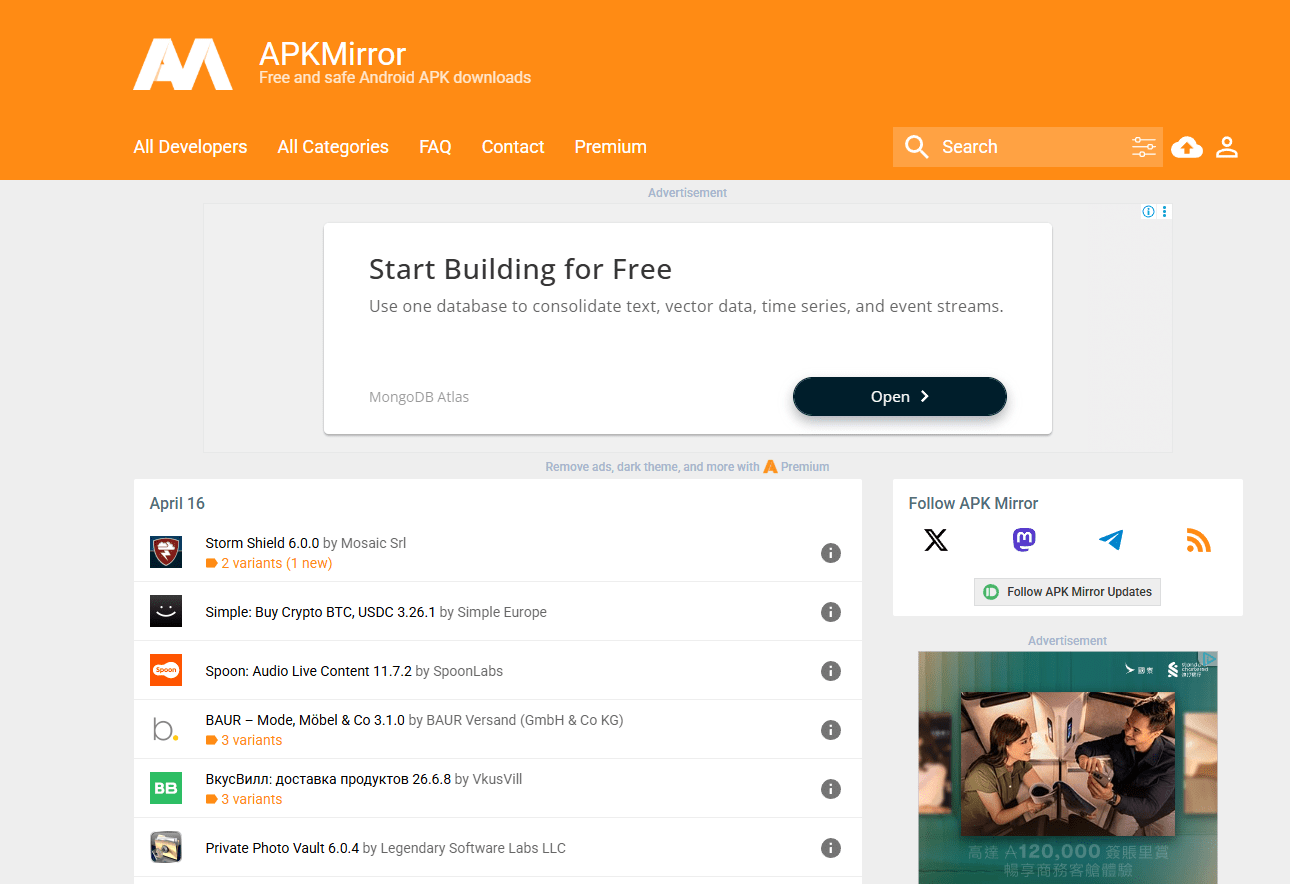
APKMirror is more of an APK archive than a traditional app store.
It’s run by the team behind Android Police. Every uploaded APK is manually checked and its signature verified to make sure it’s the same as the official version.
Just like APKPure, if a new version of an app is unstable or has removed features you like, you can often find the older version here. Developers and testers also use APKMirror for compatibility testing.
However, because it’s free, the site does show ads. For people who dislike ads, this can be a bit annoying. It also doesn’t support multiple languages, which makes it less friendly for users who aren’t comfortable with English.
If you can’t find an app on APKPure or Uptodown, you can still try APKMirror. However, keep in mind that APKMirror is mainly a website and doesn’t support automatic updates, so everything has to be done manually.
Which One Should You Use Daily?
For everyday use, Google Play is still the default choice. However, if you have specific needs, you can turn to the alternatives listed above. If you have enough storage, you can even install multiple app stores and switch between them depending on the situation. After all, Android is an open system, so users have more freedom to choose where they install apps.
Developers can start with platforms like APKPure, a Google Play alternative, which lets them upload their own apps. This can reduce distribution costs and help increase visibility across multiple channels.
For users, you can stick with Google Play for daily use but switch to APKPure or Uptodown when you need older versions or region‑locked apps. Aurora Store, Aptoide, and APKMirror can then act as backups. You also don’t need to worry too much. Major platforms like APKPure usually have security checks in place and let users verify app signatures themselves, which increases transparency and users’ sense of security.
Google Play isn’t going anywhere. But in 2026, you’ll have more and better options.
Comments
Loading comments…