7 Best AI Tools for Technical Writing in 2026: A Guide for Developers
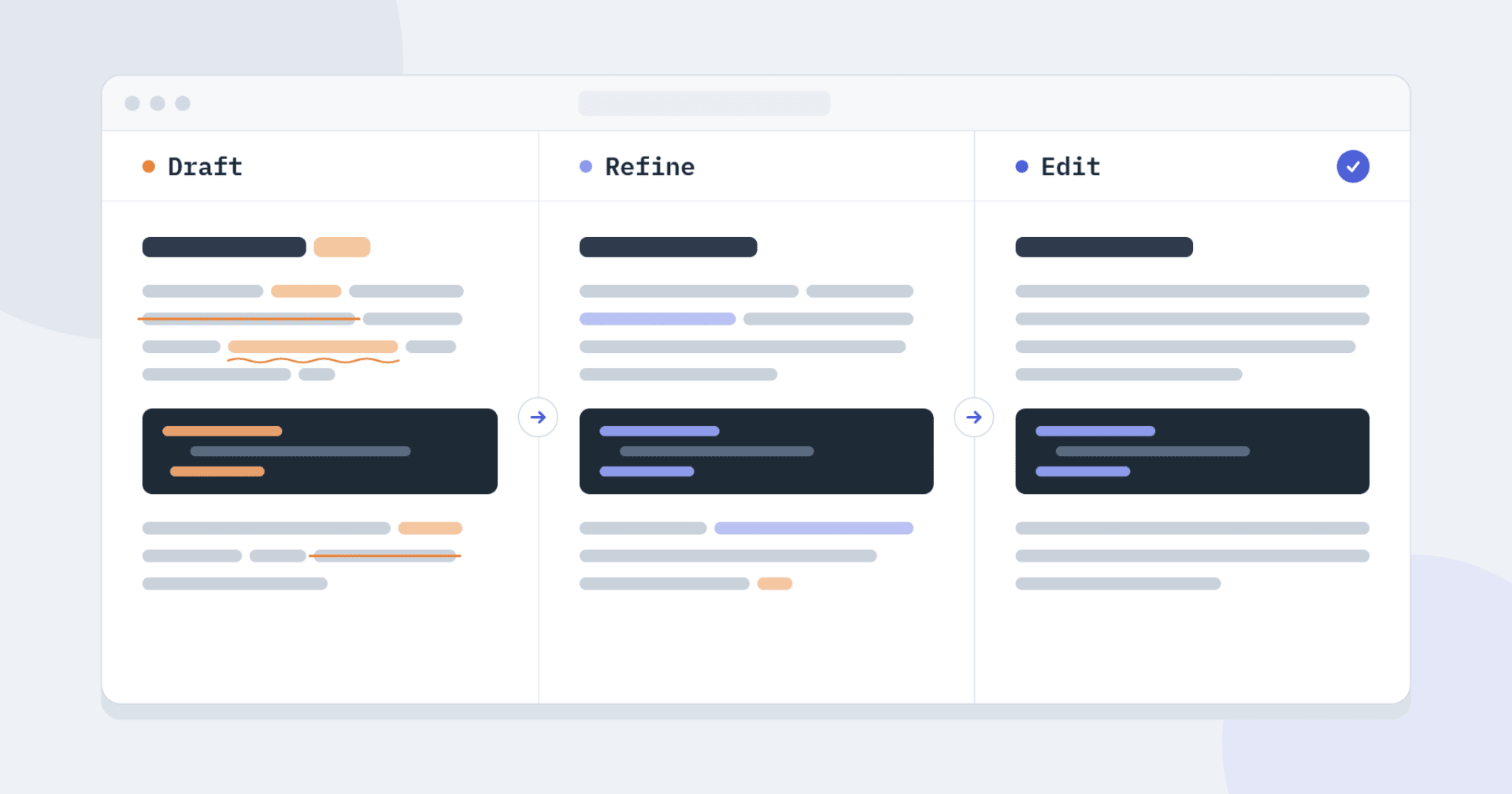
AI tools for technical writing solve three different problems. Some draft a tutorial, README or docs page from your notes or code. Some turn a correct draft that sounds generated into text you'd publish under your name, and others catch the unclear sentences that make readers give up on a page. Few tools handle all three well, so start from the problem that costs you the most time and pick a tool built for that stage.
We grouped the seven tools below by the stage they cover and described each one with the same fields: strengths, limitations, pricing and best use. We checked every feature, limit and price on the vendor's own site in October 2026. Each tool is strong at a different stage, so you can build a small stack without paying twice for the same feature.
6 problems in AI-drafted technical content and which tools fix them
Knowing which problem your draft has tells you which kind of tool to reach for. These are the six we see most often when we review AI drafts of docs, tutorials and READMEs:
- Confident technical errors. Wrong flags, outdated versions and non-existent API calls read as confidently as correct ones. No writing tool catches them, so use the fact-check steps at the end.
- Generated rhythm. Every paragraph is built the same way, with stock transitions and inflated words, which is what a humanizer is for.
- Slow openings. A generic introduction pushes the install step further down the page. Cut it by hand or use a humanizer's Shorten setting.
- Terminology drift. The same thing is an endpoint in one section and a route in the next. An editor with style rules, or a style guide, keeps terms consistent.
- Tone that shifts between sections. Parts generated from different prompts sound like different authors, and a humanizer set to one style evens this out.
- Over-explained steps. A one-line instruction grows into a paragraph that repeats what the reader already knows, which readability editors flag.
Differences between generation, rewriting, humanization and editing: what to choose for your task
AI writing tools do four different jobs, and knowing which one you need keeps you from expecting a grammar checker to fix a rambling section.
- Generation creates text from a prompt, your notes or your code. This is where ChatGPT and GitHub Copilot fit.
- Rewriting says the same thing in different words, sentence by sentence. It helps with a repetitive paragraph but rarely fixes the structure of a piece.
- Humanization targets the patterns that make AI text feel generated: uniform sentence rhythm, stock transitions and inflated vocabulary. Dedicated humanizers such as Undetectable AI focus on this one job, and Humanize Max, GPTinf and Humanize AI from the list below each approach it with different controls.
- Editing checks grammar, clarity and readability. DeepL Write and Hemingway Editor sit here, along with references such as the Google developer documentation style guide.
To choose, match the job to the task in front of you:
- New content from notes or code: generation, then editing.
- A correct AI draft that sounds generated: humanization, then editing.
- A few repetitive paragraphs: rewriting.
- Docs in a second language, or a final pass: editing. For READMEs, Plain English has a practical piece on how grammar tools help developers write better README files.
9 criteria for choosing an AI writing tool
Test a tool on a piece of your own text against these questions before you commit to it:
- Output quality. Does it read as if someone who knows the topic wrote it?
- Tone control. Can you set formal, casual or academic, and does it hold across a long document?
- Terminology. Will it leave kubectl, useEffect and your product name untouched?
- Change tracking. Does it show what it changed, so you can check every edit near code and commands?
- Keywords. Does it keep the phrases you target in search?
- Length control. Can you shorten or expand a section without starting over?
- File support. Can you upload a document instead of pasting it in pieces?
- Ease of use. Can you get a useful result without reading a manual?
- Workflow fit. Does it work where you already write, or does it add one more tab?
The 7 best AI tools for technical writing
1. Humanize Max: best for refining AI-generated technical content
Humanize Max is a dedicated humanizer. You paste a draft from ChatGPT, Claude, Gemini or another model and get back a version that reads more like a person wrote it. There are four styles (Academic, Casual, Creative and Formal) and three lengths (Shorten, Standard and Expand), which you can combine freely.
Two details make it practical for technical text. The result highlights every change, so you can quickly see whether an edit landed near a command or an API name. You can also rerun a draft as many times as you like. There's no option to lock terms, though, so check the output for renamed parameters before you publish.
Pros
- Four styles and three lengths, set independently
- Every change is highlighted in the result
- Unlimited reruns, file upload and no account needed
Cons
- No AI detector, plagiarism checker or grammar checker
- No way to lock technical terms
Pricing: free at the time of writing. It's a new product, so check the site for current limits.
Best for: polishing AI-drafted posts, tutorials and READMEs while reviewing every change.
2. GPTinf: best for an all-in-one AI writing workflow
GPTinf is a writing toolkit rather than a single tool. Its humanizer sits next to an AI detector, a plagiarism checker, a grammar checker, a paraphraser and a readability checker, so one site covers every check.
The most useful detail comes after a humanizer run: an AI-likelihood score appears right under the output, broken down across eight detectors. The standalone detector is free, unlimited and available in nine languages without an account, and it shows which passages it flagged and why. File upload (PDF, Word or plain text) works on every plan, including the free one.
Pros
- Six writing tools under one account
- Free, unlimited AI detector in nine languages
- File upload on every plan
Cons
- The humanizer has only two modes, Standard and Academic
- The free plan allows 300 words per request(500 for registered accounts), with a daily cap on runs
Pricing: paid plans start at $9.99 a month for Lite (5,000 words). Pro costs $24.99 and Unlimited costs $59.99.
Best for: teams and freelancers who want the whole review pass in one place.
3. ChatGPT: best for general-purpose technical content creation
ChatGPT is probably the assistant most developers already have open in a tab. It's strongest early in the process: brainstorming ideas, turning rough notes into an outline, drafting a tutorial or simplifying an explanation that has grown too dense.
It also helps with restructuring, for example splitting a long README into installation, usage and troubleshooting sections. The trouble is that it states wrong flags, outdated versions and non-existent API calls as confidently as correct ones. Every code sample it produces needs a test run.
Pros
- Fast outlines and first drafts from notes or code
- Good at explaining and simplifying technical concepts
- Useful for reviewing and restructuring existing content
Cons
- Can present incorrect technical details with full confidence
- Drafts lean toward long introductions and repeated phrasing
Pricing: a free plan is available. Paid plans (Go, Plus and Pro) are priced by region, so check the pricing page for yours.
Best for: brainstorming, outlining and first drafts of technical content.
4. Humanize AI: best for formal and technical content
Humanize AI restructures existing text so it reads naturally while keeping the meaning and the register. That matters in technical writing, where a spec pushed toward casual wording stops sounding like a spec. Modes include Standard, Academic, Formal, Simple and Shorten, and registered users can switch on Ultra run for deeper rewrites.
The feature we'd point technical teams to first is Custom Style. It learns from up to three samples of your writing (150 to 1,200 words in total) and applies that voice to later runs. That keeps a house style consistent across authors.
Pros
- Custom Style learns a voice from your writing samples
- File-to-file humanizing for PDF, DOCX, TXT and MD
- View changes shows every edit
Cons
- The free tier covers 200 words per run (400 with an account)
- Custom Style needs an account, and detection is a separate step
Pricing: free use covers 200 words per cycle without an account and 400 with one. Paid plans start at $9.99 a month for Lite, with Standard at $19.99 and Unlimited at $59.99.
Best for: formal or structured content that has to follow a house style.
5. GitHub Copilot: best for developer-focused AI assistance
GitHub Copilot works inside your editor and on GitHub, so it writes about code from the code itself. It's a coding assistant first, and the writing it helps with is the writing that sits next to code. It can explain what a function does, draft comments, answer questions about a repository and help you understand a codebase before you document it.
Chat and agent mode come with every plan, and from Pro up it can review pull requests. It can miss edge cases, so check its explanations against the code and the tests before they reach your docs.
Pros
- Explains code in context, inside the editor and on GitHub
- Chat and agent mode on every plan
- Pull request reviews from the Pro plan up
Cons
- Explanations can miss edge cases
- Not built for long-form articles or blog posts
Pricing: the free plan includes 2,000 code completions and 50 chat requests a month. Pro costs $10 a month, Pro+ $39 and Max $100.
Best for: teams that document code while writing it.
6. DeepL Write: best for developers writing in a second language
DeepL Write is an editing tool from the team behind DeepL Translator. It corrects spelling, grammar and punctuation, suggests alternatives for words and whole sentences, and adjusts style and tone for your audience. For developers writing in English as a second language, that covers most of what a draft needs in one pass.
You can limit it to corrections when you don't want your phrasing touched, and Show changes lets you review every edit before keeping it. What it won't do is write a first draft, since it works only with text you've already written.
Pros
- Grammar, spelling and punctuation fixes, with a corrections-only mode
- Word and sentence alternatives you can accept one at a time
- Show changes for reviewing every edit
Cons
- Edits existing text only, with no drafting
- Team style rules require the paid Write Pro add-on
Pricing: free to try in the browser. Write Pro is a paid add-on to DeepL Pro, and its price depends on your region.
Best for: developers polishing READMEs, docs and posts in a second language.
7. Hemingway Editor: best for readability and plain language
Hemingway Editor grades your text for readability and highlights wordy sentences, hard-to-read passages and weak language. Those happen to be habits AI drafts share with tired engineers at the end of a sprint, so it works well as a final pass. The paid Plus plan adds AI rewrites that shorten a sentence, shift its tone or remove jargon.
Keep in mind that the score doesn't know which terms your audience needs. A sentence full of necessary vocabulary can still be marked hard to read, so treat the grade as a prompt to look again rather than a verdict.
Pros
- A clear readability grade for the whole text
- Highlights wordy and unclear sentences
- AI rewrites and tone changes on the Plus plan
Cons
- Scores don't account for necessary technical vocabulary
- Plus caps AI rewrites at 5,000 or 10,000 sentences a month
Pricing: a free online readability checker is available. Plus costs $8.33 a month for 5,000 AI sentences or $12.50 a month for 10,000, both billed annually.
Best for: making tutorials and documentation easier to scan.
Fact-check before you publish
No tool on this list can tell you whether a text is true, so before a technical piece goes live, we'd go through a short checklist:
- Run every code sample, command and config snippet in a clean environment.
- Check API names, parameters and version numbers against the official docs.
- Confirm that the libraries and integrations you mention exist and do what you say.
- Reread anything a humanizer or editor touched near code, because a rewrite can quietly change what an instruction means.
The same caution applies to AI detectors. They estimate how likely it is that a machine wrote a text, but they can't prove who wrote it. Plain English's explainer on how AI detectors actually work covers why false positives happen.
Pick one tool per stage
The simplest way to use AI tools for technical writing is one tool per stage: ChatGPT or GitHub Copilot to draft, Humanize Max, GPTinf or Humanize AI to refine, and DeepL Write or Hemingway Editor to edit. Then keep the final review with a person and verify the code, the API details and every factual claim before you publish.
Further Reading
Discover more articles on similar topics across our network


Comments
Loading comments…