
Traffic spikes are not optional on the internet. A product launch, a viral post, or a routine batch job can double your request volume in minutes. An Auto Scaling Group (ASG) is how AWS EC2 workloads absorb that change without someone manually resizing capacity at 2 a.m.
The problem ASGs solve
Before auto scaling, teams sized fleets for peak load and paid for idle capacity the rest of the time. Or they sized for average load and accepted downtime during spikes.
An Auto Scaling Group maintains a pool of EC2 instances within defined bounds. It launches instances when demand rises and terminates them when demand falls, according to policies you configure.
ASGs work with:
- Application Load Balancers and Classic Load Balancers for HTTP traffic
- Target tracking on CPU, memory (via CloudWatch agent), request count per target, or custom metrics
- Scheduled scaling for predictable patterns (nightly batch jobs, weekday business hours)
- Spot Instances mixed with On-Demand for cost optimization
How an Auto Scaling Group fits together
An ASG is not a standalone service. It depends on a few connected pieces:
Launch Template → Auto Scaling Group → EC2 Instances
                        ↓
              Scaling Policies ← CloudWatch Alarms
                        ↓
              Load Balancer Target Group (optional)
Launch Template
A Launch Template (or legacy Launch Configuration) defines what each new instance looks like: AMI, instance type, key pair, security groups, user data script, IAM role, and storage. When the ASG scales out, it creates instances from this template.
Use launch templates over launch configurations. Templates support versioning, multiple instance types, and newer features like Spot placement.
Min, max, and desired capacity
Every ASG has three numbers:
| Setting | Meaning |
|---|---|
| Minimum | Floor — ASG will not go below this count |
| Desired | Target the group tries to maintain |
| Maximum | Ceiling — hard cap on instance count |
Example: min=2, desired=4, max=20 means you always run at least two instances, normally four, and can burst to twenty.
Set minimum to your high-availability requirement (often 2+ across AZs). Set maximum to your budget and downstream limits (database connection pools, license seats).
Availability Zones
Spread instances across multiple Availability Zones. If us-east-1a fails, instances in us-east-1b keep serving traffic. When attaching a load balancer, register the ASG with target groups in each AZ.
Scaling policies that actually work
Target tracking (recommended starting point)
Target tracking adjusts capacity to keep a metric near a target value. Common choices:
- Average CPU utilization — Simple, works for CPU-bound apps. Target 50–70%.
- ALB request count per target — Better for web APIs where CPU stays low but request volume varies.
- Custom metrics — Queue depth, active connections, or application-specific signals.
Target tracking is self-tuning: AWS calculates how many instances to add or remove based on the gap between current and target metrics.
Step scaling
Step scaling adds or removes a specific number of instances when a CloudWatch alarm breaches a threshold. Useful when you need non-linear responses—for example, add 2 instances when CPU hits 60%, add 5 more when it hits 80%.
Scheduled scaling
Change min/desired/max on a cron schedule. A reporting dashboard that only needs heavy compute from 6–8 a.m. weekdays is a classic use case.
Predictive scaling (optional)
AWS can forecast traffic based on historical patterns and pre-warm capacity. Worth evaluating for workloads with strong daily or weekly cycles.
Health checks and instance replacement
ASGs perform health checks in two layers:
- EC2 status checks — Hardware and reachability
- ELB health checks — HTTP/TCP probes against your application
If an instance fails health checks, the ASG terminates it and launches a replacement. Configure a sensible grace period (HealthCheckGracePeriod) so new instances have time to boot and pass checks before being marked unhealthy.
User data scripts should be idempotent. A replacement instance should reach the same application state without manual intervention.
Example: Web API behind an ALB
Here is a practical configuration for a stateless API:
- Create a Launch Template with your app AMI,
t3.medium, security group allowing ALB traffic on port 8080 - Create an ASG across two AZs with
min=2, desired=2, max=10 - Attach the ASG to an ALB target group
- Add a target tracking policy: ALB request count per target, target value 1000 requests/minute
- Set health check grace period to 300 seconds
- Enable instance scale-in protection only if you have long-running jobs (otherwise leave it off)
For stateful workloads (WebSocket servers with in-memory sessions), either externalize session state (Redis) or use custom lifecycle hooks to drain connections before termination.
Lifecycle hooks
A lifecycle hook pauses instance launch or termination so your automation can run first. Common uses:
- Run configuration management before marking an instance InService
- Drain connections from a load balancer before termination
- Snapshot data or deregister from service discovery
Hooks publish to EventBridge or SNS. Your handler must call CompleteLifecycleAction within the heartbeat timeout (default 3600 seconds, often shortened).
Mixing Spot and On-Demand instances
Capacity-optimized Spot allocation reduces interruptions by launching Spot Instances from pools with the most available capacity. Combine Spot with On-Demand using a mixed instances policy:
{
  "InstancesDistribution": {
    "OnDemandBaseCapacity": 2,
    "OnDemandPercentageAboveBaseCapacity": 25,
    "SpotAllocationStrategy": "capacity-optimized"
  }
}
This keeps two On-Demand instances as a baseline and fills additional capacity mostly with Spot. Stateless, fault-tolerant workloads (rendering, batch processing, stateless APIs) benefit most.
Monitoring and debugging
Watch these CloudWatch metrics:
GroupDesiredCapacity,GroupInServiceInstances,GroupPendingInstancesGroupTerminatingInstances— Spikes may indicate health check failures- Scaling activity in the EC2 console Activity tab
Common failure modes:
| Symptom | Likely cause |
|---|---|
| Instances launch then terminate immediately | Failing health checks; app not listening on expected port |
| ASG never scales out | Alarm threshold too high; insufficient scaling cooldown |
| Scaling oscillates | Cooldown too short; metric too noisy; target set too aggressively |
| Launch failures | IAM permissions, subnet capacity, or Spot capacity unavailable |
Enable detailed monitoring on the ASG and correlate with application logs during scale events.
ASG vs other scaling options
| Approach | Best for |
|---|---|
| EC2 Auto Scaling Groups | Long-running VMs, custom AMIs, legacy apps |
| ECS Service Auto Scaling | Containerized workloads on Fargate or EC2 |
| EKS Cluster Autoscaler | Kubernetes node pools |
| Lambda | Event-driven, short-lived compute (scales automatically) |
If you are already on ECS or EKS, use their native scaling rather than managing EC2 ASGs directly unless you have a specific reason.
Cost considerations
Auto scaling saves money when you right-size for actual demand. But watch for:
- NAT Gateway data charges when new instances pull large images or packages
- ELB LCU costs increasing with more targets
- Spot interruption handling overhead if not architected for it
- Over-provisioned minimums —
min=10whenmin=2suffices
Review the ASG activity history monthly. If desired capacity rarely drops below max, your maximum may be too low—or your target tracking too aggressive.
FAQ
How quickly does an ASG scale out?
New instances typically take 1–5 minutes depending on AMI boot time, user data scripts, and health check grace period. For faster response, keep a small warm pool or use predictive scaling.
Can one ASG span multiple instance types?
Yes, with a mixed instances policy or by specifying multiple instance types in the launch template overrides. AWS picks available capacity across the list.
What happens during a scale-in?
The ASG selects instances to terminate (oldest launch configuration first by default, or custom termination policies). Protected instances and those with scale-in protection are skipped.
Do I need a load balancer?
Not strictly—a standalone ASG can scale based on CPU alone. For web traffic, an ALB provides health checks, SSL termination, and even request distribution that makes scaling decisions more accurate.
How does this relate to Auto Scaling Groups and ECS?
An ECS service can use an EC2-backed ASG as its capacity provider. The ASG scales EC2 hosts; ECS scales task count on those hosts. With Fargate, you skip EC2 ASGs entirely and scale tasks directly.
Further Reading
Discover more articles on similar topics across our network

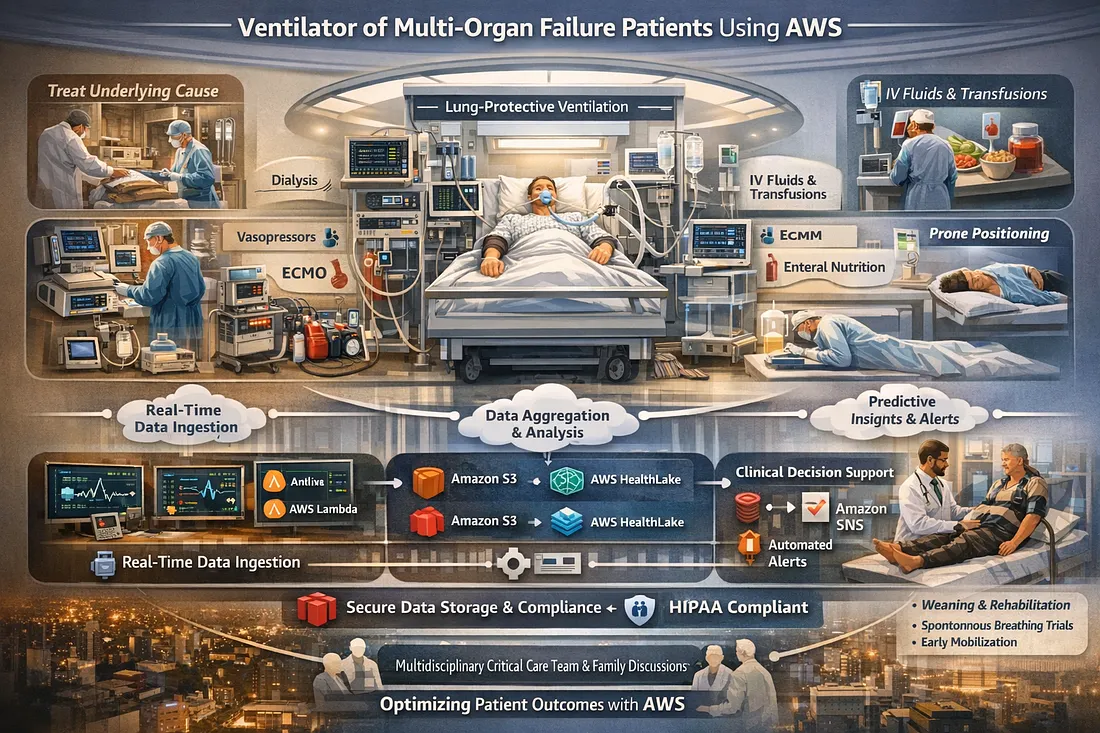
Ventilator Vanguard: AI-Powered MultiOrganFailure Survival Engine Using AWS
Cubed

Comments
Loading comments…