
Visual content has never been more important — or more demanding to produce. Whether you're a marketer building a campaign, a blogger looking for a unique header image, or a designer exploring early concepts, the pressure to deliver compelling visuals quickly is constant. That's where an AI text-to-image generator changes everything.
These tools let you describe what you want in plain language and receive a fully rendered image in seconds. No design software, no stock photo subscriptions, no waiting on a freelancer. Just a prompt and a result. The technology has matured rapidly, and today's AI image generation tools can produce photorealistic scenes, stylized illustrations, abstract art, and everything in between — all from a simple text description.
This guide breaks down how AI text-to-image generators work, what makes them useful across different industries, and how to get the best results from them. Whether you're new to the technology or looking to sharpen your workflow, you'll find practical, actionable guidance here.
What Is an AI Text-to-Image Generator?
An AI text-to-image generator is a software tool that uses machine learning models to convert written descriptions into visual images. You type a prompt — a sentence or paragraph describing what you want to see — and the model interprets that language and produces a corresponding image.
The concept sounds simple, but the underlying process is sophisticated. These systems are trained on vast datasets of image-text pairs, learning to associate visual patterns with linguistic descriptions. Over time, they develop the ability to generalize — generating images of things they've never seen before, based on combinations of concepts they've learned.
Modern AI image generation tools support a wide range of styles and formats. You can request a photorealistic portrait, a watercolor landscape, a product mockup, or a surrealist composition. Many platforms also allow you to upload a reference image to guide the output, giving you more control over the final result. The result is a technology that democratizes visual creation — if you can describe it, an AI text-to-image generator can create it.
How the Technology Works
Most modern AI image generators use a technique called diffusion modeling. The process starts with random noise and gradually refines it into a coherent image, guided by the text prompt. The model has learned, through training, which visual patterns correspond to which words and phrases. Some systems also use transformer architectures — the same technology behind large language models — to better understand the nuance and context of a prompt. This allows the generator to handle complex descriptions, stylistic instructions, and even abstract concepts with increasing accuracy.
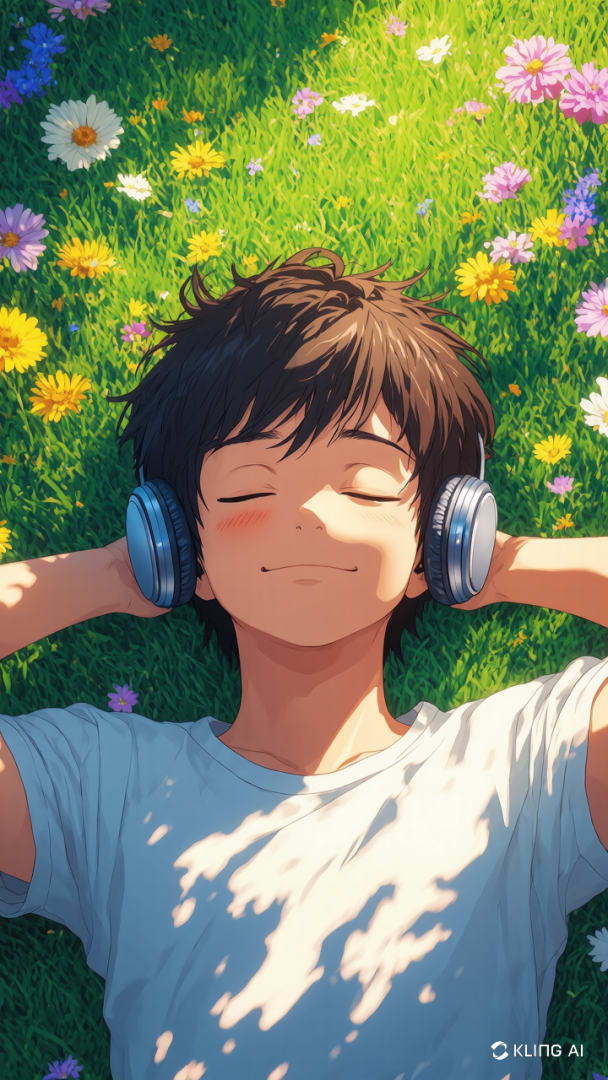
Key Benefits of Using AI Image Generation Tools
The appeal of AI image generation goes beyond novelty. For anyone who regularly needs visual content, these tools offer concrete, measurable advantages.
The most obvious benefit is speed. A traditional image production workflow — briefing a designer, waiting for drafts, requesting revisions — can take days. An AI text-to-image generator compresses that timeline to seconds. You can iterate through dozens of visual concepts in the time it would take to write a single creative brief.
Cost is another factor. Stock photo libraries charge per image or per subscription, and custom photography or illustration can be expensive. AI-generated images eliminate those costs for many use cases, particularly for internal projects, prototypes, or content that doesn't require a specific real-world subject. There's also the question of uniqueness — stock photos are shared across thousands of websites, while AI-generated images are original by definition, created specifically for your prompt at that moment.
Speed and Efficiency
When you're working under deadline pressure, the ability to generate a usable image in under a minute is transformative. AI image generation tools allow creative teams to move faster through the ideation phase, test more visual directions, and make decisions based on actual visuals rather than verbal descriptions. This speed also enables non-designers to contribute meaningfully to visual projects. A copywriter can generate a rough visual concept to accompany their text. A product manager can mock up a UI illustration without waiting for a designer to become available.
Creative Freedom Without Technical Skills
Traditional image creation requires either technical software skills or artistic ability — often both. AI text-to-image generators remove that barrier entirely. The interface is language, which means anyone who can write a clear description can produce a compelling image. This opens up visual creation to a much wider audience: educators building course materials, small business owners creating marketing assets, developers prototyping app interfaces. The learning curve is minimal, and the ceiling is high — with the right prompts, even beginners can produce results that rival professional work.
How to Generate Images From Text Step by Step
Getting started with an AI text-to-image generator is straightforward, but getting consistently good results takes a bit of practice. Here's a practical walkthrough of the process.
First, choose your platform. Different tools have different strengths — some excel at photorealism, others at illustration or concept art. Look for a platform that supports the style you need and offers enough parameter control to refine your outputs.
Second, write your prompt. This is the most important step. A vague prompt produces vague results. Be specific about the subject, the setting, the style, and the mood. Instead of "a dog in a park," try "a golden retriever sitting in a sunlit park, autumn leaves on the ground, soft bokeh background, photorealistic." The more detail you provide, the more aligned the output will be with your vision.
Third, set your parameters. Most platforms let you choose image dimensions, aspect ratio, and the number of images to generate. Generating multiple variations at once is useful for comparing options and finding the best result. Fourth, review and iterate — your first output may not be perfect. Use it as a starting point, adjust the prompt, tweak the parameters, or upload a reference image to guide the next generation.
Kling AI makes this process accessible with a clean interface that guides you through each step, from prompt input to final download. The platform supports prompts in both English and Chinese, generates up to nine images simultaneously, and offers seven size options — giving you flexibility without complexity.
Writing Effective Prompts for Better Results
The quality of your prompt is the single biggest factor in the quality of your output. A few principles make a significant difference. Be descriptive but focused — long prompts aren't always better. What matters is that every word adds useful information. Avoid filler phrases and concentrate on the specific visual elements you want to see.
Use style references. Phrases like "in the style of a vintage travel poster" or "cinematic lighting, wide angle lens" give the model clear stylistic direction. These references help the AI understand not just what to show, but how to show it. Many platforms also support negative prompts — descriptions of elements you want to exclude. If you're generating a clean product shot, adding "no background clutter, no text, no watermarks" keeps the output focused and professional.
Common Use Cases for AI Art Generators
AI text-to-image generators have found practical applications across a wide range of industries and workflows. Understanding where they fit best helps you get the most value from the technology.
In marketing and advertising, the ability to generate custom visuals on demand is a significant advantage. Campaign teams can produce concept images for client presentations, test different visual directions before committing to a production shoot, or generate social media assets at scale. The speed and cost savings are particularly valuable for small teams and agencies working with tight budgets.
In product design and development, AI image generation supports the early stages of the creative process. Designers use it to explore visual directions quickly, generate mood boards, and communicate concepts to stakeholders before any production work begins. This reduces the cost of early-stage iteration and helps teams align on a visual direction faster.
Content Creation and Marketing
Bloggers, newsletter writers, and social media managers face a constant demand for fresh, relevant visuals. AI text-to-image generators let them produce custom images that match their specific content — rather than settling for generic stock photos that may not fit the tone or subject of their work. For brands, this means more consistent visual identity across content. Every image can be generated to match brand colors, style guidelines, and messaging — without the overhead of a full design production process.
Design Prototyping and Concept Art
For designers and creative directors, AI image generation is a powerful prototyping tool. It allows rapid exploration of visual concepts — testing color palettes, compositions, and styles — before committing to a final direction. Game developers use it to generate concept art for characters and environments. Architects use it to visualize building designs in different contexts. Film and TV production teams use it to storyboard scenes and explore visual styles. In each case, the value is the same: faster iteration, lower cost, and more creative options on the table.
Tips to Get Better Results From Your AI Text-to-Image Generator
A few practical habits will consistently improve the quality of your AI-generated images. Start with a clear mental image — before you write your prompt, spend a moment visualizing exactly what you want. The clearer your mental picture, the more specific and effective your prompt will be.
Use reference images when available. Most platforms allow you to upload an image as a reference point. This is especially useful when you have a specific style or composition in mind that's difficult to describe in words alone. The reference image doesn't need to be a perfect match — it simply gives the model a visual anchor to work from.
Generate multiple variations. Don't settle for the first result. Generate several versions of the same prompt and compare them. Small differences in phrasing can produce significantly different outputs, and seeing multiple options helps you identify what's working and what needs adjustment. Platforms like Kling AI support generating up to nine images at once, making it easy to compare variations and find the best result without running multiple separate sessions.
Finally, refine iteratively. Treat each generation as a step in a process, not a final answer. Use the output to inform your next prompt — noting what worked, what didn't, and what you'd like to change. Over time, you'll develop an intuition for what kinds of prompts produce the results you're looking for, and your outputs will improve accordingly.
Visual Creation, Reimagined
AI text-to-image generators have moved well beyond novelty. They're now practical tools that fit into real workflows — for marketers, designers, content creators, and anyone else who needs visual content without the overhead of traditional production.
The technology is accessible, the learning curve is manageable, and the results are increasingly impressive. Whether you're generating a single image for a blog post or exploring dozens of visual concepts for a campaign, the core workflow is the same: describe what you want, refine your prompt, and iterate toward the result you're looking for.
The most important thing is to start. Experiment with different prompts, explore different styles, and pay attention to what produces the results you want. The more you use these tools, the more effective you'll become at directing them. Visual creation has always been about translating ideas into images — AI text-to-image generators just make that translation faster, more accessible, and available to everyone.
Comments
Loading comments…