
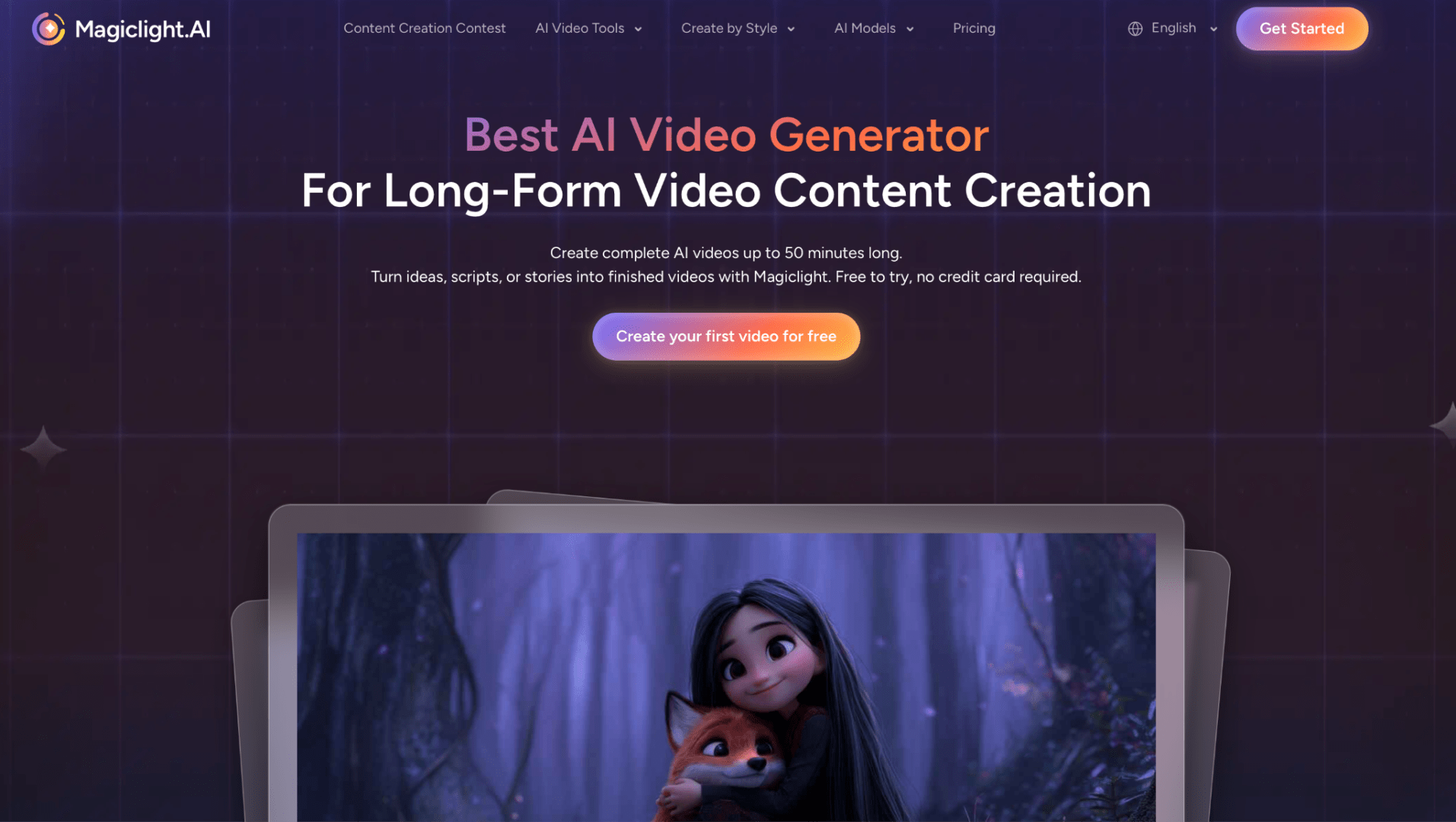
This article explores how script-to-video AI is transforming modern content creation workflows. From turning scripts into scenes to generating characters and visuals, AI video tools help creators produce engaging videos faster while reducing the complexity of traditional production.
Part 1. Why Script-to-Video AI Is Changing Content Creation
If you've ever completed a script but struggled with turning it into a finished video, you're not alone. For many creators, the biggest challenge is not developing ideas but managing the production process that follows. Recording footage, searching for visual assets, editing scenes, adding voiceovers, and maintaining a consistent publishing schedule can quickly become overwhelming, especially for solo creators.
This is where script-to-video AI is changing the way content is produced. Instead of treating a script as only a written plan, AI video tools can now analyze text, understand the story structure, and help transform scripts into complete video experiences. With the development of AI-powered video production, creators can move from an initial idea to a finished video much faster than traditional workflows allow.
Platforms like MagicLight AI are built around this new approach. By combining script-based generation, AI visuals, character consistency, and flexible editing features, MagicLight AI helps creators turn written ideas into engaging videos without requiring advanced editing skills or a professional production team.
The goal of AI video creation is not to replace human creativity. Instead, it reduces repetitive tasks and gives creators more time to focus on storytelling, audience engagement, and developing better content ideas.
Part 2. How Script-to-Video AI Creates a More Efficient Workflow
Creating a video usually requires multiple steps, including script planning, visual production, editing, and optimization. For many creators, the challenge is not coming up with ideas but turning those ideas into finished videos efficiently.
Script-to-video AI simplifies this process by allowing creators to start with their story or script. Instead of manually creating every element, AI can help generate scenes, characters, and visual content while giving creators more time to focus on creativity.
Step 1: Start With Your Script
Start with a clear script or story idea. A detailed script helps AI understand the content direction and generate more suitable visuals.
Step 2: Let AI Break the Script Into Scenes
After uploading the script, MagicLight AI can automatically divide the content into scenes. Creators can review scenes, adjust details, and edit subtitles when needed.
Step 3: Create Characters With AI
Creators can design characters by using prompts that describe appearance, style, and personality. This helps generate unique characters that fit the story and remain consistent across scenes.
Step 4: Generate and Customize Scenes
AI can create visual scenes based on the script and characters. Users can customize elements such as backgrounds, actions, and visual styles to match their ideas.
Step 5: Add Music and Subtitle Styles
Before publishing, creators can add background music and adjust subtitle styles to improve the overall viewing experience.These details help make the content more engaging and polished before publishing it across platforms such as YouTube, Shorts, and social media.
Part 3. How Creators Use AI Video Tools for Different Content Types
The demand for video content continues to grow across platforms such as YouTube, TikTok, Instagram, and business websites. However, producing high-quality videos consistently remains a challenge for many creators. This is why AI video creation tools are becoming valuable solutions for different types of content production.
YouTube and Faceless Content Creation
For YouTube creators, especially those running faceless channels, maintaining a regular upload schedule can be difficult without a dedicated production team. Traditional video production often requires filming equipment, editing skills, and significant time investment.
An AI video generator from text can help simplify this process by transforming written scripts into visual content. Creators can focus on developing better stories and ideas while AI assists with scene generation, visual elements, and production tasks.
For channels focused on storytelling, history, education, or entertainment, tools like MagicLight AI provide a more efficient way to turn concepts into complete videos without requiring advanced video editing experience.
Educational and Explainer Videos
Educational creators often need to explain complex topics in a simple and engaging way. Instead of relying only on written materials or static presentations, AI-powered video tools allow educators to create more dynamic learning experiences.
By converting scripts, articles, or lesson plans into videos, creators can make information easier to understand while saving time during the production process.
Marketing and Business Content
Businesses are also using AI video creation tools to produce promotional videos, product demonstrations, and social media content more efficiently.
Previously, creating marketing videos often required professional equipment, video teams, and large budgets. Today, companies can use AI tools to quickly turn written concepts into visual content while maintaining a professional appearance.
For marketers who need to create multiple versions of content for different platforms, an AI-powered workflow provides greater flexibility and efficiency.
Part 4. Tips for Creating Better Videos With AI
Although script-to-video AI can make video production much easier, the quality of the final result still depends on how creators prepare their content. AI works best when it has clear instructions, detailed ideas, and a strong creative direction to follow. By combining AI assistance with human creativity, creators can produce more engaging and professional videos.
Write Scripts With Visual Details in Mind
A well-prepared script is the foundation of a successful AI-generated video. Instead of only describing ideas, creators should think about what viewers should actually see on screen and include details about characters, environments, and actions. More specific descriptions help AI tools generate visuals that better match the story and create a more immersive viewing experience.
Organize Your Story Into Clear Scenes
Dividing a script into smaller scenes can improve both storytelling and AI generation quality. Each scene should focus on one main idea, making it easier for AI to understand the visual direction and helping creators control the pacing of the video. With MagicLight AI, users can review and adjust generated scenes, edit subtitles, and refine the content based on their creative needs.
Maintain Character and Visual Consistency
For storytelling and animation content, keeping characters and visual styles consistent is essential. Creators should define important character details, such as appearance, clothing, and personality, before generating multiple scenes. MagicLight AI allows users to customize characters, outfits, actions, and environments, making it easier to create connected stories with a consistent visual style.
Combine AI Efficiency With Human Creativity
AI can handle many repetitive production tasks, but human creativity remains the key to creating valuable content. After generating a video, creators can still improve the final result by adjusting scenes, refining narration, and making creative edits. The best results usually come from combining AI-powered production with the creator’s own storytelling ability.
Part 5. Conclusion
The rise of script-to-video AI is changing how creators approach video production. Instead of spending most of their time dealing with repetitive technical tasks, creators can now focus more on developing ideas, improving storytelling, and connecting with their audiences.
From YouTube creators and educators to marketers and businesses, more people are discovering the benefits of using AI video creation tools to turn written ideas into engaging visual content.
The future of video creation is not about replacing human creativity with automation. It is about giving creators better tools to bring their ideas to life faster and more efficiently.
Platforms like MagicLight AI show how AI can support modern content workflows by helping users transform scripts, stories, and creative concepts into videos while keeping control over the final result.
As AI video technology continues to improve, creators who combine powerful tools with strong storytelling skills will have more opportunities to produce valuable content across different platforms.
Frequently Asked Questions
1. What is a script-to-video AI tool?
A script-to-video AI tool is a platform that uses artificial intelligence to transform written scripts into video content. Instead of manually creating every scene, users can provide text instructions and allow AI to generate visuals, organize scenes, and support the video production process.
Tools like MagicLight AI help creators turn scripts, stories, and reference images into complete videos, making video creation more accessible for users without professional editing experience.
2. Can I turn a script into a video with AI?
Yes. Modern AI video creation tools allow users to convert written scripts into videos by generating scenes, visuals, and other creative elements based on the content.
With MagicLight AI, creators can start with a script or story idea, customize scenes, maintain character consistency, and create AI-generated videos that match their creative direction.
3. Is script-to-video AI useful for YouTube creators?
Yes. Script-to-video AI can be especially useful for YouTube creators who need to produce content regularly but want to reduce the time spent on manual editing.
For faceless channels, storytelling videos, educational content, and Shorts creators, platforms like MagicLight AI provide an efficient way to transform ideas into videos without requiring a large production team.
4. What is the best AI video generator for creators?
The best AI video generator depends on the creator's needs, including content type, workflow, and desired level of customization.
For creators looking for a script-based workflow, MagicLight AI provides features that support AI video generation from scripts, stories, characters, and images, making it a practical option for creating different types of video content.
Comments
Loading comments…