8 platforms to track AI Overviews
When a buyer asks Google about a product category, the AI-generated answer can shape their perception long before they visit a vendor’s website or book a demo. That makes tracking AI Overviews an increasingly important part of understanding search visibility — but choosing the right platform requires more than simply checking whether a brand appears in an AI response.
For organizations looking to track their own queries, SE Visible by SE Ranking is one of the strongest options considered here. It tracks both AI Overviews and AI Mode, stores the AI responses used in its analysis, and supports reporting through Looker Studio and an API. This combination makes it possible to trace reported figures back to the underlying responses and incorporate the data into existing reporting workflows. Companies looking for a broader, market-wide benchmark rather than monitoring a defined set of queries may instead find an index-based product better suited to that use case.
The comparison below looks at eight platforms for tracking AI Overviews, focusing on how they fit into a typical evaluation process: defining the scope, tracking visibility, reporting results, and assessing cost.
How do the 8 platforms for tracking AI Overviews compare?
Four criteria are particularly useful when evaluating platforms for tracking AI Overviews: whether they cover AI Mode alongside AI Overviews, how seats and account access are structured, how easily data can be incorporated into reporting and dashboards, and what the service costs.
The pricing referenced below is based on publicly available figures published by the respective vendors and checked in October 2026.
| # | Platform | Tracks AI Overviews via | AI Mode | Seats and access | Reporting out | Contract and starting price |
|---|---|---|---|---|---|---|
| 1 | SE Visible by SE Ranking | Prompts in a live browser session; top-20 organic overlap, AI Overviews presence rate | All plans | Unlimited users; client access | API on all plans, Looker Studio, CSV/XLSX | Free trial offered |
| 2 | Conductor | Prompts by topic, location | Yes | Not seat-priced | Full-response exports; Data API | No public price |
| 3 | Profound | Prompts | Enterprise only | Unlimited seats | CSV, JSON, API on Enterprise | 7-day trial; Enterprise custom |
| 4 | Peec AI | One of 3 models | Slot or $30-140/mo | Unlimited users | Looker Studio from $495 | Monthly; $95/mo |
| 5 | Similarweb | Keywords in Rank Tracker | Yes | 1 user per tier | API via sales | $333/mo annually |
| 6 | Ahrefs Brand Radar | Prompt, search-query indexes | Yes | Lite: 1 user | Stores every response | Prompts from $50/mo |
| 7 | LLMrefs | Keywords into fan-out prompts | No extra fee | Unlimited members | CSV, API | Cancel anytime; $79/mo |
| 8 | Otterly.AI | Prompts, every plan | Add-on, $9-149/mo | Unlimited members | Looker Studio, API from Standard | Monthly; $29/mo |
Step 1: which queries should be tracked?
AI Overview tracking should focus on the category, comparison, and problem-oriented queries that can influence a buyer’s shortlist, rather than being limited to branded searches. This is particularly relevant in B2B, where AI Overviews appear frequently. In a US sample, the Business niche triggered an AI Overview for 78.66% of queries in January 2026 and 76.49% in February.
Forrester’s Buyers’ Journey Survey 2025 also points to a broader change in how B2B buyers discover and evaluate information: twice as many buyers identified generative AI or conversational search as a more meaningful source than any other. The shift is also reflected in Google’s description of search behavior. Speaking at NRF in January 2026, Sundar Pichai said: “Now, with AI Mode, we’re seeing these journeys move from keywords to natural conversations.”
For that reason, defining the prompts and topics that matter to the buying journey should come before selecting a tracking platform or committing to a contract. The scope determines what the resulting data can actually reveal.
Step 2: how do you track AI Overviews and AI Mode together?
Tracking AI Overviews and AI Mode together requires prompt-level monitoring rather than relying solely on traditional rank reports. On average, only 19% of AI Overview sources appear among the top 10 organic search results, while for more than 60% of queries the overlap is 20% or less.
The distinction between the two AI search experiences is also becoming less clear-cut. In July 2026, Alphabet CEO Sundar Pichai said Google had brought AI Overviews and AI Mode together “into one seamless Search experience.”
For platform evaluation, this makes support for both AI Overviews and AI Mode an important criterion. Tracking them within the same project provides a more complete view of how a brand, its competitors, and cited sources appear across Google’s AI-driven search experiences.
1. SE Visible
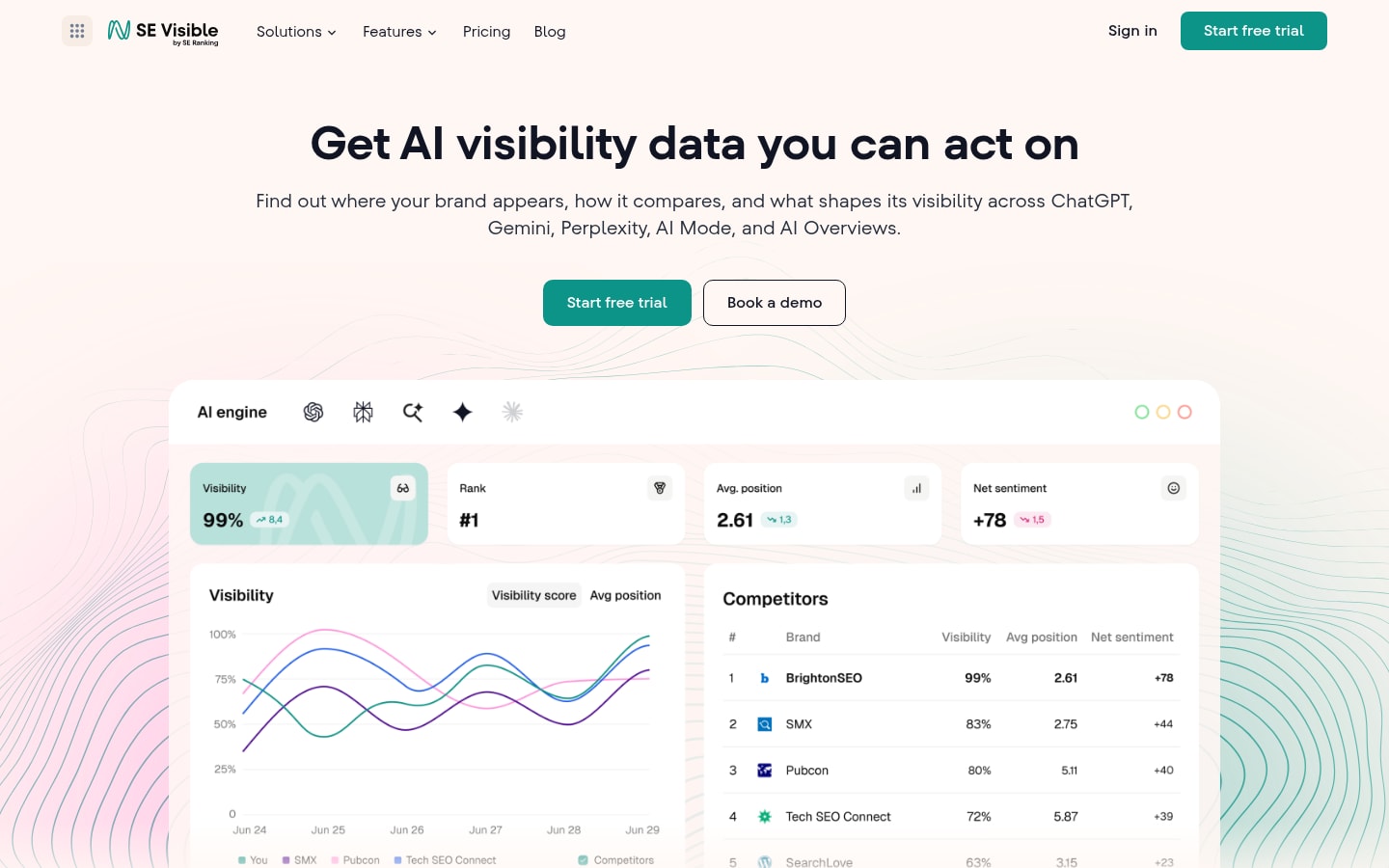
A board asking about AI search deserves more than a few screenshots from last Tuesday. SE Visible by SE Ranking is an AI visibility platform covering Google AI Overviews, Google AI Mode, ChatGPT, and Gemini for teams that report upward.
Best for: marketing leaders and in-house teams with an AI visibility mandate who present the figures to a CFO and a board.
Standout: Click a metric and you read the AI response behind it, with engine, market, and date. To track AI Overviews, you get a presence rate and organic top-20 overlap. Visibility score, share of voice, average position, and net sentiment show change against the prior period, the comparison my board expects.
Pros:
- Puts AI Mode and AI Overviews in one project, on all plans
- Opens access to unlimited users, plus client access for executives outside marketing
- Feeds the board deck via the API (on all plans), Looker Studio, or CSV and XLSX
- Runs daily tracking by default, with the frequency adjustable in project settings
Cons:
- Stays within AI visibility; SEO work sits in SE Ranking
- No PDF export yet, as in-app report building is still developing; reporting runs through Looker Studio, the API, or exports
- Claude support is planned as the platform grows
Pricing: Current plans are listed on visible.seranking.com, with a free trial available.
Recommended approach: An unlimited-user model can simplify access and eliminate the need to renegotiate seat requirements as more stakeholders become involved. Shared access also allows finance, SEO, and reporting teams to work from the same visibility data. Storing the underlying AI responses adds an audit trail for reported figures, making it easier to verify where a particular metric or citation originated. AI visibility can then be treated as a dedicated budget line and reviewed after two quarters based on usage, reporting value, and business impact.
2. Conductor
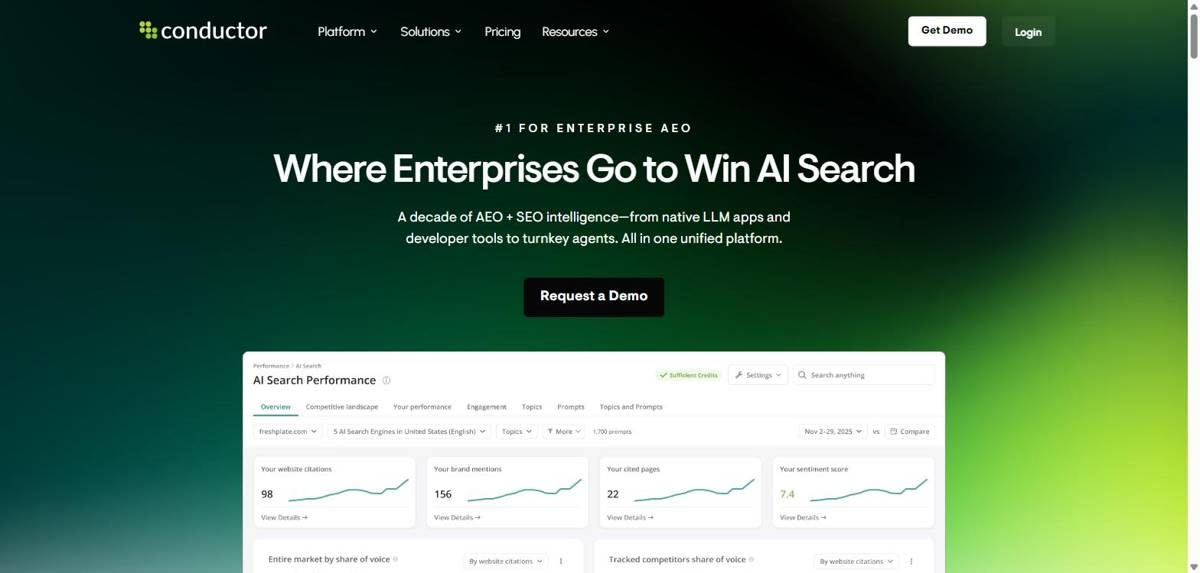
Conductor lets enterprise teams track AI Overviews and other AI answers inside a credit-based search platform.
Best for: enterprises needing security sign-off and Looker, Tableau, or Power BI feeds.
Standout: Conductor tracks prompts by topic, engine, and location, with Google AI Overviews and AI Mode both listed. Exports carry the full text of each AI response, and the Data API feeds Looker, Tableau, or Power BI (included on Enterprise, available below).
Pros:
- Exports full AI response text
- Holds SOC 2 Type 2 and ISO 27001
- Connects to GA and Search Console
Cons:
- Usage credits sold by the year
- Role-based permissions on Enterprise only
Pricing: no public price; demo-led above Essentials; 3-week free trial.
Recommended approach: An annual credit commitment can make sense once the expected credit usage from daily tracking has been modelled. Before committing, teams should estimate how query volume and tracking frequency will affect credit consumption. Response exports can provide an audit trail for reported AI visibility data, while a Data API can help automate the process of turning that data into recurring board-level reporting.
3. Profound
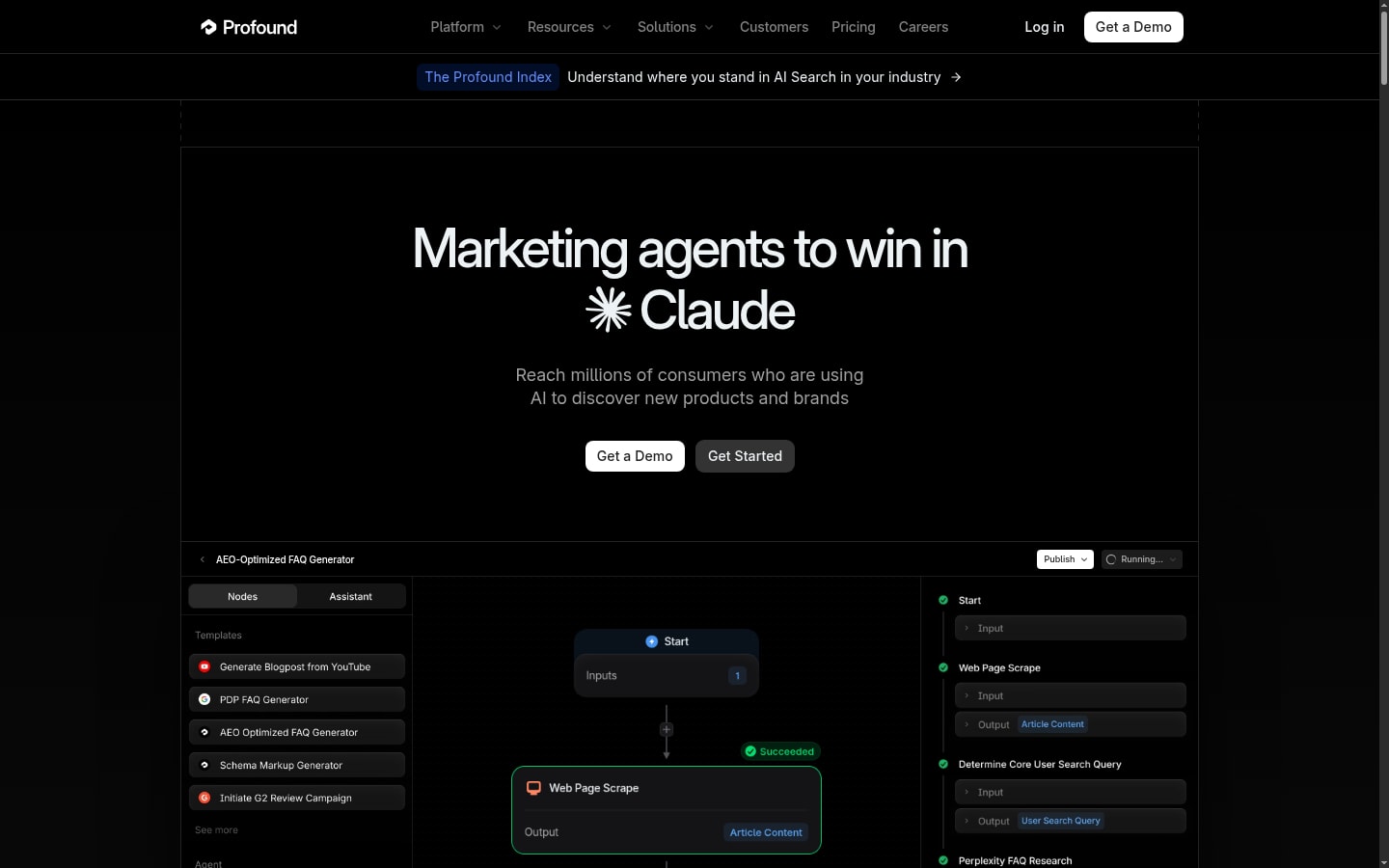
Profound pairs AI answer monitoring with its AI marketer offering, sold as a custom Enterprise contract.
Best for: enterprises whose procurement requires SSO/SAML and SOC 2 first.
Standout: Both Profound plans include unlimited seats, so access is never negotiated. Enterprise adds SSO/SAML with SOC 2 compliance, CSV and JSON exports, an API, all-time history, and up to nine answer engines tracked daily, Google AI Mode and AI Overviews included.
Pros:
- Includes unlimited seats on both plans
- Keeps all-time history on Enterprise
- Tracks AI-sourced traffic via Agent Analytics
Cons:
- AI Mode needs the Enterprise plan
- Trial carries no history, exports, or API
Pricing: 7-day free trial, 50 prompts daily; custom Enterprise.
Recommended approach: An Enterprise contract can be more appropriate than extending a trial when the platform needs to meet formal security, access, and reporting requirements from the outset. SSO/SAML and SOC 2 documentation can support the security review, while broader user access allows executives and operational teams to work from the same data. API access also makes it possible to incorporate historical visibility data into recurring reporting rather than relying on manual exports.
4. Peec AI
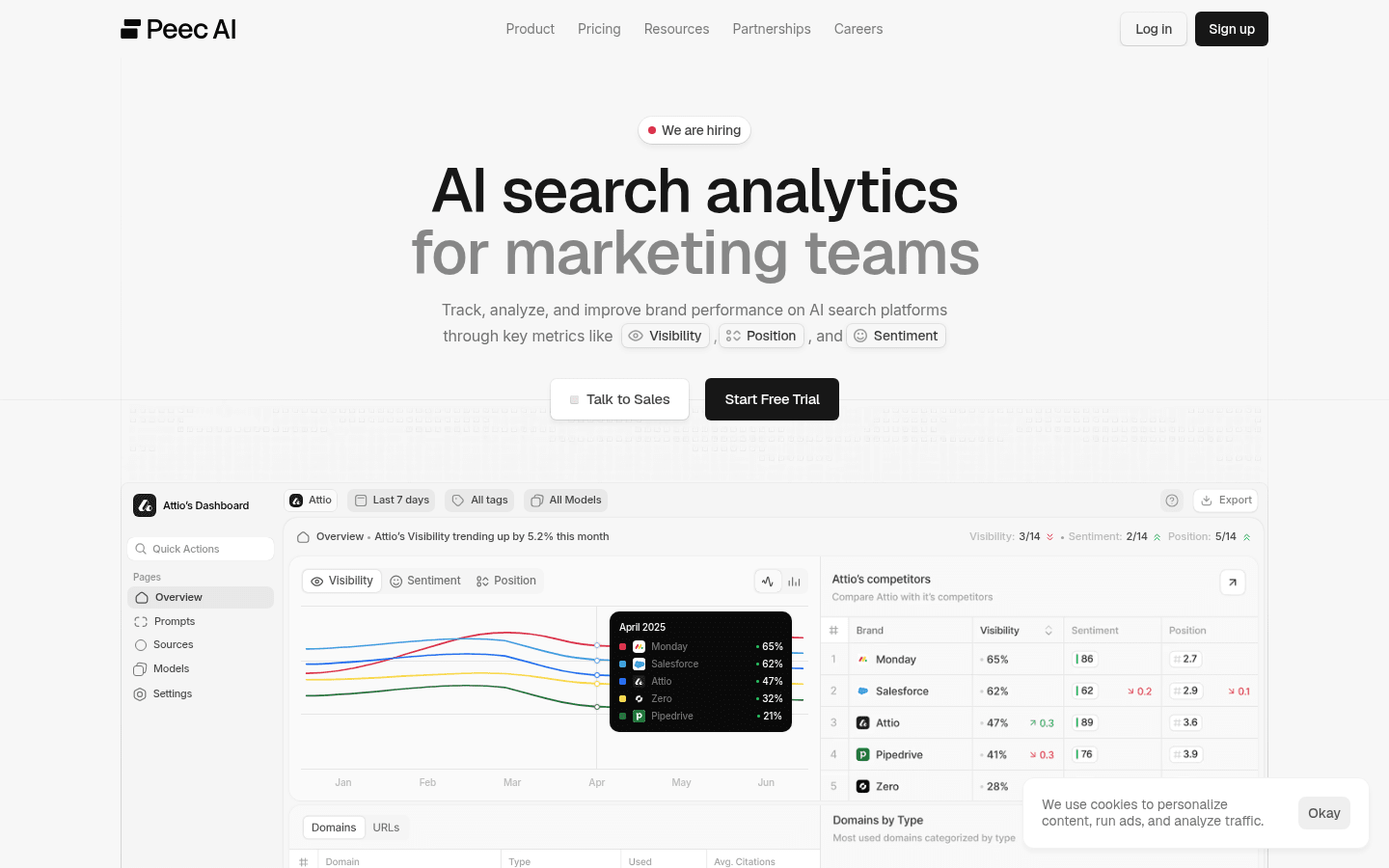
Peec AI is a self-serve platform for tracking AI Overviews and other AI answers, billed monthly.
Best for: teams wanting unlimited users on monthly terms.
Standout: every self-serve tier includes unlimited users, and AI Overviews is one of three models you pick from six, alongside ChatGPT and AI Mode. Looker Studio starts on the $495 Advanced tier; API and SSO sit on Enterprise, on annual terms.
Pros:
- Includes unlimited users on every self-serve tier
- Tracks chosen models daily
- Automates reports from Pro
Cons:
- AI Mode takes a slot or costs $30-140/mo extra
- API access on Enterprise only
Pricing: from $95/mo (50 prompts, 3 models); 15% off annually.
Recommended approach: A monthly pilot can provide a practical starting point, with AI Overviews and AI Mode included among the initial tracking slots. If the platform meets expectations after a two-quarter evaluation, an upgrade to an Enterprise plan may be appropriate when API access is required for automated board reporting. This avoids relying on manual exports as reporting requirements expand.
Step 3: what goes into an AI visibility report for the board?
A board-level AI visibility report should connect AI search visibility with business outcomes. The most useful view puts metrics such as AI share of voice, answer presence, and citation presence across priority buying queries alongside conversions, pipeline, and revenue.
This distinction matters because a decline in organic traffic does not necessarily mean demand has declined. As buyers increasingly receive information directly from AI-generated search experiences, traditional traffic metrics capture only part of the journey. A company may still influence a buyer’s decision even when that interaction does not result in a conventional organic click.
Reporting should therefore answer a broader question: is the business losing demand, or simply losing visibility into how that demand is being influenced?
For platform evaluation, this makes traceable AI visibility data particularly important. The strongest reporting setup combines prompt-level AI tracking with first-party performance data, giving decision-makers a clearer view of where the brand appears during the buying journey and whether that visibility translates into measurable business results.
5. Similarweb
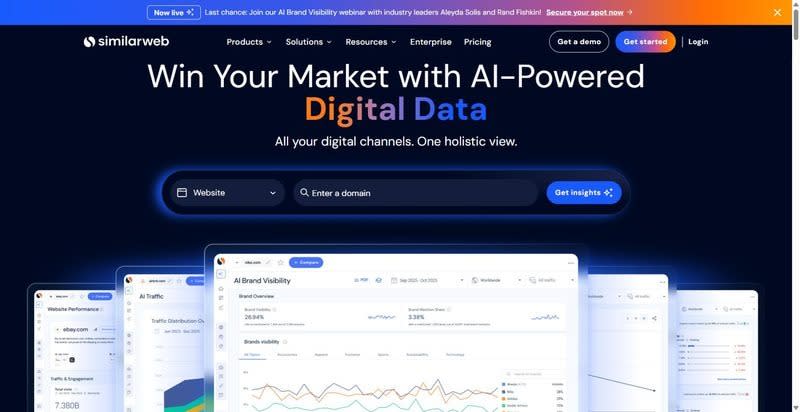
Similarweb sells AI search analytics alongside traffic and competitor intelligence, with referrals next to rival benchmarks.
Best for: leaders who want AI referral traffic and competitor benchmarks in the same report.
Standout: AI Overviews sit in Rank Tracker, a daily keyword view of which terms trigger them and which page appears in each SERP feature, from $333/mo. The AI Brand Visibility tracker covers ChatGPT, AI Mode, Gemini, and Perplexity, not AI Overviews.
Pros:
- Measures AI Mode referral traffic
- Compares competitors' LLM traffic
- Refreshes Rank Tracker daily
Cons:
- One user per self-serve tier
- AI Overviews start at the $333 tier
Pricing: $333/mo billed annually ($399 monthly), Rank Tracker tier.
Recommended approach: The self-serve tier can be a suitable option when the primary requirement is attribution reporting, particularly AI referral traffic. A single-seat setup may be sufficient when one person is responsible for managing the account and preparing reports. A two-quarter evaluation period provides a practical timeframe for assessing the quality and usefulness of the data before reviewing the subscription again.
6. Ahrefs Brand Radar
Brand Radar measures how often brands surface in AI answers market-wide: a competitive share figure.
Best for: boards that ask "what's our share versus competitors?" across the market.
Standout: Brand Radar samples AI Overviews and AI Mode twice: through prompts and through the Google searches that surface an AI answer. Every response is stored, and Custom Prompts add your own tracked query set, refreshed as often as once a day.
Pros:
- Keeps responses back to 2025
- Adds ChatGPT, Gemini, Perplexity, Copilot indexes
- Includes five daily prompts on Lite
Cons:
- Index re-runs monthly, 90-day window
- One user on Lite; extras $40/mo each
Pricing: Custom Prompts from $50/mo; the AI Visibility Index starts at $199/mo.
Recommended approach: The Index is best suited to organizations looking for a market-level view of AI visibility. It can support a quarterly comparison of share against named competitors, rather than serving as a tool for weekly query-level monitoring. Seat limits should be evaluated separately, particularly when reporting needs to be accessed by multiple stakeholders rather than a single user.
Step 4: how do you fund the pilot, and what does the contract commit you to?
AI visibility tracking is best treated as a dedicated budget line rather than an extension of paid search or traditional SEO tooling. A pilot can be funded for a defined evaluation period, with its value reviewed against the quality of the data, reporting requirements, and its ability to reveal changes in visibility across priority buying queries.
Paid search should also be considered separately from AI visibility. An advertisement appearing alongside an AI-generated result does not guarantee that the advertiser will be mentioned or cited within the answer itself. Paying for placement and earning visibility inside an AI response are two different outcomes.
That makes the contract as important as the initial price. Before committing to a platform, the evaluation should consider the minimum term, included query or prompt limits, number of seats, access to historical data, reporting and API capabilities, and any additional costs associated with expanding the project after the pilot.
The goal is to fund enough coverage to determine whether AI visibility tracking produces actionable information without committing to a larger contract before its value has been demonstrated.
7. LLMrefs
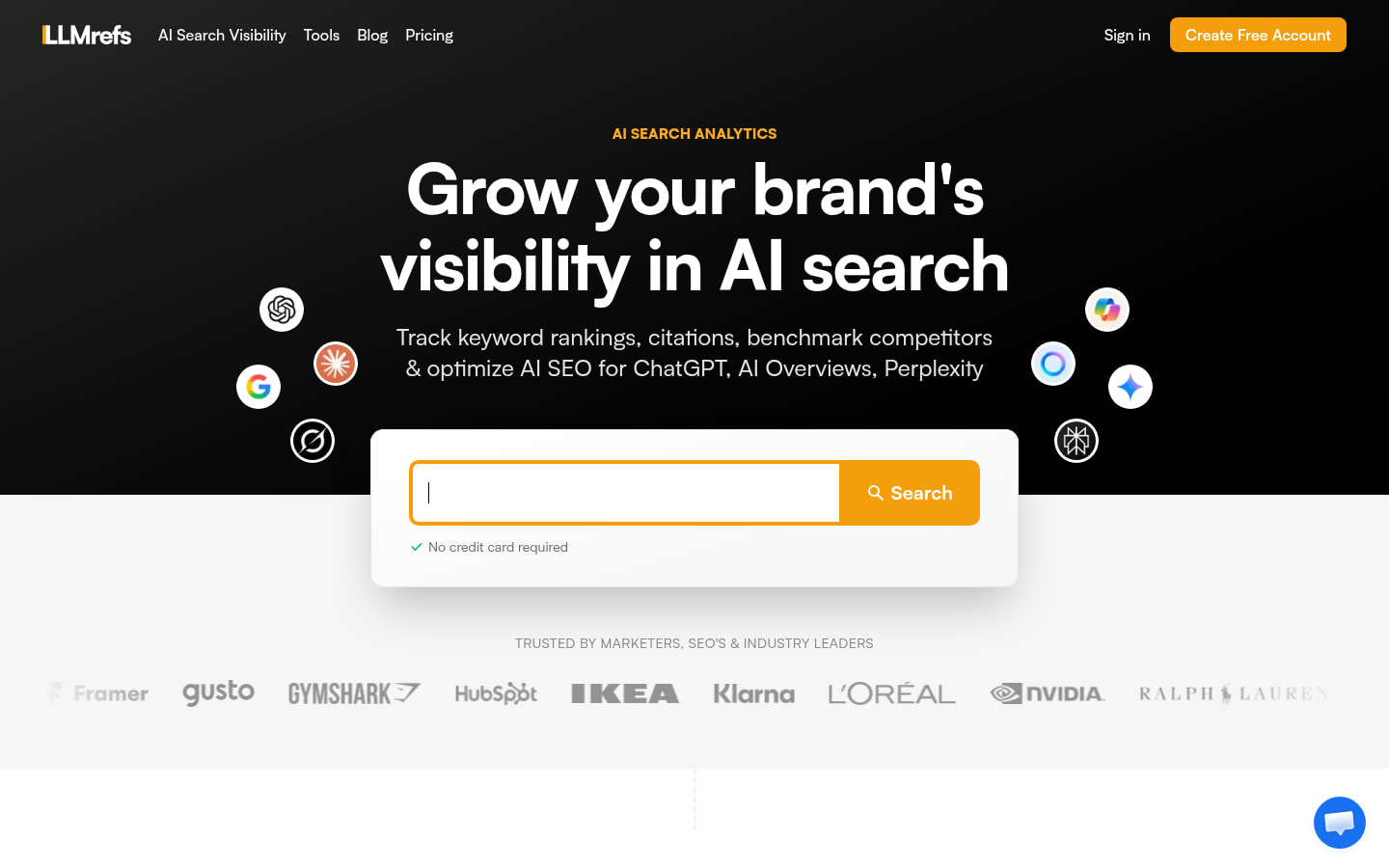
LLMrefs expands your keywords into fan-out prompts and reports weighted visibility across AI search engines.
Best for: teams that want a cancel-anytime pilot across several domains.
Standout: You track keywords, not prompts: LLMrefs generates the fan-out prompts and weights results across AI Overviews, AI Mode, ChatGPT, Gemini, and Perplexity at no extra fee for any engine. Unlimited team members and projects put every domain under one subscription.
Pros:
- Covers AI Mode at no added fee
- Includes unlimited projects and seats
- Exports CSV and offers API access
Cons:
- Refreshes each keyword weekly, not daily
- Marks the $79/mo price "limited time only"
Pricing: $79/mo for 500 prompts; 7-day free trial.
Plan to consider: A single-plan, cancel-anytime contract with no seat limit can reduce the risk of a pilot underperforming, as there is no need to renegotiate the subscription structure during the evaluation period. Renewal terms should be confirmed in writing before the contract is signed. Weekly data collection may also be sufficient when AI visibility is reviewed at the board level on a quarterly basis.
8. Otterly.AI
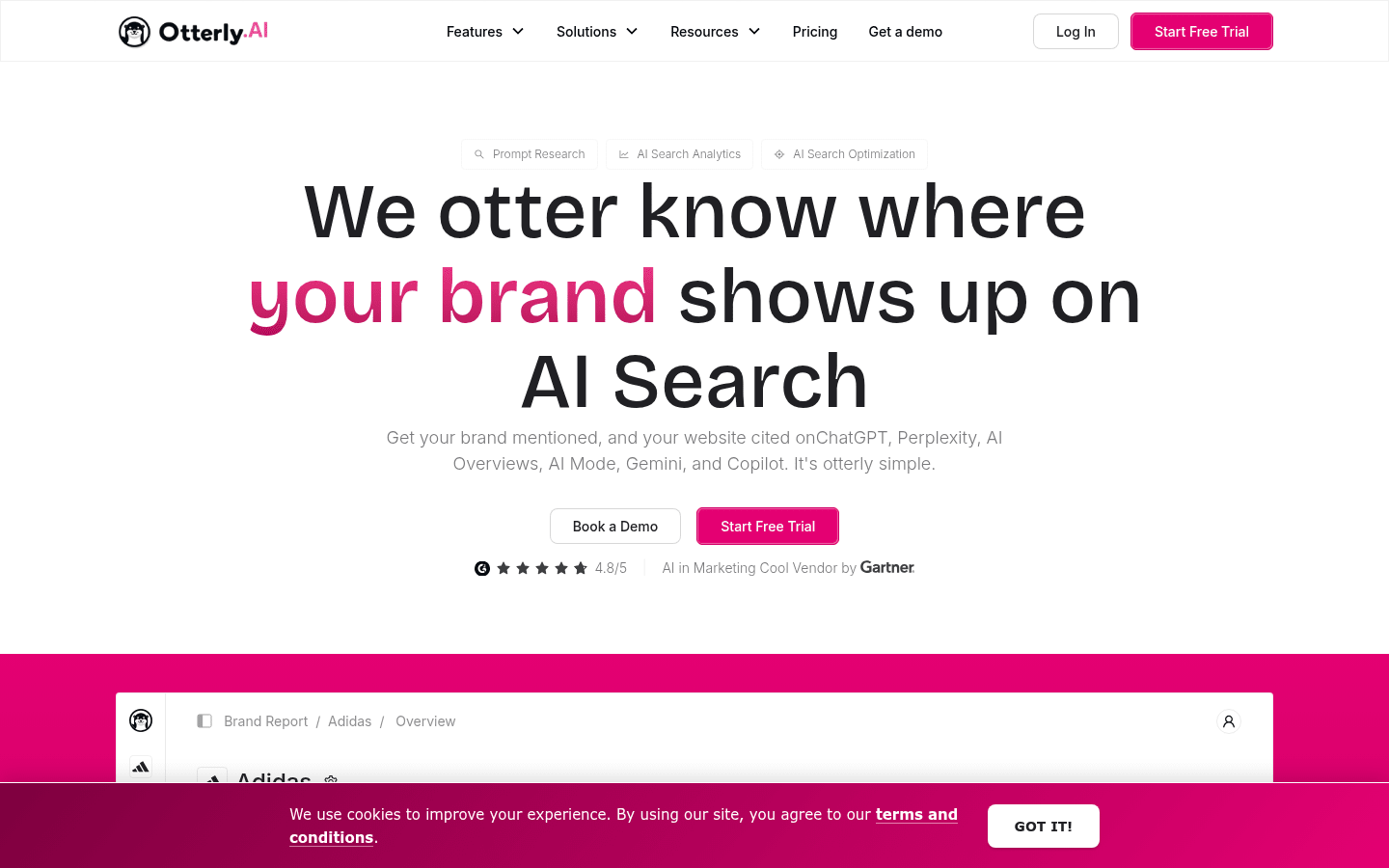
Otterly.AI is a prompt-based AI search monitor that tracks daily on every plan, Lite included.
Best for: teams that want AI Overviews on every plan and unlimited team members from month one.
Standout: Google AI Overviews, ChatGPT, Perplexity, and Copilot come with every plan, as do unlimited team members. Standard adds a Looker Studio connector, API, and MCP; Enterprise starts at 1,000 prompts with SSO, custom terms, and custom payment options for procurement.
Pros:
- Covers AI Overviews on all plans
- Opens Looker Studio and API from Standard
- Offers SSO on Enterprise
Cons:
- Charges extra for AI Mode ($9-149/mo)
- Leaves Lite (15 prompts) without API
Pricing: Lite $29/mo, 15 prompts ($25/mo annually).
Recommended approach: Choose the Standard plan on a monthly basis, particularly when Looker Studio reporting is required from the first board review. A two-quarter evaluation period provides enough time to assess the platform before making a longer-term commitment. AI Mode should also be included from the beginning so reporting covers both major Google AI search experiences.
Which platform should you choose to track AI Overviews?
For organizations that need to track AI Overviews and AI Mode across their own buying queries, while retaining the underlying AI responses behind reported figures, SE Visible is a strong option. Its combination of AI search tracking, stored responses, and reporting capabilities makes it particularly suitable for teams that need visibility data that can be reviewed and explained internally.
Conductor and Profound are also worth considering, particularly for organizations where security, governance, or enterprise requirements play a significant role in the purchasing decision.
A practical review period is two quarters, with performance assessed against factors such as query coverage, visibility trends, reporting quality, and pipeline impact.
Index-based products are better suited to organizations looking for broader market benchmarks rather than frequent tracking of a defined query set. For example, a monthly index may not be appropriate when daily or more frequent monitoring is required. User limits should also be considered when reports need to be shared across a larger leadership or marketing team.
For teams evaluating SE Visible, a useful starting point is to test the platform against the queries that matter most to the buying journey. Traditional SEO data can then be evaluated alongside AI search visibility, allowing teams to compare conventional search performance and AI-generated answers within the same reporting process.
Tracking AI Overviews: FAQ for marketing leaders
How do you track traffic from AI Overviews?
Google Search Console reports clicks from AI Overviews and AI Mode within Web search rather than providing a dedicated traffic category for each experience. AI Mode follow-up interactions can also appear as separate queries, making it difficult to reconstruct the full journey from first-party traffic data alone.
For a more complete picture, traffic data can be combined with AI visibility data showing whether a brand appears in AI answers and which sources are cited.
Can AI Overview visibility be tracked over time and against competitors?
Yes. Platforms that monitor a defined set of queries on a recurring schedule can build a historical view of AI visibility from the point tracking begins.
Historical data generally cannot be recreated for periods before tracking was set up, so competitors and priority queries should be defined at the beginning of the project. Over time, teams can compare changes in share of voice, presence rates, brand mentions, citations, and competitor visibility.
What should an AI Overview visibility report for leadership include?
A leadership report should focus on four core areas:
- AI Overview presence: how often the brand appears across the queries that influence the buying journey.
- Citations and mentions: where the brand is referenced and which sources are being cited.
- Competitive visibility: the brand’s share of AI visibility compared with named competitors.
- Underlying AI responses: the actual answers behind the reported metrics, so changes can be reviewed and explained.
These metrics are most useful when presented alongside business measures such as pipeline and conversions. A quarterly review can then show whether changes in AI visibility are translating into measurable business impact.
Further Reading
Discover more articles on similar topics across our network



Comments
Loading comments…