
AI content platforms are often judged by the quality of a single impressive demo. Commercial creators need to ask harder questions: Which models are available? Can product references be reused? How much control does the workflow provide? What happens when a model produces an unusable result?
This review examines Renoise AI from the perspective of a product-ad team producing campaign visuals at regular volume. Renoise is positioned as a unified creative platform rather than a wrapper around one model. Its current offering combines image, video, and audio generation with asset management, a visual Canvas, and an AI Agent. For teams comparing an ai video generator, that wider workflow is its most important distinction.
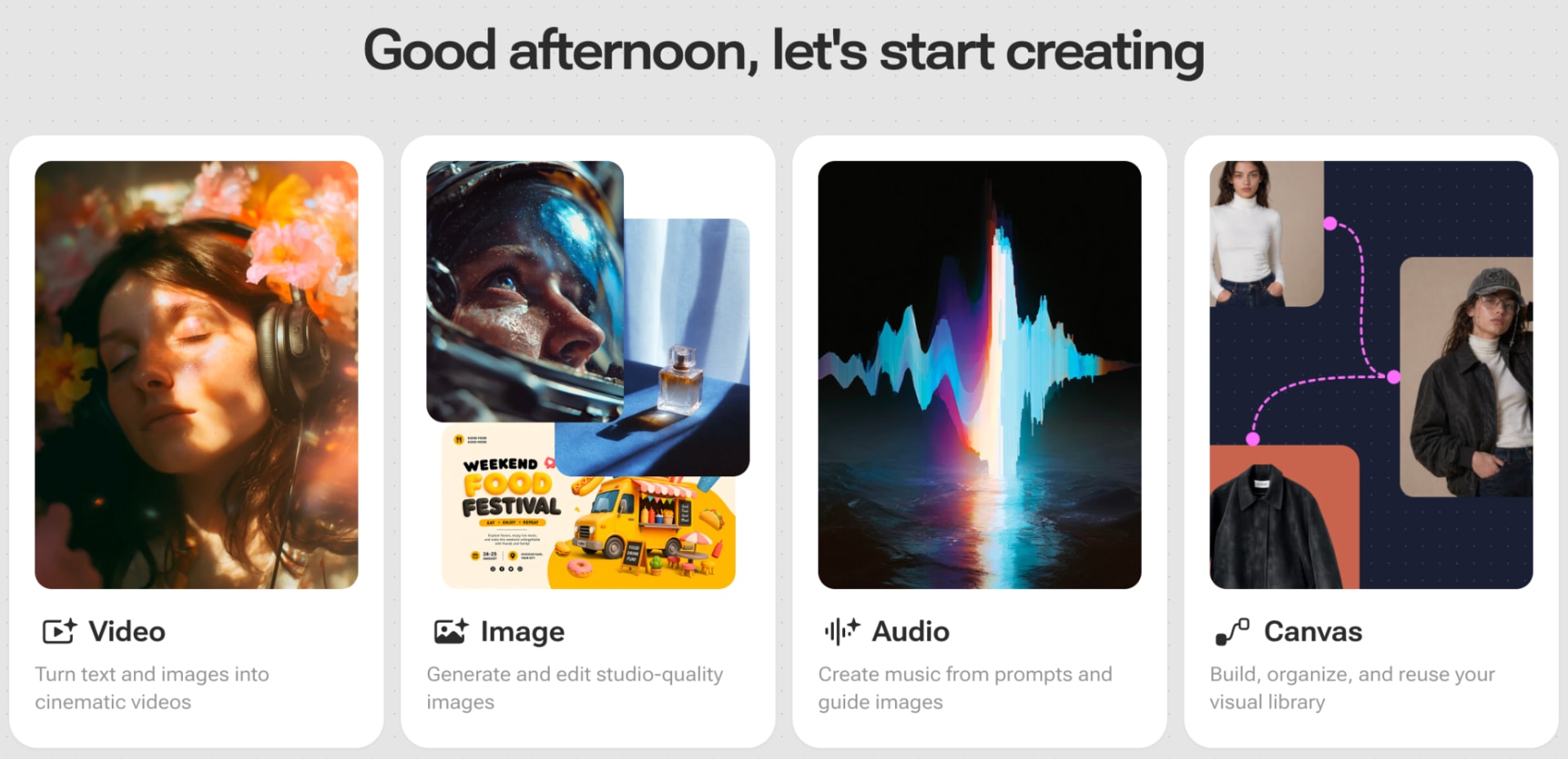
What Renoise Includes
Renoise currently brings together 20 models: eight for video, ten for images, and two for audio. The video selection includes Seedance 2.0, Seedance 2.0 Fast and Mini, Gemini Omni Flash, Kling 3.0 Omni, Grok Imagine Video, and HappyHorse. Its image options include GPT Image 2, Seedream 5.0, Midjourney, Nano Banana, and Grok Imagine Image variants.
Renoise says new flagship models are integrated within 24 hours, reducing the need to create another account whenever a major model family changes.
This range matters because no model is best at every task. A product-ad team may use Midjourney for visual direction, GPT Image 2 for reference-heavy image editing, Seedream for high-resolution assets, and Seedance for motion. Renoise lets the team move among those options under one subscription and inside one asset environment.
Testing the Workflow for Product Advertising
A practical Renoise workflow can begin with existing product photography. The team uploads reference assets to the library, where they remain available for later tasks. Supported models allow references to be named directly in prompts, helping the generator understand which uploaded image represents the product.
Renoise should not be described as guaranteeing exact product reproduction. Generative models can still change lettering, geometry, or small details. Its real advantage is that references, asset reuse, prompt instructions, and image-editing tools are available in one process. Teams can mask an area, change a background, erase an unwanted object, or expand an image for a different advertising format without rebuilding the project from zero.
Canvas, Prompt Enhance, and Renoise Agent
Renoise offers three ways to work. The standard creation pages are designed for quick image, video, or audio tasks. Canvas provides a visual workspace where assets and generated results appear as connected cards. For multi-shot advertising, users can extract the last frame of one clip and reuse it as the opening frame of the next, which can help create smoother continuity.
Canvas is an organization and generation workspace, not a complete video editor. It can trim clips, extract frames or audio, and package selected assets, but final sequencing, transitions, captions, and sound mixing still require editing software.
Subscribers can also use Prompt Enhance to turn a short idea into a shot-based video prompt while preserving existing references. The result should still be checked against the campaign brief.
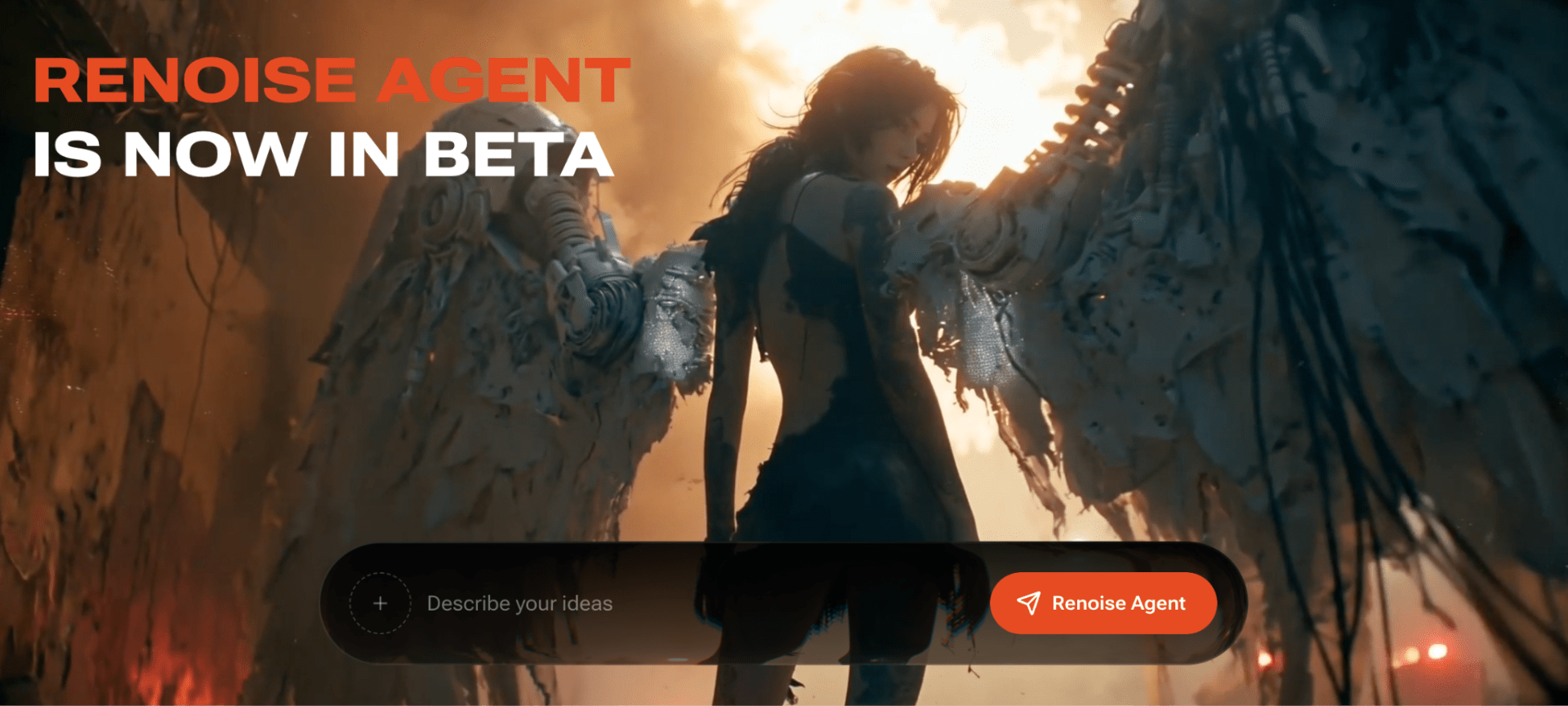
Renoise Agent, currently in beta, adds a conversational workflow on desktop. It can clarify a request, inspect assets, divide the brief into generation tasks, and display the parameters and credit cost before submission. Conversation itself does not consume credits; generation does. The confirmation step is valuable because it keeps spending visible instead of letting an automated process submit jobs silently.
Output Quality and Model Choice
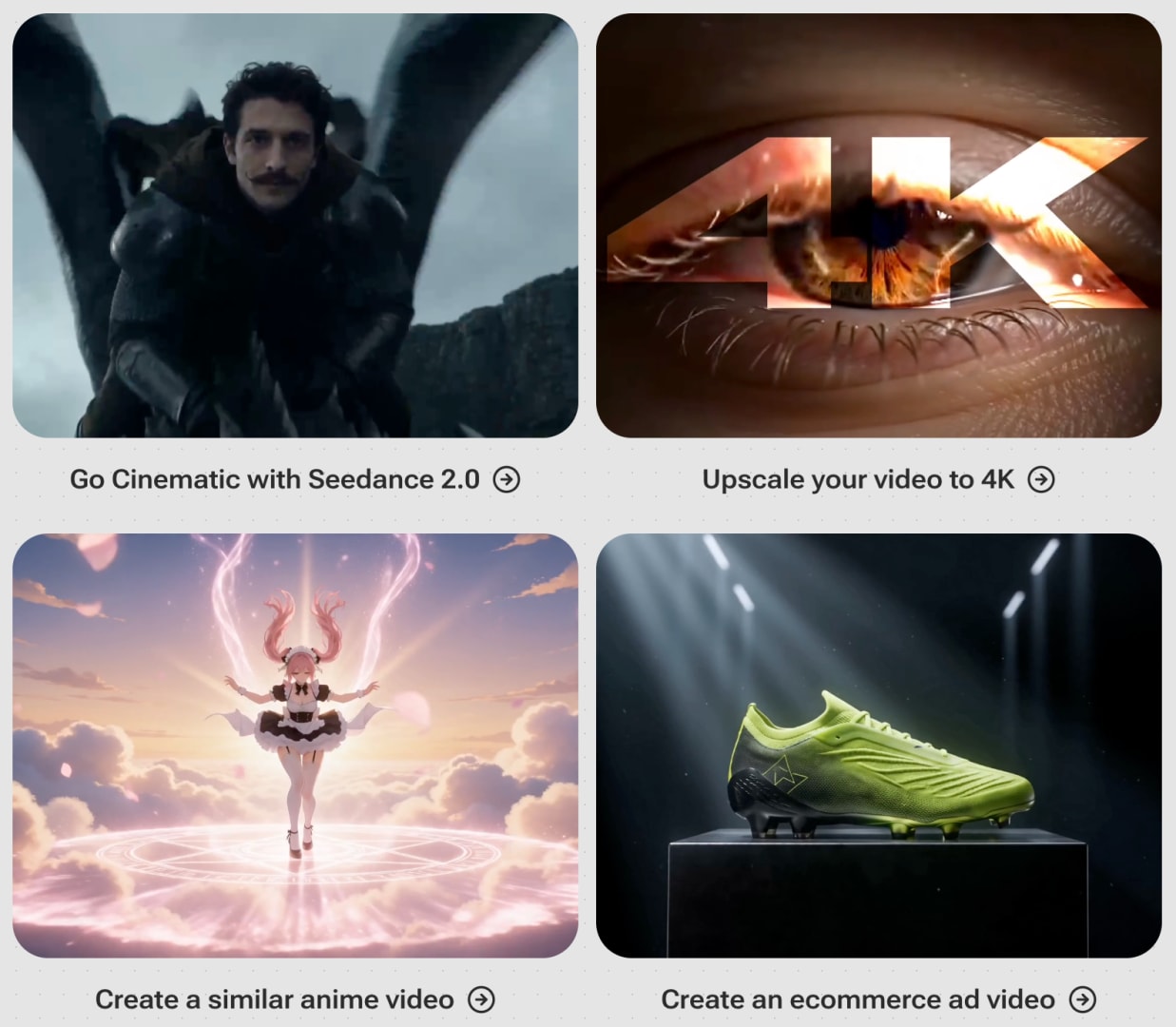
The strength is flexibility. A team can test a lower-cost model for early motion studies and reserve a higher-cost option for approved concepts. It can also generate an economical 720p clip and use the platform’s upscaling tool when appropriate, though an upscaled result should not be presented as identical to native 4K generation.
Pricing and Practical Limitations
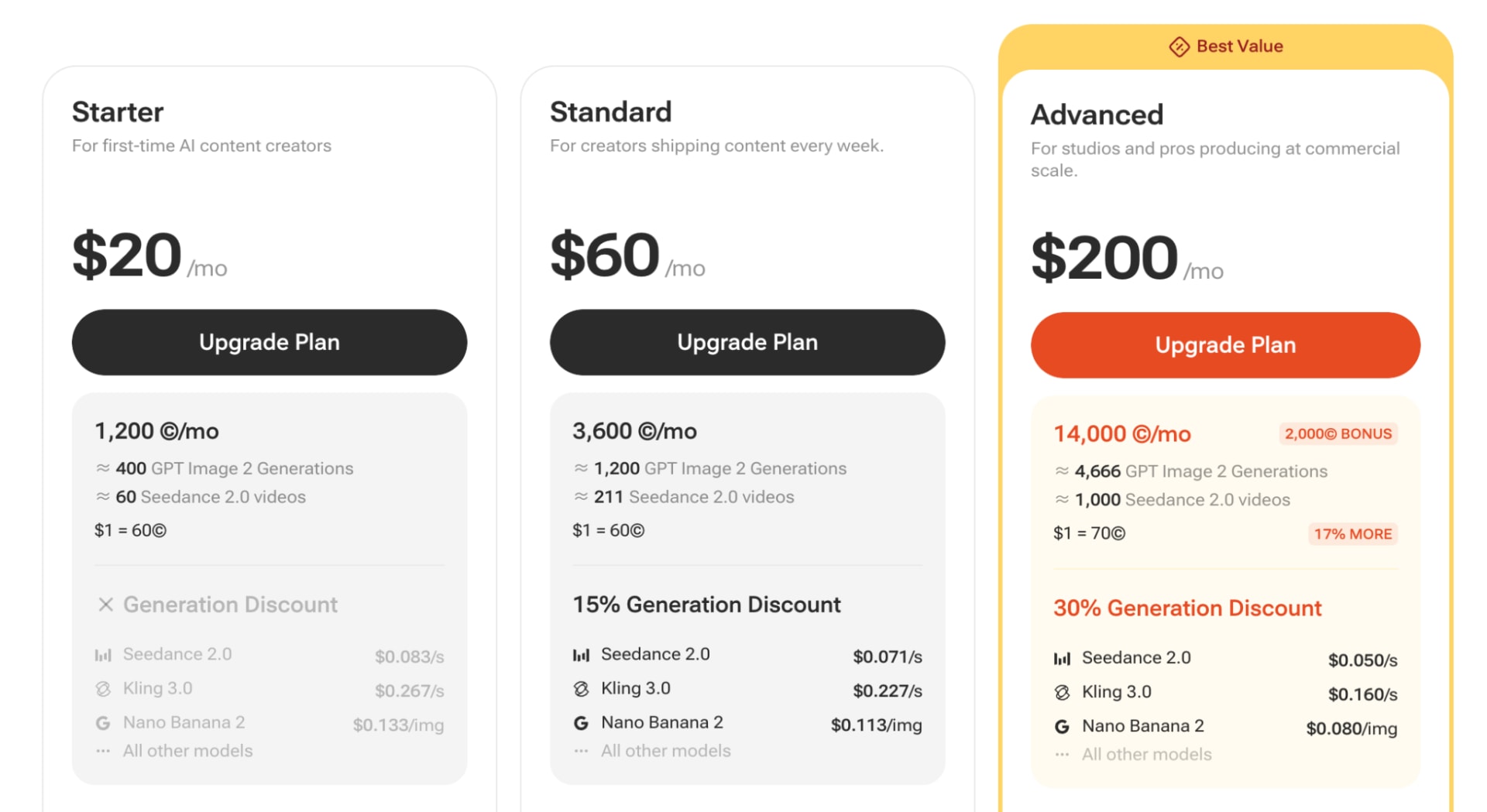
Renoise has no free plan and registration does not include trial credits. The paid subscriptions are Starter at $20 per month, Standard at $60, and Advance at $200. Standard reduces generation credit consumption by 15%, while Advance reduces it by 30%. GPT Image 2 currently uses a separate 50% consumption discount, and eligible consumption discounts do not stack; the largest applicable reduction is used.
The complete experience is desktop-first. Basic generation, assets, and templates work on mobile web, but Canvas and Renoise Agent are desktop-web features. Renoise also does not remove the need for final editing or human quality control, especially when brand text and product details are involved.
Final Thoughts
Renoise is strongest as a practical multi-model production workspace. It gives product-ad teams a place to generate images, move approved concepts into video, reuse reference assets, compare models, and organize outputs before final editing.
Its main trade-offs are the paid entry point, credit-based experimentation, desktop-only advanced workspaces, and the need to learn model selection. Teams that want maximum simplicity may prefer a narrower tool. Teams that regularly create product campaigns and want several leading image and video models under one account are more likely to find Renoise useful.
FAQ
What is Renoise?
Renoise is an AI creative platform that combines image, video, and audio models with asset management, a visual Canvas, prompt assistance, and a conversational Agent.
Can Renoise keep a product consistent across multiple ads?
Renoise supports multiple reference images, named asset references, reusable assets, image editing, and first- or last-frame controls. These tools can reduce variation, but exact reproduction is not guaranteed.
Does Renoise offer a free plan?
No. Renoise does not currently offer a free plan or registration credits. Users need a subscription or purchased credits to generate content.
Can Renoise replace video-editing software?
Not completely. Renoise can generate, organize, trim, upscale, and package assets, but a separate editor is still needed to assemble multiple clips into a finished advertisement.
Comments
Loading comments…