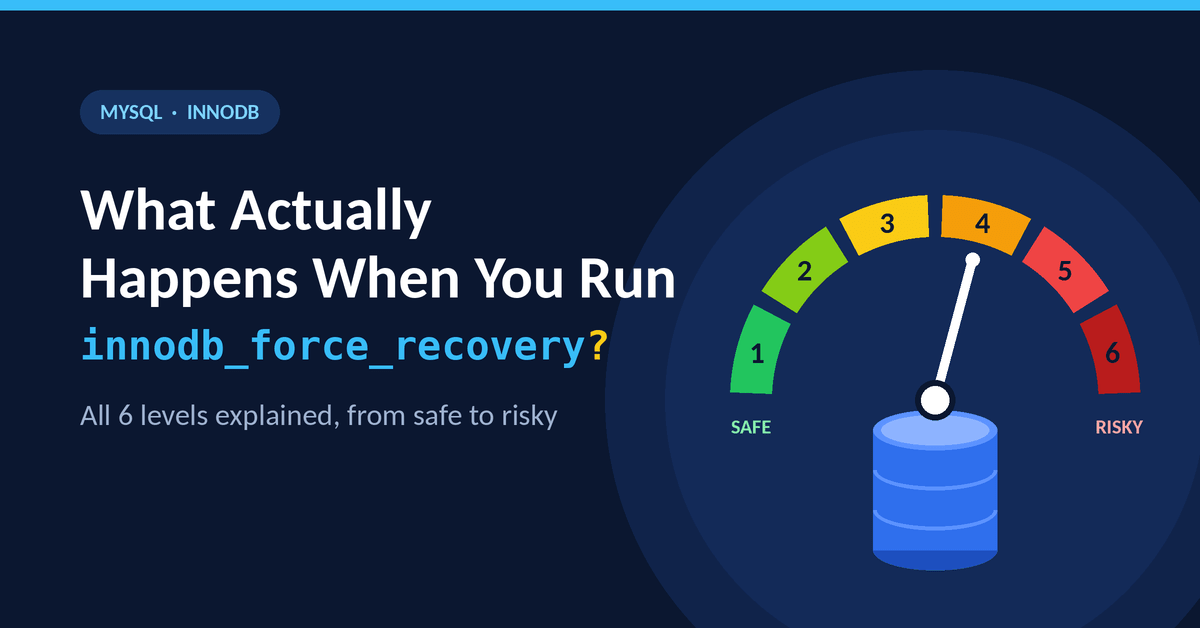
 InnoDB storage engine in MySQL Server crashes automatically when it detects corruption in the tables. In this case, you can use the innodb_force_recovery option to force the engine to start. You can set the value between ‘1’ and ‘6’, under the [mysqld] section in MySQL configuration file. The higher the value you choose, the more safety checks it skips. While this helps you access a corrupt database, setting the value to 4 and above can delete or corrupt your information. In this article, we will discuss when to use innodb_force_recovery and its different recovery levels.
When to Use innodb_force_recovery in MySQL Server?
When a MySQL database becomes corrupted, your main objective is to recover as much data as possible. Normally, you can use the SELECT ... INTO OUTFILE command to dump your data. However, if the damage is severe, the database may become completely unreadable. This can cause your MySQL application to crash repeatedly. In such cases, you can also upload the corrupt file to an online MySQL database repair and preview the recovered tables before changing any recovery settings.
In this situation, you may require to use innodb_force_recovery. Enabling this option turns off all automated cleanup tasks, which prevents server crashes and forces the database to ignore errors and start. Once the database is accessible, you can easily run the export commands and extract the data.
You may need to use this configuration settings in the following scenarios:
- When InnoDB tables get corrupted.
- When your mysqld is crashing repeatedly.
- If you see the errors related to InnoDB tables in the Error Logs, such as Database page corruption, Plugin initialization aborted, or assertion failures.
Understanding innodb_force_recovery Levels in MySQL Server
During the crash recovery process, MySQL Server shuts down on startup due to corruption in the InnoDB tables. To prevent this, you can enable innodb_force_recovery but how the engine operates on startup and which operations are permitted, depend on the recovery level you choose. Therefore, it is important to understand each level of innodb_force_recovery to use it correctly and prevent further data loss.
Level 1: Ignore Corrupt Pages (SRV_FORCE_IGNORE_CORRUPT)
Usually when the server detects a corrupt page, it stops immediately. If you set the value of innodb_force_recovery=1, it allows you to start the server even if it detects corruption or broken pages in the tables. Once the database is online, running the SELECT command to dump the table will directly jump over the affected indexes or pages instead of failing. This lets you save and export the data. You can safely use this level without the risk of data loss.
Level 2: Stop Background Operations and Threads (SRV_FORCE_NO_BACKGROUND)
Normally, MySQL Server runs cleanup tasks in the background. If any issues with the data file are detected during cleanup, the server crashes. This usually happens due to background threads. When you set innodb_force_recovery = 2, this stops the main background operations including master thread and purge thread from running.
Level 3: Skip Transaction Rollback (SRV_FORCE_NO_TRX_UNDO)
When a database crashes, it tries to roll back mid-way tasks. When you select innodb_force_recovery =3, it stops the server from undoing unfinished transactions after crash recovery.
Level 4: Skip Insert Buffer Merge (SRV_FORCE_NO_IBUF_MERGE)
MySQL Server keeps changes to indexes in a buffer to apply them later in the background for optimal performance. If this buffer gets corrupted or damaged, the server can fail during startup. You can try to start it using level 4. It bypasses this buffer. It stops the insert buffer from merging operations and counting table statistics. Due to this, you may be able to start the server. However, using the value 4 in innodb_force_recovery can corrupt the data files.
Level 5: Skip the Undo Log Scan (SRV_FORCE_NO_UNDO_LOG_SCAN)
This innodb_force_recovery level can corrupt data files because it completely ignores the undo logs when the database starts and sets InnoDB to read-only. At this level, InnoDB treats even incomplete transactions as committed.
Level 6: Skip Redo Log Roll-Forward (SRV_FORCE_NO_LOG_REDO)
When the MySQL Server crashes, it uses redo logs to fix itself by reapplying recent changes that were not yet saved to the data files. However, when you set innodb_force_recovery = 6, it skips this entire process. It forces the database to start by using broken, outdated files from the exact moment of the crash, which automatically set the database into a read-only mode. As this can permanently corrupt your data files and damage the B-trees and other database structure, you should only use this level as a last resort when your logs are unreadable and nothing else works. If the server does start, you must immediately dump the data using the SELECT command.
MySQL InnoDB Force Recovery: Limits and Corruption Risks (Levels 4-6)
When innodb_force_recovery is enabled, write operations are completely blocked at every non-zero level to prevent further data damage. However, setting the option to 4 or above can help you to open a severely damaged database in read-only mode. At these higher levels, you can use the basic SELECT command, but you cannot run the complex queries, like WHERE, ORDER BY, or JOIN. This is supported only when using the mysqldump utility. Also, you may need to set the value of the innodb_force_recovery option to higher values (more than 4), especially in case of severely corrupted InnoDB tables. It can permanently corrupt your data files or lead to data loss.
How to Use innodb_force_recovery Safely?
If your MySQL Server shuts down due to corruption in the tables, then follow these steps to use innodb_force_recovery:
1 - Enable Innodb_force_recovery in the Configuration File
Go to the MySQL configuration file (my.cnf) location. The my.cnf file’s location varies depending on the operating system and how MySQL was installed. On Linux, common locations include /etc/my.cnf and /etc/mysql/my.cnf. On Windows, the configuration file is located in '/etc' directory. The default path is /etc/mysql/my.cnf.
Once you found the my.cnf file, then check and make sure innodb-log-file-size is not more than 512 GB and the innodb_buffer_pool_size is enabled. Then, go to the [mysqld] section and then insert the below statements:
[mysqld]
Innodb_force_recovery=1
The default value of innodb_force_recovery is 0. Make sure you start with a lower value, like 1, 2, or 3, to start the MySQL Server.
Note: If the database is severely corrupted, then you may require to increase the value to 4 or 5. This can cause data loss.
2 - Rebuild the Corrupt InnoDB Tables using Dump and Reload
Once you are able to start the server, then use the mysqldump command (as given below) to dump the table data:
mysqldump -u user -p database_name table_name > single_dbtable_dump.sql
Next, export all the databases to the dump.sql file by executing the command below:
mysqldump --all-databases --add-drop-database --add-drop-table > dump.sql
3 - Disable InnoDB Recovery Mode
To disable the InnoDB recovery mode, put a comment in the following line:
#innodb_force_recovery=...
Next, save the applied changes to the my.cnf file and then restart the MySQL Server.
Alternative Solution to Restore Corrupt MySQL Database
If the MySQL Server failed to start even after using innodb_force_recovery, you can look for alternative solutions. You can use a MySQL database repair tool, like Stellar Repair for MySQL that can restore data from database even if it is highly corrupted. The tool works offline on a copy of your corrupted database file, meaning it does not risk further damage to your database setup. It helps you recover all the objects, including unique keys, foreign keys, and triggers from the corrupt MySQL database. You can even repair multiple databases in one go.
Why to use Stellar Repair for MySQL instead of innodb_force_recovery?
You can use this advanced MySQL database repair tool because:
· It can repair corrupt MySQL database without data loss.
· It supports repairing InnoDB and MyISAM tables.
· It allows you preview the recoverable database objects after repair.
· It can help you resolve severe corruption errors in the MySQL database that are causing server to crash.
· It allows you to choose exactly which tables or objects to recover.
· It allows you to save repaired data directly to MySQL, MariaDB, SQL Scripts, HTML, CSV, or XLS.
To Conclude
The innodb_force_recovery option helps you access the corrupt MySQL database in a read-only mode. Above, we have explained what actually happens when you run the innodb_force_recovery option and its levels, and how to use the options correctly to access the database. If you want to restore severely corrupted InnoDB tables without any data loss, then use a professional MySQL repair tool, such as Stellar Repair for MySQL. It can quickly repair the corrupt MySQL database file and recover tables and other objects with complete integrity.
Further Reading
Discover more articles on similar topics across our network
Comments
Loading comments…