I expected one clear winner after testing all three tools. But that is not what happened. Here’s what I learned instead.
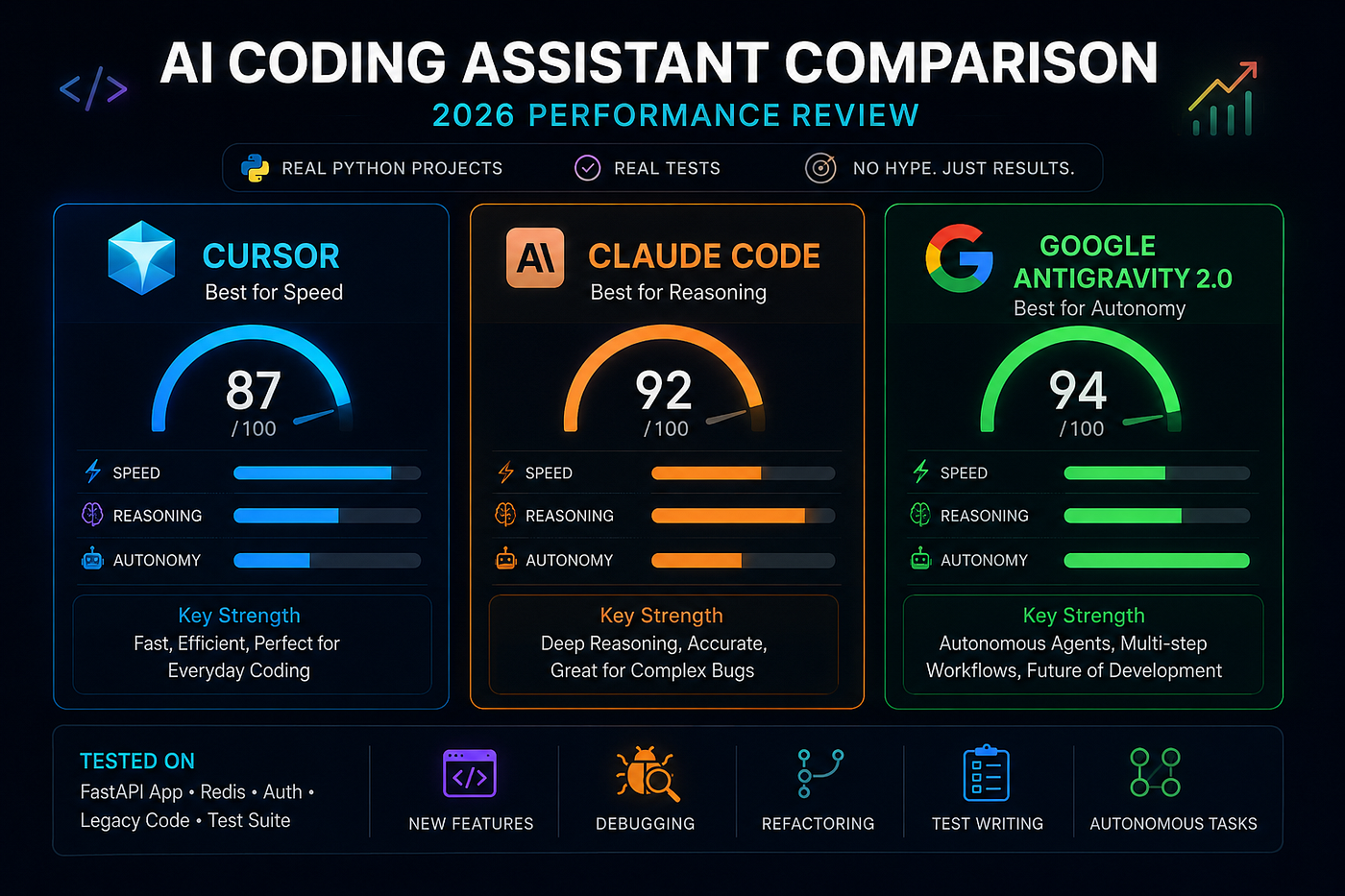
Everyone is arguing about which AI coding tool is best in 2026.
Cursor users say it is the fastest. Claude Code users say its reasoning is far better than anything else. And now Google Antigravity 2.0 is getting attention because of its multi-agent system that looks almost crazy.
So instead of trusting AI Twitter, I tested all three myself.
Same Python projects. Same debugging problems. Same automation tasks. No fake demos. No benchmark screenshots.
What happened completely changed how I see AI coding tools in 2026.
One tool was super fast but struggled with complex tasks. One understood problems really well but made the workflow slower. And one handled real production-style work much better than I expected.
Here is what actually happened.
What These Three Tools Really Are
Before looking at the results, there is one important thing to understand.
Cursor, Claude Code, and Google Antigravity are built for very different styles of development.
Cursor is made for fast AI coding inside VS Code. It focuses on speed, autocomplete, refactoring, and helping developers code faster without changing their normal workflow.
Claude Code works differently. It acts more like a reasoning agent that can understand large codebases, plan bigger changes, and solve problems with strong context awareness.
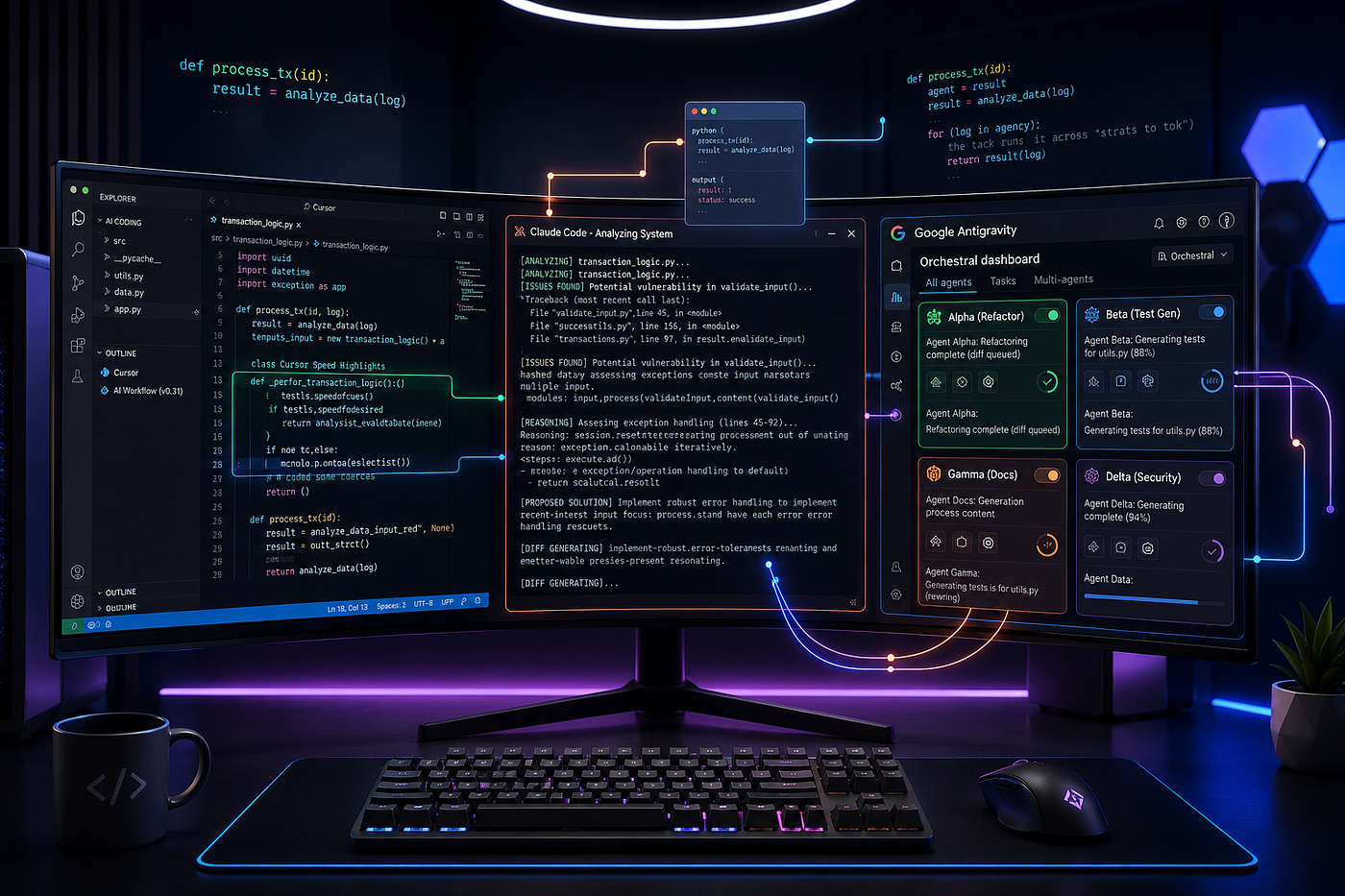
Google Antigravity 2.0 feels more futuristic. Instead of using one assistant, it lets you manage multiple AI agents that can write code, run terminal commands, browse the web, test results, and fix problems with less human input.
Three AI coding tools. Three very different ideas about the future of software development.
And after testing all three on real Python projects, one of them surprised me the most.
The Test Setup
I tested all three tools on the same Python project, a medium-sized FastAPI app with Redis, authentication, an existing test suite, and some older legacy code that needed work.
Every tool received the exact same prompts and the same project context. I did not change prompts to help any tool perform better. I judged them based on first-try accuracy, code quality, speed, and how much manual fixing was needed.
I tested five areas: Writing new features, fixing failing tests, refactoring code for better clarity and performance, writing test suites, and one larger autonomous task designed to see how well each tool could handle real independent work beyond simple code generation.
Test Results
Writing New Features
For the first coding test, I gave all three AI tools the same Python task:
Add webhook support to an existing FastAPI app with HMAC validation, retry logic, and failure logging.
This is where the differences became very clear.
Cursor was extremely fast. It generated working code in seconds, matched the project style well, and only needed one small fix in the retry logic. For daily coding work, it felt very efficient.
Claude Code worked differently. Before writing code, it studied the existing architecture and noticed the app was using a custom logging handler. It kept everything consistent without being told. The first result was production-ready and needed no manual fixes.
Google Antigravity went even further. Its agent scanned the whole codebase, made an implementation plan, and even added extra functionality including a webhook dashboard endpoint that was never mentioned in the prompt.
It was slower than Cursor and Claude Code, but it felt more like an autonomous developer than a coding assistant.
After this test, the strengths became obvious.
Cursor was best for speed. Claude Code was best for reliability. Antigravity was best for initiative.
Debugging
Next came one of the hardest real-world AI coding tests: async Python debugging.
I gave Cursor, Claude Code, and Google Antigravity the same failing async tests, traceback logs, and related source code.
This is where weaker AI tools usually start guessing.
Cursor solved 4 out of 5 issues correctly and did it very fast. But on one bug, it jumped to the most common solution instead of tracing the real root cause inside the codebase.
Claude Code solved all 5 correctly.
More importantly, it found two hidden problems that were not breaking tests yet but could cause future failures later. Its explanations were also the clearest. It did not just fix bugs, it explained why the bugs happened.
Antigravity solved 4 out of 5 on the first try. But after failing one task, the agent reran the tests, checked the new output, changed the implementation, and fixed the issue on the second attempt without my help.
That self-correcting workflow feels very different from normal AI coding assistants.
After this round, the pattern became clear.
Claude Code was the best debugger. Antigravity was the most autonomous. Cursor was still the fastest for quick fixes.
Refactoring
The refactoring test showed one of the biggest differences between these AI coding tools.
I gave all three a messy 250-line Python class doing too many jobs and asked them to refactor it into clean single-purpose components.
Cursor was very fast.
It separated the code cleanly, used good naming, and created readable architecture within minutes. For most developers working on deadlines, this would probably be enough.
Claude Code went deeper.
It discovered a hidden circular dependency in the original design that could create future problems after refactoring. Instead of only reorganizing the code, it redesigned the structure to prevent future issues before they happened.
The result felt more like work from a senior engineer than an autocomplete tool.
Antigravity again behaved differently.
It refactored the code, ran the existing tests, detected a failing test, fixed the issue automatically, reran the tests, and only then showed the final output.
That changes the experience completely.
You are not just getting a suggested refactor. You are getting a tested and verified refactor.
And that difference matters more than most people realize.
Test Writing
All three tools created solid happy-path tests on every task. The real difference appeared in edge cases.
Cursor handled the obvious cases quickly. But for edge cases, it usually needed extra prompting.
Claude Code covered the most edge cases without being asked. In two test suites, it wrote tests for conditions I had not even mentioned in the prompt.
Antigravity wrote detailed tests and then actually ran them against the existing code before showing the final result. Any failing test was flagged immediately. The test suite you receive has already been verified.
Multi-Step Autonomous Task: The Real Test
This was the most important category and the one that revealed the biggest differences between the tools.
Task: Audit the codebase for security issues, create a prioritized report, patch the top three problems, run tests for every patch, and deliver a final summary of what was fixed and what still remains.
Cursor handled this as multiple manual chat steps. Every stage needed a new prompt from me. The quality of each step was good, but the entire process depended on manual guidance. Cursor is not really designed for long autonomous workflows.
Claude Code handled the workflow through the command line with only two manual check-ins needed. Its reasoning was very strong and the patch quality was the best among the three. It still needed occasional direction, but once guided, it worked reliably.
Antigravity handled the full workflow with the fewest interruptions. The Mission Control interface showed every agent’s progress in real time. When one agent reached an unclear decision, it logged its assumption, continued working, and flagged the issue for review later instead of stopping the whole process.
Its final report was also the most structured and complete.
For autonomous multi-step work, Antigravity felt like it belonged in a different category.
The Honest Verdict
There is no single best AI coding tool in 2026.
After testing Google Antigravity vs Cursor vs Claude Code on real Python projects, one thing became very clear.
Each tool is best at different tasks.
Cursor is best for fast daily coding and smooth workflow.
Claude Code is best for deep reasoning, complex debugging, and high-accuracy work.
Google Antigravity is best for autonomous workflows where agents can plan, code, test, and fix things on their own.
The biggest shift is this:
Developers are no longer choosing one AI tool for everything.
They are switching tools depending on the task.
Conclusion
The time of using one AI coding tool for everything is ending. The real question in 2026 is not which AI assistant is the best. The real question is which tool is best for this specific task right now.
Google Antigravity vs Cursor vs Claude Code is not really a battle between identical products. All three solve different problems.
Cursor focuses on fast everyday coding and low-friction workflow.
Claude Code focuses on deep reasoning, difficult debugging, and accurate development work.
Google Antigravity focuses on autonomous multi-agent execution where tasks are planned, tested, and fixed with very little human input.
Once you stop searching for one winner and start matching tools to tasks, productivity changes completely.
There is no perfect AI coding tool. Only the right tool for the right job.
If you enjoyed this article, follow me for daily content on Python, AI tools, automation, FastAPI, and real developer workflows.
I publish one new article every single day sharing practical coding tips, AI experiments, debugging lessons, and production-level development insights without fake hype.
If you want to learn how developers are actually using AI in real projects, you’ll probably enjoy the next article too.
And before you leave, don’t forget to clap and follow. It really helps support daily writing.
Post you also like :- I Tested 4 RAG Architectures. One Survived Production.
A message from our Founder
Hey, Sunil here. I wanted to take a moment to thank you for reading until the end and for being a part of this community. Did you know that our team run these publications as a volunteer effort to over 3.5m monthly readers? We don’t receive any funding, we do this to support the community.
If you want to show some love, please take a moment to follow me on LinkedIn, TikTok, Instagram. You can also subscribe to our weekly newsletter. And before you go, don’t forget to clap and follow the writer️!
Further Reading
Discover more articles on similar topics across our network
Microsoft's MAI-Base-2 Puts a 2.8-Trillion-Parameter Foundation Model in the Open-Weight Race
Microsoft Research's MAI-Base-2 mixture-of-experts release challenges closed labs with a 2.8-trillion-parameter open-weight checkpoint and tooling aimed at enterprise fine-tuners.

Harbin Institute’s SparseEngine Claims 2.5× vLLM Throughput for Agent Workloads
Researchers at Harbin Institute of Technology report SparseEngine delivers up to 2.5× the serving throughput of vLLM on agentic inference patterns—if sparse attention tricks translate to production.

Comments
Loading comments…