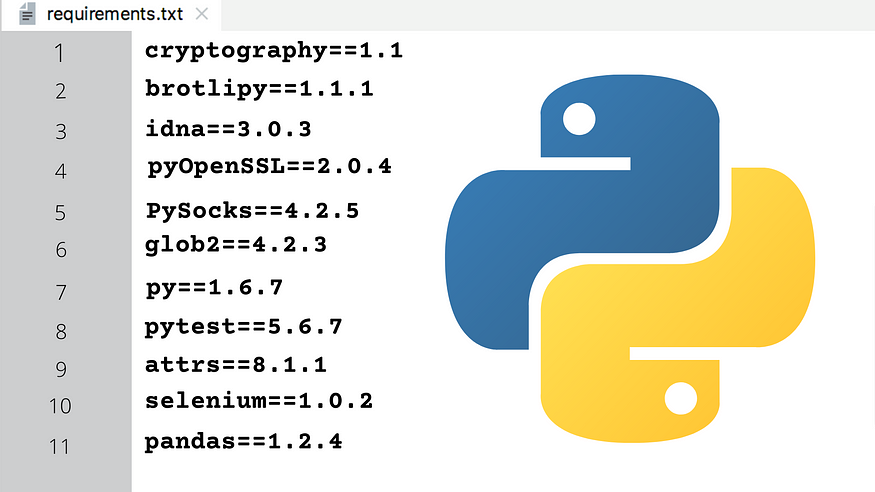
requirements.txt is an essential file that stores the information about all the libraries, modules, and packages that are used while developing a particular project. It contains all the dependencies needed for the project to run.
The traditional way to generate the requirements file is to do
pip freeze > requirements.txt
The above approach works well if you have a virtual env that consists of only the project-specific packages. But in case, you don’t have a virtual env created, pip freeze will save all the packages that were installed in the base environment even if we are not using them in our project.
The easy & faster alternative of pip freeze is the pipreqs package in python.
Generating requirements.txt with pipreqs can be done in two steps:
pip install pipreqs- checkout to the root project folder and run
pipreqs .ORpipreqs /path/to/project. This will directly create the file in the root folder.
→ In case you want to review the packages before creating the file, run pipreqs /path/to/project —-print.
→ If the requirements.txt is already created & you want to overwrite it, pipreqs /path/to/project --force.
→ If there are multiple sub-directories within your project & you want to ignore them while creating the requirements, pipreqs /path/to/project --ignore /path/to/directory
→ If you want to store the packages in some other file, use pipreqs /path/to/project --savepath /location/of/file/
Note: _pipreqs_ scans the .py files in the root folder & uses the imports in the project to generate the file, so in case there are some additional plugin dependencies, you will have to add them manually.
Further Reading
Discover more articles on similar topics across our network

Comments
Loading comments…