Regardless of whether you’re an owner of a small coffee spot or a director of a large B2B corporation, you need an online presence to get more clients and grow. And that’s almost impossible to do without the right SEO strategy.
However, taming SEO is not that easy, considering its technical aspect and, especially, the regular changes of Google algorithms. In 2023, Google confirmed 4,000 improvements made to Search. You need to adapt to such changes, and fast.
It’s much easier to do with dedicated marketing SEO tools that help SEO professionals with keyword research, rank tracking, site audits, backlink analysis, competitor insights, and many more.
But what tools for SEO to choose from with such a great variety on the market? That’s what this article is for. We compiled the list of the 12 best SEO tools online based on their functionality, price, ease of use, accuracy, and customer service.
Keep reading to get a brief review of each tool, its features, pricing, and pros and cons. By the end of the article, you might have a clearer vision of what SEO online tools are best for your needs.
Why the Right SEO Tools Make All the Difference in 2026
SEO in 2026 is much more than just keywords. It requires a strong strategy and the ability to stay ahead of your competitors.
Doing that manually is simply impossible amidst the pace of digitalization. Gartner’s survey found that 33% of world CEOs had a technology-related growth strategy as their priority for 2024.
And when it comes to AI adoption, figures are even more impressive: 92% of companies plan to increase their AI investments over the next three years.
For sure, doing SEO without the right tools now is like trying to win a race on foot while everyone else is driving electric cars.
- What are SEO tools? These are dedicated platforms or apps that help you boost your website’s ranking on Google by giving you data and insights you wouldn’t get on your own. It includes the keywords people are searching for, insights about competitors, and information about how your website performs on SERP. They also help with building backlink profiles, monitoring technical SEO, report automation, and many more.
But at the same time, the market is so full of SEO marketing tools that choosing only one is simply impossible. In fact, marketers experience a kind of tool fatigue — 57% of specialists report that they’re overwhelmed by the number of tools on the market. And 54% state they’re using about 50 tools or more.
The need for a minimalistic tool stack that still meets all the marketing and SEO requirements is apparent. And that is exactly why we decided to make a selection of the best free and paid SEO tools on the market to make your choice easier.
How We Selected the Best SEO Tools
To narrow down the huge variety of online SEO tools, we used a few key criteria to guide our selection:
- Ease of use. Sometimes, SEO is too technical even for those with a rich technical background. That’s why the best SEO tool should be easy to use for all specialists. It corresponds to the intuitive navigation, quick setup, clean interface, and nice-looking design. You shouldn’t spend time looking for a button or feature; it all has to be logical and intuitive.
- Accuracy. For an SEO to be successful, it should be based on accurate data and metrics. In the end, bad data leads to bad decisions. That’s why the best tools for SEO should provide up-to-date and trustworthy info, such as real search volumes, correct backlink data, and honest site health reports. This is what we focused on when making a selection.
- Features. Probably, the most important factor. What makes SEO tools and software the best for SEO specialists and marketers is the variety of functionality they offer. Sometimes, all-in-one solutions are the most optimal, since you can get everything you need for quality SEO in one. However, sometimes, you need something specific, such as backlink building, and then you opt for solutions that specialize in backlinking.
- Support. Even the best software for SEO can become a disappointment if they have a poor quality of customer support. We only select online SEO tools that have great customer service and are ready to solve all arising problems 24/7 and via multiple channels. Also, top SEO tools should offer demos or training, so that all users have no trouble with the software.
- Pricing. Naturally, price also matters. We consider the price/value ratio and also pay attention to whom the pricing and offered functionality might fit the best. For instance, the best enterprise SEO tool might not be what a startup needs, especially if it comes with a costly price tag. At the same time, even despite being affordable, the best SEO tools for small businesses might not satisfy the needs of a big marketing agency or SaaS company, since they might require broader functionality or special customized offerings.
Another important thing to point out before delving into the selection of the best SEO tools is that our choice was completely transparent. The only thing we considered was performance-backed insights, real users′ feedback, and personal testing of each tool.
We didn’t take any sponsorships or paid deals: every solution on this SEO tools list made it here because it genuinely performs, not because someone paid for a spot.
Note: We divided all 12 top SEO tools into 3 logical groups: all-in-one, free, and local.
Top All-in-One SEO Platforms (2026)
First, let’s dive into the overview of all-in-one SEO software tools. These solutions cover the main SEO tasks such as keyword research, rank tracking, backlinks, audits, and reporting.
1. SE Ranking
Source: SE Ranking
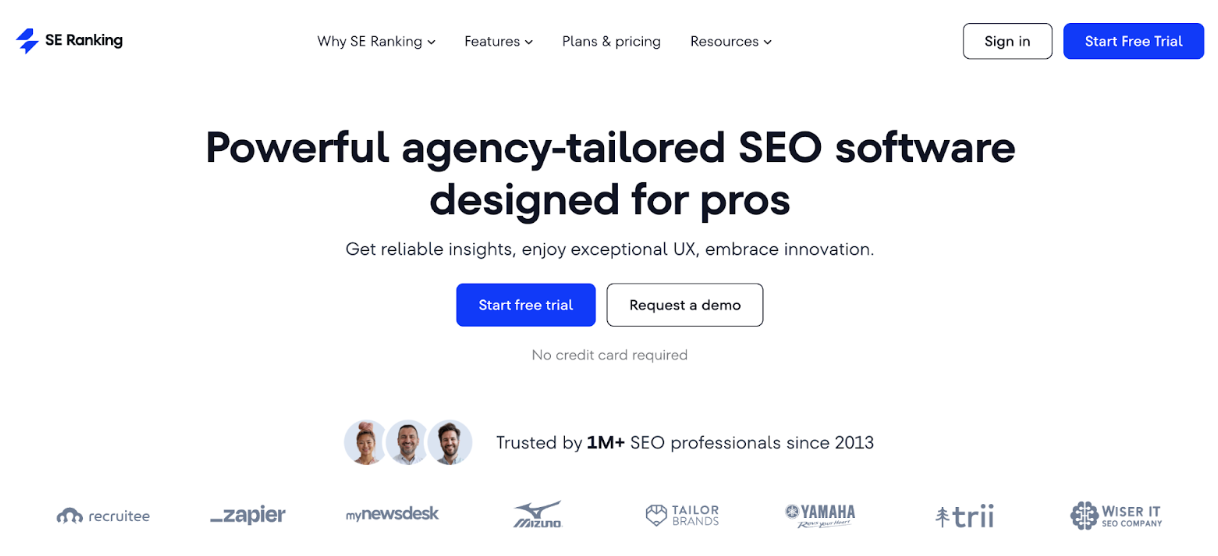
SE Ranking is one of the best SEO software tools for specialists who look for all-in-one solutions.
It offers a full stack of features needed for implementing an effective SEO strategy: from a basic keyword generator to an advanced Agency Pack add-on that enhances agencies′ experience at every level of their client management.
What’s more, there’s also a powerful service for local SEO. It allows for client review management, location-specific rank tracking, listing management, Google Business Profile monitoring, and management of client reviews pooled from platforms like Tripadvisor, Google, Yelp, and Facebook.
There’s also a possibility to try some features for free, such as Google Rank Checker, Domain Age Checker, Word Counter, Website Speed Checker, and many more. You can test-drive these services even without an account. However, such a usage is limited, so if you need more detailed SEO insights, you’ll need to proceed with the account and subscription.
Key features
- Rank tracker
- Keyword research
- Backlink checker
- Backlink monitor
- Competitive research
- SERP checker
- AI Overview tracker
- Competitor analysis tool
- Content marketing module
- Local marketing software
Pros and cons
Pros
- Ease of use
- Stong local SEO features
- Accurate tracking
- Comprehensive SEO tool with rich functionality
- Helpful and knowledgeable customer support
- Rich databases
Cons
- Helpful add-ons like Agency Pack, Local Marketing, or Social Media require additional payment
Pricing
SE Ranking offers a 14-day free trial for all prospects to test the platform and its functionality. After the trial expires, you have a choice of 3 paid subscription plans. Here’s their price (if paid annually):
- Essential: $52
- Pro: $95.2
- Business: $207.2
Each package differs in the number of projects, manager seats, keywords to track daily, and the variety of included features. While the Essential plan will best suit the needs of individual marketers or entrepreneurs, Pro and Business plans best cater to small- and medium-sized enterprises (SMEs) and agencies.
Verdict
Best suits the needs of agencies, small- and mid-sized businesses, and solo entrepreneurs.
2. Ahrefs
Source: Ahrefs
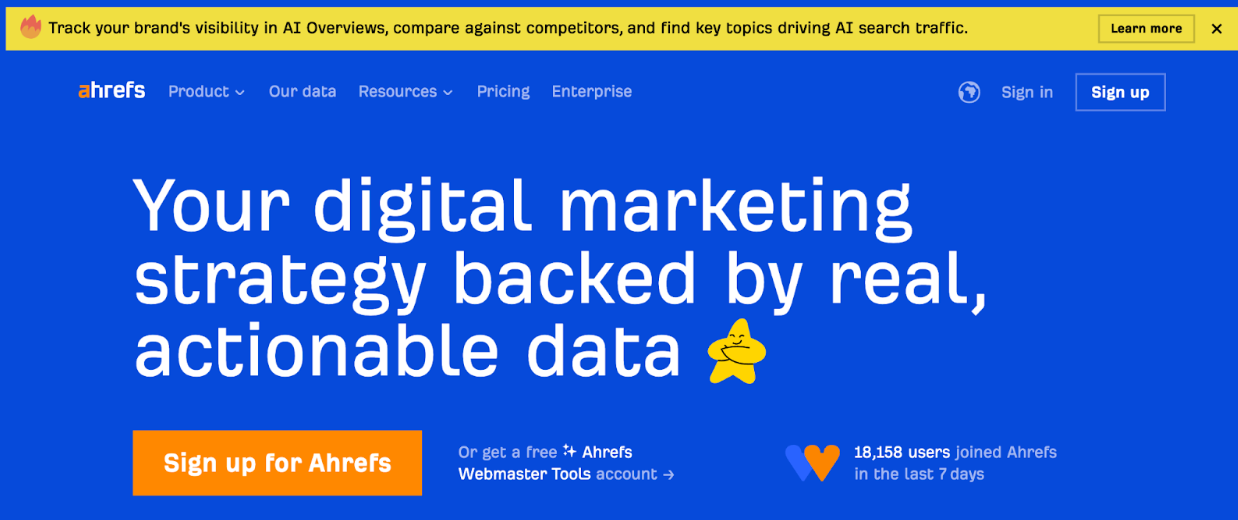
Ahrefs is also the best tool for SEO if you need all the SEO services in one product.
Here, SEO professionals can get quality backlink analysis, robust keyword research, and in-depth competitor insights. It has a large link database and a powerful site crawler, which helps you to track rankings, uncover content gaps, and monitor SEO progress of your strategy with accurate data.
While not being the most affordable option for small agencies or teams, Ahrefs still delivers to the larger teams and companies. It brings them everything they need for SEO: from a keyword generator or backlink checker to an SEO audit tool, a grammar checker, and a content gap identifier.
Key features
- Keyword explorer
- Rank tracker
- Website authority checker
- Content explorer
- Broken link checker
- SEO reporting
- AI writing tools
- SEO toolbar extension
- Keyword generator
- Keyword difficulty checker
- Brand Radar
Pros and cons
Pros
- Large backlink database
- Deep competitor insights
- Real-time data
- User-friendly interface
- Accurate keyword data
Cons
- No local SEO functionality
- Rather expensive for small teams and solo entrepreneurs
- No free trial
Pricing
Ahrefs has a subscription-based pricing model with 4 main packages. This is how much they cost when paid annually:
- Lite: $108
- Standard: $208
- Advanced: $374
- Enterprise: $1499
There are also extra add-ons, such as Project Boost Pro, Content Kit, or Report Builder. You can buy them in addition to the monthly subscriptions for a set monthly price: from $20 to $200.
Ahrefs doesn’t have a free trial for new users. However, they offer a Starter Pack for $29, which allows you to test the basic functionality before paying the full subscription price.
Verdict
Ahrefs might fit the needs of all professionals who seek tools for SEO optimization: from freelancers to large agencies and enterprises. However, solo entrepreneurs might consider more affordable options.
3. Moz Pro
Source: Moz
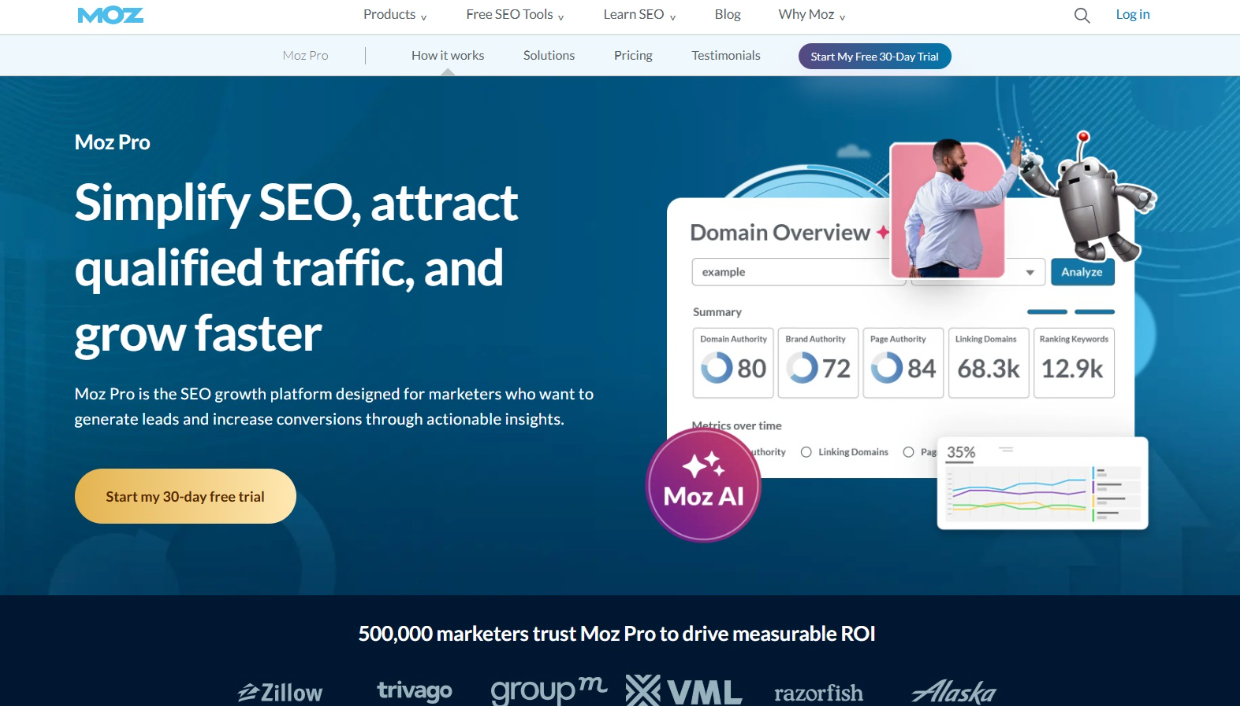
Moz Pro is another best SEO software for specialists who need many SEO services in one tool.
From keyword tracking and site audits to link building and domain authority analysis, Moz Pro simplifies complex SEO tasks for marketers and SEO professionals of all backgrounds.
Moz Pro offers such core SEO services as competitor tracking, SERP analysis, website crawling, on-page optimization, reporting, keyword suggestion, and many more.
Additionally, there’s a Moz Bar — a free extension for Chrome that provides you with real-time insights on how your website performs on SERP.
Key features
- Keyword explorer
- Keyword suggestions
- Search visibility score
- Rank tracker
- Search visibility score
- Custom reports
- On-page grader
Pros and cons
Pros
- Fast set up
- Intuitive interface
- Easy-to-read reports
- In-depth keyword research
- Moz Pro extension for Chrome
Cons
- There are no features for local SEO
- Some users spot certain data inaccuracy
- Clients state that the feature set and depth are limited compared to competitors.
Pricing
Like most SEO optimization tools, Moz Pro welcomes all prospects with a free trial — users have 30 days to test the platform for free.
Then, they can upgrade membership to a paid one with the following monthly options (if paid annually):
- Starter: $39
- Standard: $79
- Medium: $143
- Large: $239
Naturally, the difference between paid subscription plans is the set of features, possibilities, and number of users included.
Verdict
While Moz Pro might not provide enough depth for large enterprises, it still perfectly fits the needs of freelancers, agencies of all sizes, and in-house teams.
4. SEMrush
Source: Semrush
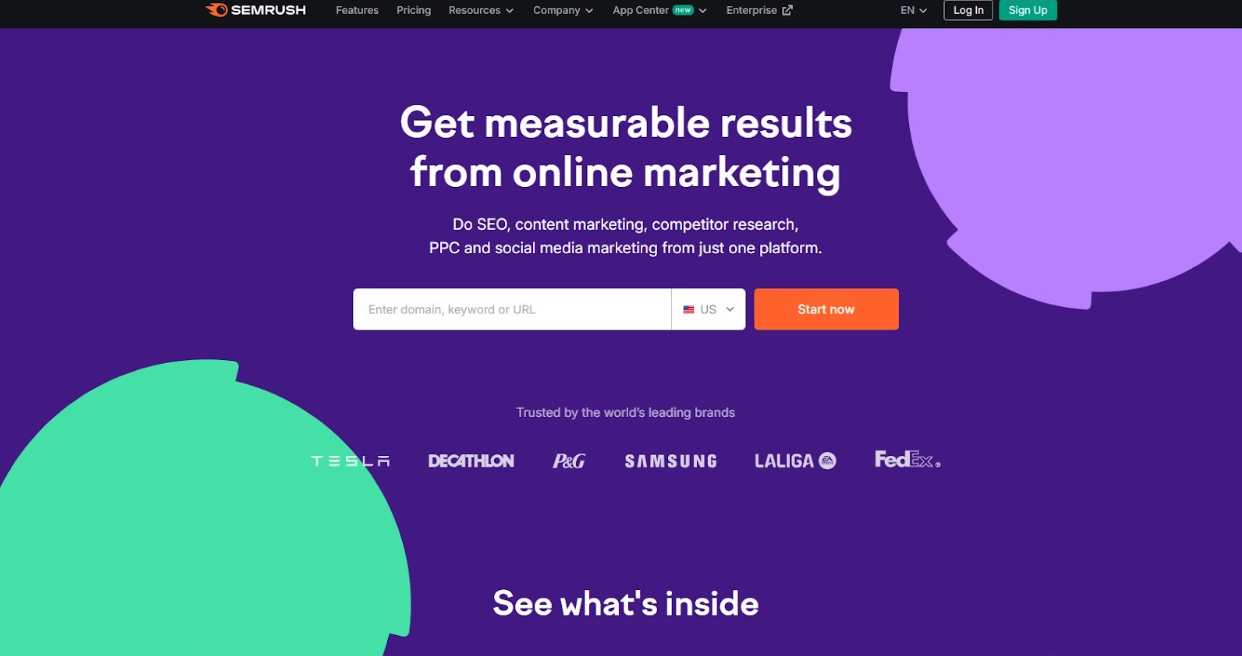
For many, SEMrush is one of the best tools for SEO when it comes to in-depth insights into your digital presence.
It offers everything from rank tracking and site audits to competitor research, PPC analysis, and content planning tools. Semrush stands out for the breadth of data it delivers, especially around keywords and competitive performance.
In short, this best SEO tool can cover most of the SEO professional’s needs.
Key features
- PPC keyword research
- Backlink analytics
- Paid advertising
- Market analysis
- Content optimization
- Backlink analytics
- Listing management
- Link building tool
- Organic traffic insights
Pros and cons
Pros
- Deep competitor insights
- All-in-one toolset
- AI features and content ideas
- Ease of use
- Specialized features for local SEO
Cons
- Can be expensive for freelancers or small teams
- Might be too technical for beginners
Pricing
Semrush has a short 7-day free trial for all first-time clients to test the waters. It also offers a free account, which, however, comes with limited functionality.
To get a full grasp of Semrush services, choose one of the following paid plans with their monthly price (if paid annually):
- Pro: $117.33
- Guru: $187.47
- Business: $416.66
Verdict
Semrush is best for SEO professionals, marketers, and businesses that need enterprise-level tools.
5. Ranktracker
Source: Ranktracker
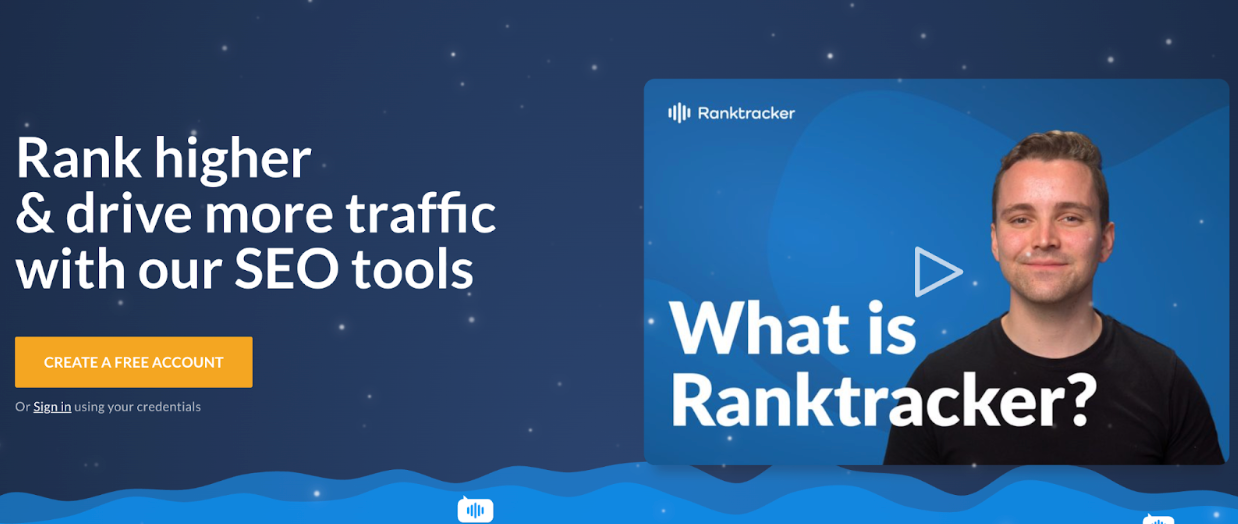
Ranktracker is also among the popular SEO tools that offer a variety of SEO services in one.
Here, you can get such features as a rank tracker, a backlink monitor, an AI writer, and many more. It helps businesses and marketers monitor keyword rankings, analyze competitors, and optimize their websites for better search engine visibility.
Users also like their backlinking capabilities — Ranktracker has a database of more than 2.6 trillion backlinks. However, some users find this solution not enough for deep insights
Key features
- Keyword finder
- Rank tracker
- Backlink checker
- AI article writer
- SEO checklist
- Backlink monitor
- SERP checker
Pros and cons
Pros
- Affordable pricing
- Strong backlinking capabilities
- Intuitive interface
- Comprehensive toolset
Cons
- Poor customer support
- UI bugs
- Payment and subscription issues
Pricing
For new customers, Ranktracker offers a 7-day free trial.
After it expires, you can choose among the 4 paid subscription plans. Here’s how much each of them costs per month (if paid annually):
- Starter: $14
- Double data: $34.41
- Quad data: $63.58
- Hex data: $121.91
Verdict
Ranktracker might not be enough for enterprises′ requirements, but its core features set and affordable pricing definitely fit the needs of solo entrepreneurs, freelancers, small- and mid-sized agencies, and small in-house teams.
6. SEO PowerSuite
Source: SEO PowerSuite
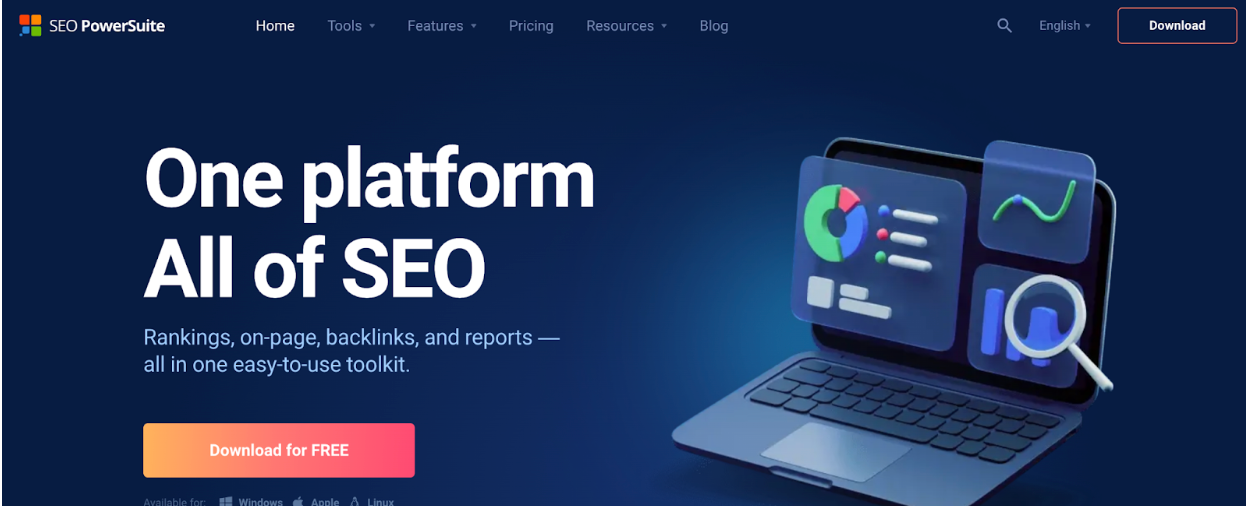
SEO PowerSuite is also among the best SEO marketing tools that offer an all-in-one solution because it has four main tools:
- Rank Tracker — for rank monitoring and competitor analysis
- Website Auditor — for an in-depth website audit
- SEO SpyGlass — for backlink analysis
- LinkAssistant — for link building and outreach planning
This way, having only one tool, you can have full control of the main aspects of the SEO strategy.
Key features
- SEO ranking reports
- SEO spider
- Content editor
- Backlink checker
- Keyword research
- White label SEO software
- Google Penalty checker
Pros and cons
Pros
- Powerful features
- Ease of use
- Data accuracy
- Affordable pricing
- All-in-one toolset
Cons
- Payment is on an annual basis only
- Some users lack the variety of features
Pricing
Unlike most of the best SEO analysis tools on the market, SEO PowerSuite doesn’t have a free trial. Instead of that, it offers a free version of a platform, which, however, comes with limited functionality and is not enough for deep SEO insights.
The paid pricing structure is also not usual — there are two paid plans, which are only available for annual payment (one-, two-, and three-year plans). The monthly costs for a one-year plan are as follows:
- Professional: $29.10
- Enterprise: $49.95
Verdict
SEO PowerSuite is suitable for small-, mid-, and large-sized agencies, in-house teams, and freelancers.
Best Free SEO Tools (That Actually Deliver)
Regardless of your agency or team size, free yet effective tools for SEO analysis are always something you’d want.
Below, we briefly describe the market’s best SEO optimisation tools, which are free to use.
7. Google Search Console
Source: Google Search Console
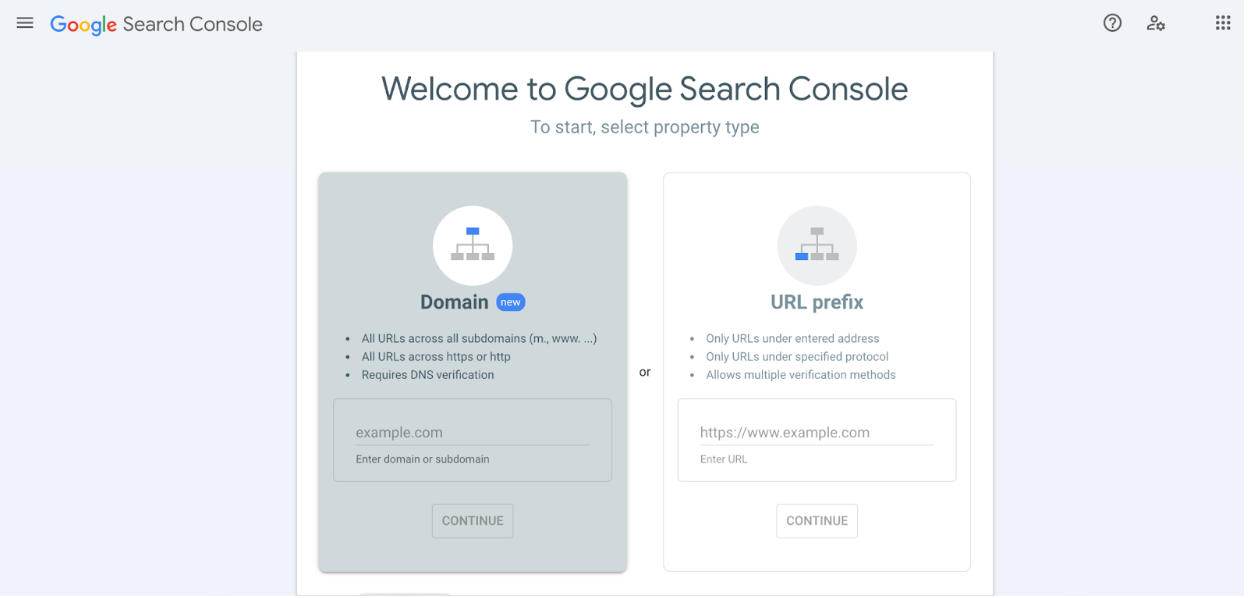
Google Search Console (GSC) is probably the most commonly used and the best SEO tool online.
First of all, it’s because it’s absolutely free. Secondly, it provides valuable data on your website’s positions in Google Search. It offers insights into how Google views your website, enabling you to optimize its performance in search rankings.
While being great for pulling SEO data about your websites, it doesn’t provide any competitor research or comparison.
Key features
- Performance monitoring
- Backlink profile analysis
- Performance reports
- Clicks
- Click-through rate
- Position tracking
Pros and cons
Pros
- Free usage
- In-depth analytics
- Technical SEO insights
- Integration with Google Analytics
Cons
- Might be too technical for beginners to understand
- Does not provide competitor insights
Pricing
It’s totally free for all users.
Verdict
This is the best SEO tool for a small business as it’s totally free and isn’t overly technical.
8. Google Analytics
Source: Google Analytics
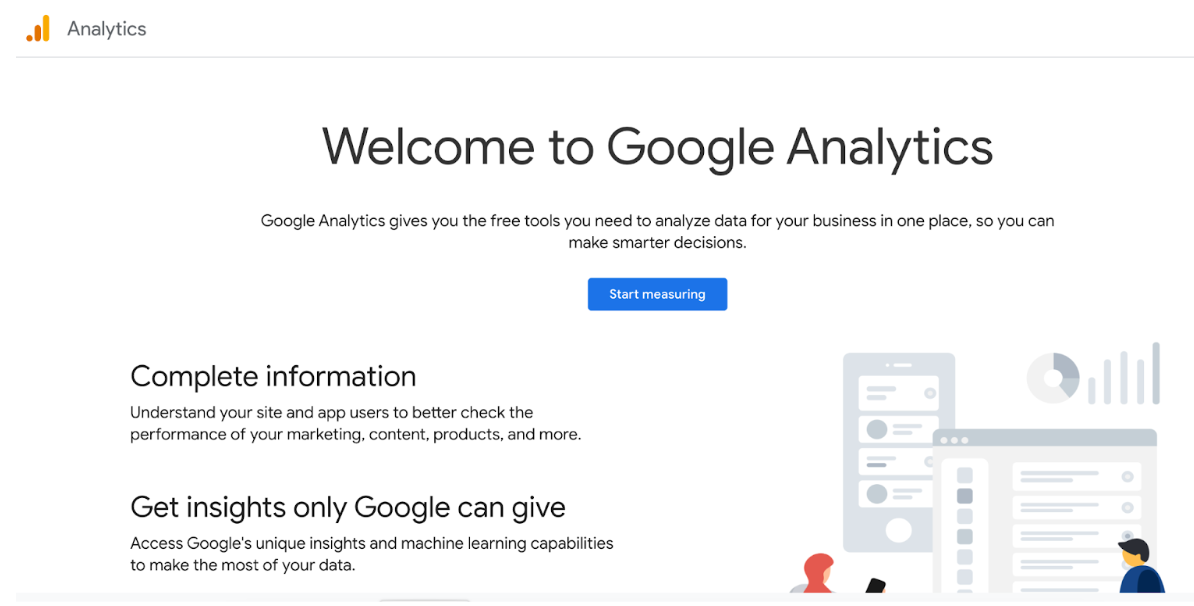
Google Analytics is probably the best tool for SEO analysis of user behavior. It provides business owners with insights on how users find and interact with their website.
While not strictly an SEO tool, it plays a crucial role in any SEO strategy by showing you how your content performs in real-world searches. From traffic sources to page engagement and conversions, Google Analytics gives you the data needed to hone your SEO efforts and improve website performance over time.
Key features
- Page performance
- Conversion tracking
- User engagement
- Traffic analysis
Pros and cons
Pros
- Free usage
- Deep insights into user behavior
- Integration with Google Search Console
- Ease of use
Cons
- Limited SEO insights
Pricing
It’s totally free for all users.
Verdict
Google Analytics will be a perfect add-on to the SEO toolkit for all types of SEO professionals and marketers, with the emphasis on small agencies and freelancers due to its 100% free offerings.
9. Screaming Frog (free version)
Source: Screaming Frog
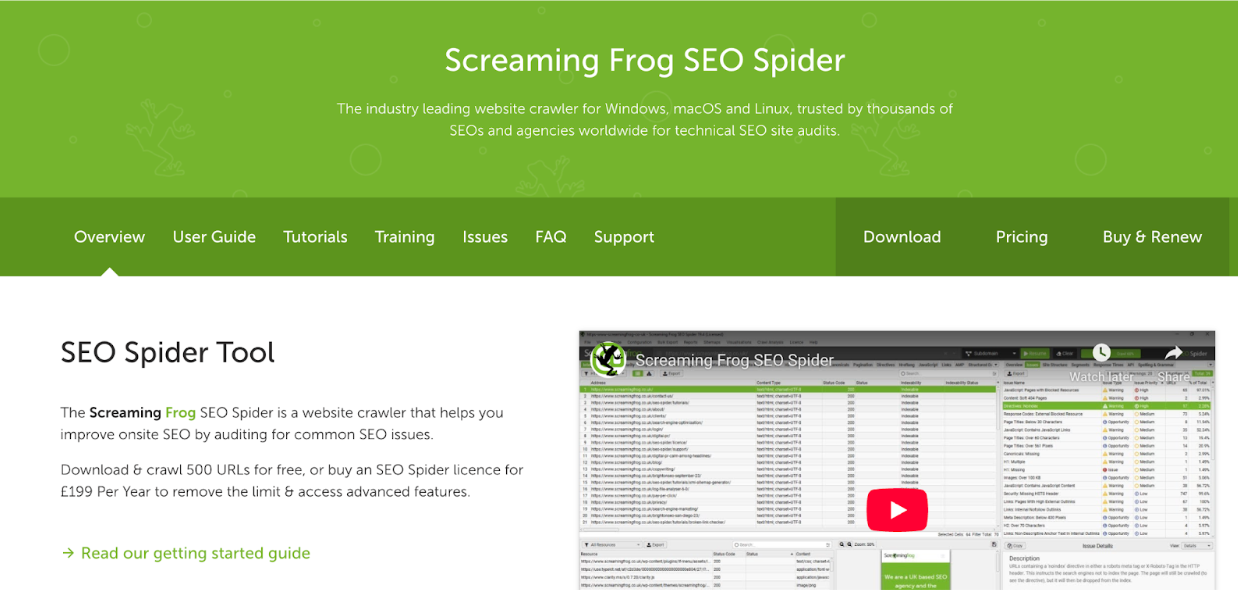
While not being a 100% free SEO tool initially, Screaming Frog is still considered one of the free website SEO tools due to its free version.
Its core tool, SEO Spider, is one of the best when it comes to technical SEO insights. It crawls your website to identify issues impacting performance, such as weak meta tags, broken links, incorrect redirects, duplicate content, and other problems.
You use Screaming Frog as a desktop application — it’s available for Windows, macOS, and Ubuntu.
Key features
- Analysis of page titles and metadata
- Site visualisations
- XML sitemaps
- Duplicate pages identification
- Spelling and grammar checks
- Google Analytics and Search Console integrations
Pros and cons
Pros
- In-depth insights on technical SEO
- Integrations with Google Analytics, Search Console, and OpenAI
- Exportable reports
Cons
- Only a downloadable desktop application
- Free version limitations
- Steep learning curve for beginners
Pricing
There’s a free and paid version of Screaming Frog.
The free version is no less valuable. However, it’s limited to 500 URLs for crawling. If you need more, upgrade your account to the paid version for $259 per year.
Verdict
This best SEO software perfectly fits the basic needs of smaller teams, agencies, and freelancers. For large companies, its free functionality might not be enough.
Best Local SEO Tools
Now, let’s get to the list of SEO best tools that help your business get found by people in your area on Google or other search engines.
10. Geo Ranker
Source: Geo Ranker
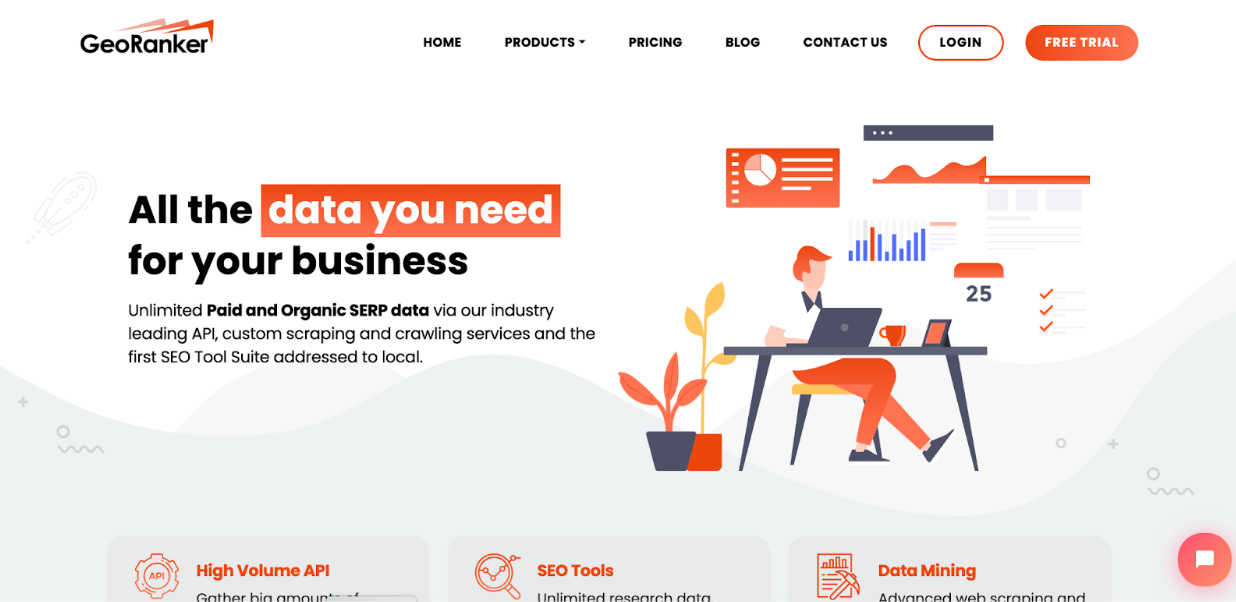
Geo Ranker is one of the top tools for SEO in terms of local marketing.
It’s designed to provide precise local and global search engine ranking insights. It caters to businesses that want to enhance their visibility across various geographic locations by offering tools that monitor keyword performance, track rankings, and analyze local SEO factors.
Key features
- White label
- Automated reports
- Sheets integration access
- YouTube rank tracker
- Google image rank tracker
- Advertisers competition analysis
- Citation finder
- Position tracking
Pros and cons
Pros
- Comprehensive local SEO analytics
- Pleasant interface
Cons
- Steep learning curve
- Difficult-to-understand pricing options
Pricing
There are different options for paid usage on Geo Ranker. They are all divided into the Platform, Data mining, and API paid usage.
Let’s concentrate on the Platform. There are three paid subscription plans with the following monthly costs:
- Pro: $99
- Agencies: $249
- Enterprises: $490
Users can test the functionality before paying during the 7-day free trial.
Verdict
It’s a good option for small- and mid-sized businesses and agencies focusing on enhancing local SEO performance.
11. BrightLocal
Source: BrightLocal
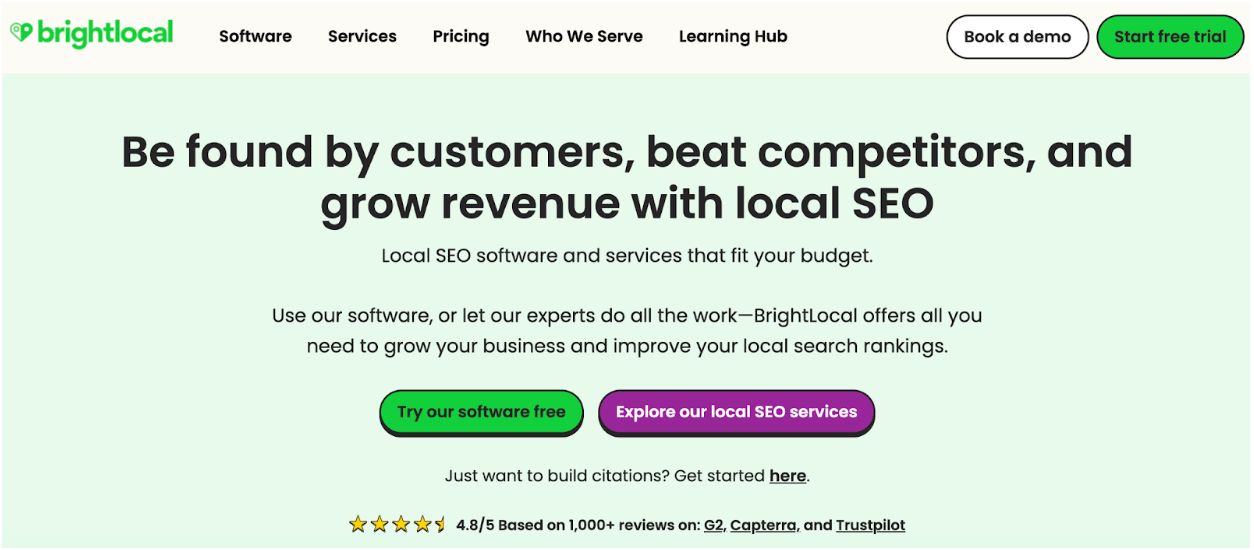
BrightLocal is considered one of the best online SEO tools when it comes to citation, reviews, and local ratings tracking.
It lets you keep an eye on how your business shows up on search engines and maps. You can boost your reputation by managing reviews and getting helpful insights to improve your local SEO performance.
Key features
- Listing management
- Citation builder
- Local rank tracker
- Reputation manager
- Citation tracker
- Reporting on multiple locations
- White label reporting
Pros and cons
Pros
- Helpful customer support
- Ease of use
- In-depth insights on local SEO
- Powerful citation tools
- Affordable pricing
Cons
- Occasional software bugs
- Limited functionality for deeper SEO insights
Pricing
All new users of BrightLocal are welcomed with a 14-day free trial. After it expires, they have three paid subscription options with the following monthly prices (if paid annually):
- Track: $29
- Manage: $36
- Grow: $44
Traditionally, all packages differ in the features included.
Verdict
It is ideal for local businesses and agencies of all sizes that want a streamlined, affordable way to manage citations, reviews, and rankings.
12. Whitespark
Source: Whitespark
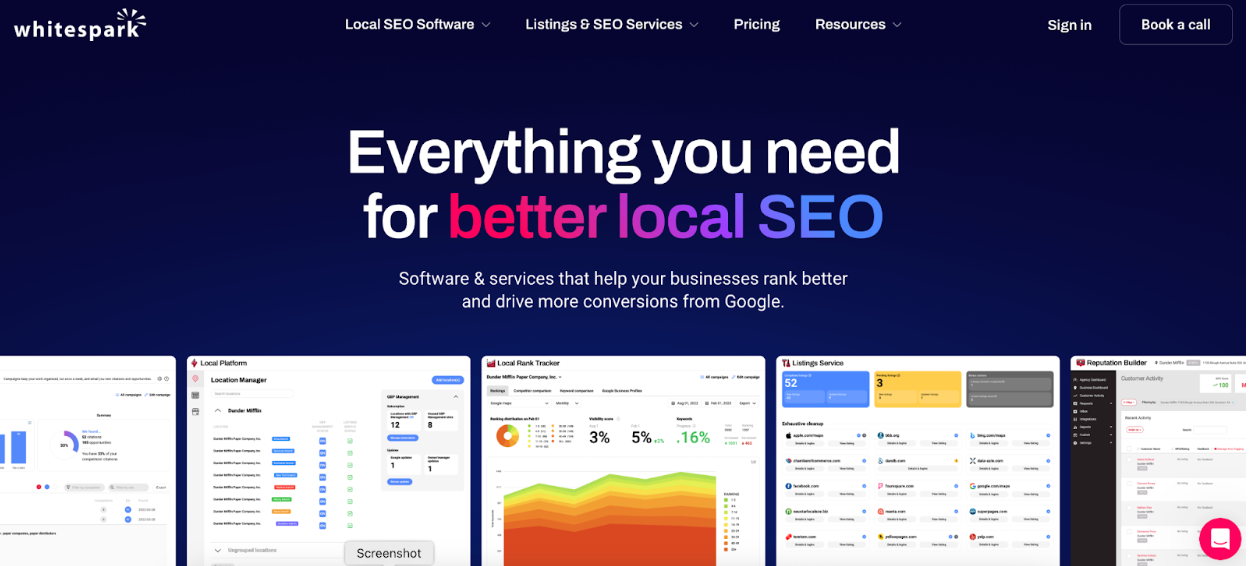
Whitespark is another of the best SEO software solutions for citation management and management of other local SEO aspects.
It helps businesses improve their local search visibility by ensuring their listings are consistent, accurate, and visible across the most important local directories.
Beyond citations, there are also tools for local rank tracking, online review generation, and other full-service SEO offerings, all with a focus on helping small businesses stand out in local search results.
Key features
- Citation finder
- Citation builder
- Local rank tracker
- Reputation builder
- Review checker
- Google review link generator
- Freshness distance calculator
Pros and cons
Pros
- Unique pricing system
- Powerful citation tools
- Helpful support
- Automatic weekly reports
Cons
- Some users state that the functionality is basic
- Cost can become too pricey when buying several services
Pricing
Whitespark has quite a unique pricing system. Instead of introducing common monthly subscription plans, they charge for each tool and service separately:
- Local Platform: $1 per month
- Local Rank Tracker: from $14 to $200 per month
- Local Citation Finder: from $33 to $149 per month
- Reputation Builder: $79 per month
- SEO services: from $499 to $1,749 per month
- Listing services: from $20 to $999 (one-time payment)
- Yext replacement service: $399 per location (one-time payment)
- Enterprise services: Custom pricing
Verdict
It’s best for small businesses and agencies as well as solo entrepreneurs looking to improve their visibility online.
Build Your Ideal SEO Tool Stack
With such a great variety of top tools used in SEO, how do you know what is the best SEO software for your needs?
Here’s what we suggest, based on the reviews of each best SEO online tool described in this article.
Solo marketers
- SE Ranking
- Ranktracker
- Moz Pro
- Google Search Console
- Google Analytics
- Screaming Frog
Agencies
- Ahrefs
- SEMrush
- SE Ranking
- SEO PowerSuite
- BrightLocal
- Geo Ranker
- Google Analytics
Niche site builders
- Ahrefs
- Ranktracker
- SEO PowerSuite
- Moz Pro
- Screaming Frog
- Google Analytics
- Google Search Console
Local SEO specialists
- BrightLocal
- Whitespark
- Geo Ranker
- SE Ranking
- Google Search Console
- Google Analytics
Disclaimer: This table is just a recommendation of what your tools stack might look like based on your business type and needs. Your list of SEO tools might differ.
Final Thoughts
There’s no single SEO tool that works for everyone, that’s for sure.
What matters most is how well that best SEO software fits your goals, budget, and workflow. The real power doesn’t lie in the software itself, but in how you use it to build and adjust your strategy.
So don’t be afraid to test, tweak, and mix tools until you find the perfect stack. SEO success comes from long-term effort, and the right tools are just the support system. The strategy is what drives real results.
Frequently Asked Questions
Common questions about this topic
What are SEO tools?
Why are SEO tools important in 2026?
What criteria were used to select the best SEO tools?
What distinguishes all-in-one SEO platforms from other SEO tools?
Which all-in-one SEO platforms are highlighted as top options?
What are common pros and cons of SE Ranking?
How does Ahrefs compare in terms of strengths and limitations?
What free SEO tools are emphasized and what do they offer?
Which tools are recommended specifically for local SEO?
What pricing patterns and trial options are common among the reviewed tools?
How should different user types build an SEO tool stack?
What is the overall recommendation for choosing SEO tools?
Further Reading
Discover more articles on similar topics across our network

The Technical SEO Constraints That Only Appear Once You Ship to Fifteen Markets
Stackademic

Comments
Loading comments…